Introduction to AI Workflow Automation
As a founder or operations leader at a growing company, you're likely no stranger to the concept of AI workflow automation. This technology has the potential to revolutionize the way your business operates, streamlining processes and freeing up staff to focus on higher-value tasks. Our comprehensive guide to workflow automation provides a broader overview of this topic, but in this post, we'll delve into the specifics of AI workflow automation and how it can benefit your organization.
By implementing AI workflow automation, you can expect to see significant improvements in efficiency, productivity, and customer satisfaction. For example, you could use AI to automate tasks such as data entry, document processing, or customer service inquiries, allowing your team to focus on more strategic and creative work.
Identifying Automation Opportunities in Business Operations
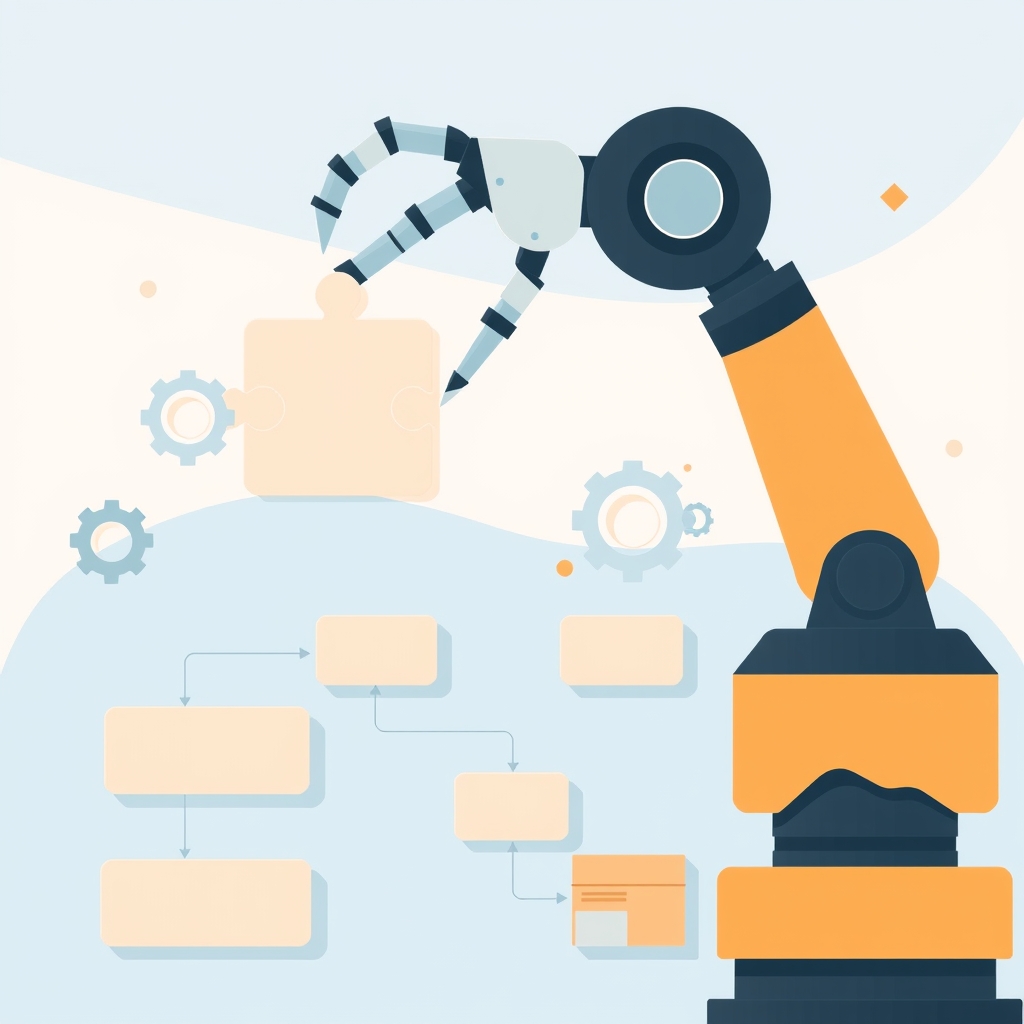
To get started with AI workflow automation, you'll need to identify areas of your business where automation can have the greatest impact. This might involve analyzing your current workflows and processes to determine where there are bottlenecks, inefficiencies, or opportunities for improvement. You can use tools such as process mapping or workflow diagrams to visualize your workflows and identify areas for automation.
Some common areas where AI workflow automation can be applied include customer onboarding, order processing, and accounts payable. For instance, you could use AI to automate the process of verifying customer information, generating invoices, or processing payments, reducing the risk of errors and freeing up staff to focus on more complex tasks.
Assessing Readiness for AI-Powered Automation
Before implementing AI workflow automation, it's essential to assess your organization's readiness for this technology. This involves evaluating your current infrastructure, staff skills, and business processes to determine whether they are compatible with AI-powered automation. You'll also need to consider factors such as data quality, system integration, and change management.
For example, if you're considering implementing AI-powered automation for your customer service operations, you'll need to assess whether your current customer relationship management (CRM) system can integrate with AI tools, and whether your staff have the necessary skills to work with these tools. You can learn more about custom software for field service operations and how it can be used to support AI workflow automation.
Designing Human-in-the-Loop Automation Workflows
When designing AI workflow automation workflows, it's essential to consider the role of human staff in the process. While AI can automate many tasks, there will still be situations where human intervention is required, such as when dealing with complex or exceptional cases. You'll need to design workflows that allow for seamless handoffs between AI systems and human staff, ensuring that processes are efficient and effective.
This might involve implementing workflows that use AI to automate routine tasks, while human staff focus on higher-value tasks such as decision-making, problem-solving, or customer interaction. You can learn more about designing simple SaaS dashboards and how they can be used to support human-in-the-loop automation workflows.
Implementing AI Automation: Tools and Technologies
There are many tools and technologies available to support AI workflow automation, including robotic process automation (RPA) software, machine learning (ML) platforms, and natural language processing (NLP) tools. When selecting tools and technologies, you'll need to consider factors such as compatibility, scalability, and ease of use.
For example, you might use RPA software to automate tasks such as data entry or document processing, while using ML platforms to analyze customer data and predict behavior. You can learn more about API integration patterns for scalable systems and how they can be used to support AI workflow automation.
Key Considerations for Implementing AI Automation
- Compatibility with existing systems and infrastructure
- Scalability and flexibility to support growing business needs
- Ease of use and staff training requirements
- Security and compliance with regulatory requirements
Overcoming Common Challenges in AI Workflow Automation
Implementing AI workflow automation can be challenging, especially for organizations that are new to this technology. Common challenges include data quality issues, system integration problems, and staff resistance to change. To overcome these challenges, you'll need to develop a comprehensive implementation plan that addresses these issues and ensures a smooth transition to automated workflows.
For example, you might establish a data governance program to ensure that data is accurate and consistent, or provide training and support to staff to help them adapt to new automated workflows. You can learn more about technical debt management strategies and how they can be used to support AI workflow automation.
Measuring Success and ROI in Automation Projects
To measure the success and return on investment (ROI) of AI workflow automation projects, you'll need to establish clear metrics and benchmarks. This might include metrics such as process cycle time, throughput, and quality, as well as financial metrics such as cost savings and revenue growth.
For example, you might track the reduction in processing time for customer orders, or the increase in revenue generated through automated marketing campaigns. You can learn more about MVP prioritization strategies for founders and how they can be used to support AI workflow automation projects.
Conclusion and Next Steps: Getting Started with AI Workflow Automation
In conclusion, AI workflow automation has the potential to revolutionize the way your business operates, streamlining processes and freeing up staff to focus on higher-value tasks. By following the steps outlined in this post, you can get started with AI workflow automation and begin to realize the benefits of this technology.
To learn more about how SiteFusion can support your AI workflow automation projects, book a call with our team or visit our services page to learn more about what we build. We also offer post-launch support to help you ensure the long-term success of your automation projects. Don't forget to check out our portfolio of products to see examples of our work in action.