Scaling a B2B SaaS business often means turning manual, paper‑heavy processes into seamless digital experiences. AI-powered document workflow automation is the fastest way to cut the latency that slows contracts, compliance checks, and internal approvals. By letting intelligent software read, classify, and route documents, founders can free their teams to focus on revenue‑generating work instead of chasing spreadsheets and email threads.
Why Document Workflows are the Bottleneck in Scaling Companies
When a company grows, the volume of contracts, invoices, and regulatory forms multiplies faster than the capacity of any human clerk. Teams end up juggling multiple versions of the same file, introducing errors that cascade into compliance risks and delayed revenue recognition. The bottleneck isn’t the technology stack—it’s the lack of a unified, automated flow that can keep pace with transaction velocity. Manual hand‑offs also create opaque hand‑over points, making it hard to audit who approved what and when. By quantifying the average time spent per document (often 10‑15 minutes) and multiplying by the monthly document count, founders quickly see a hidden cost that erodes margins. The first step toward scaling is acknowledging that document handling is a systemic constraint, not a peripheral annoyance.
Assessing Your Current Document Process Before Automation
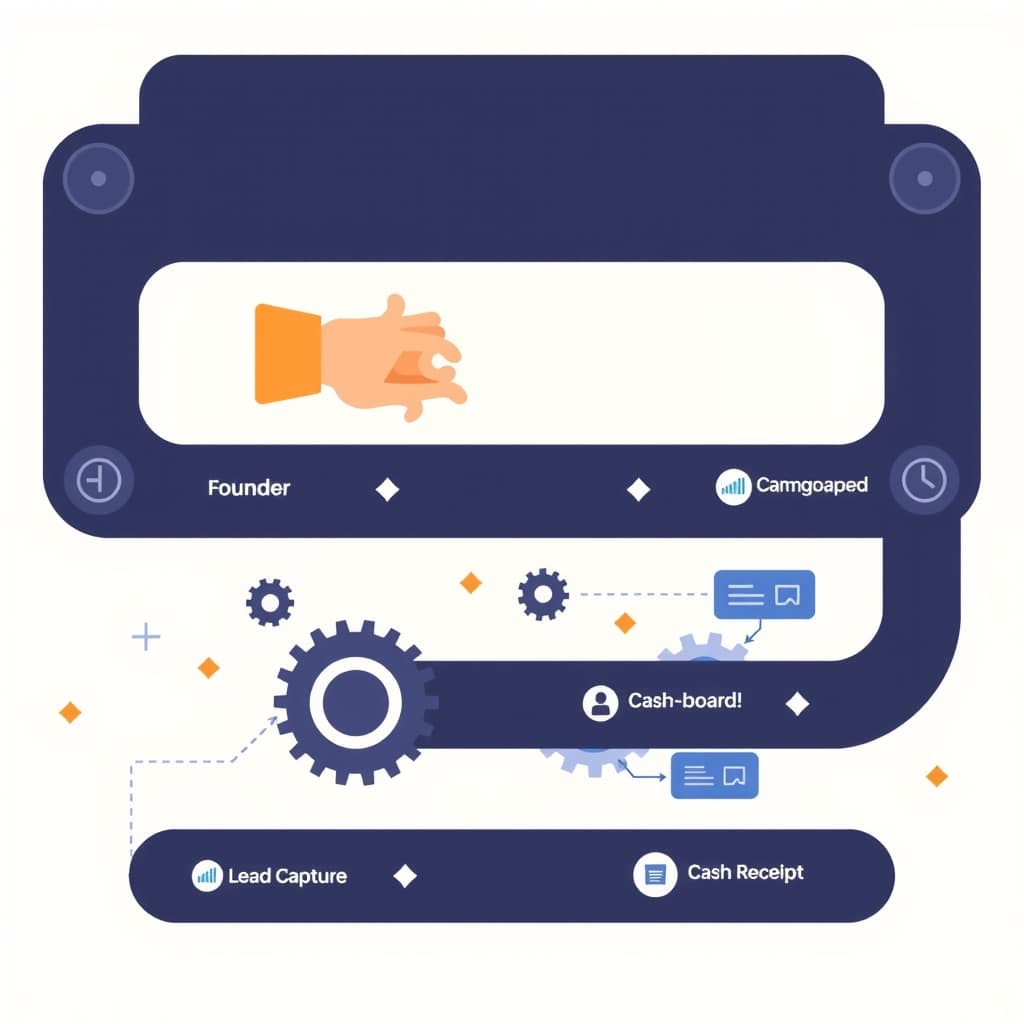
Before you buy or build, map the end‑to‑end journey of a typical document. Identify every touchpoint: receipt (email, upload portal, fax), extraction (manual entry, OCR), validation (approval loops), storage (shared drives, SaaS buckets), and downstream triggers (CRM updates, ERP posting). Use a simple as‑is flowchart to capture hand‑offs and decision nodes. Then measure three metrics at each step: average cycle time, error rate, and effort (person‑hours). This baseline reveals low‑ hanging fruit—often the extraction and classification stages—where AI can deliver immediate gains. Engage the people who actually handle the documents; their insights surface hidden rework and compliance checkpoints that a top‑down audit might miss. A disciplined assessment prevents over‑engineering and aligns the automation scope with real business pain points.
Key AI Technologies for Document Handling (OCR, LLMs, Classification)
Modern AI-powered document workflow automation rests on three complementary technologies. Optical Character Recognition (OCR) converts scanned images and PDFs into searchable text, handling varied layouts and low‑resolution scans. Next, large language models (LLMs) interpret unstructured text, extract entities, and even summarize clauses, enabling nuanced routing decisions. Finally, machine‑learning classification tags documents by type, risk level, or department, feeding downstream systems with accurate metadata. When combined, these layers turn a chaotic inbox into a structured data stream that can be orchestrated by APIs or RPA bots. Selecting providers with proven accuracy on industry‑specific vocabularies (e.g., legal, finance) reduces the need for extensive custom training and accelerates time‑to‑value.
Designing a Human‑in‑the‑Loop Workflow for Accuracy and Trust
Even the best models make mistakes, especially on edge‑case contracts or handwritten forms. A human‑in‑the‑loop (HITL) design keeps the system trustworthy: AI performs the first pass, then flags low‑confidence items for manual review. Present reviewers with a concise UI that shows the extracted fields, confidence scores, and suggested actions. Capture their corrections as feedback to continuously improve the model—a process known as active learning. This approach balances speed with compliance, because auditors can trace every AI decision back to a human endorsement. Moreover, HITL builds internal confidence; teams see the system as an assistant, not a black box, which eases adoption across risk‑averse departments.
Choosing the Right Integration Stack: APIs, RPA, and Custom Code
The integration layer determines how smoothly AI components talk to your existing SaaS stack. For high‑volume, low‑latency needs, direct API integration patterns (webhooks, RESTful endpoints) provide real‑time routing. When dealing with legacy systems that lack APIs, Robotic Process Automation (RPA) can mimic user actions on UI screens, bridging the gap without costly rewrites. Custom code—often built with Next.js/React on the front end and Node.js on the back end—lets you orchestrate complex branching logic, enforce business rules, and embed audit trails. A hybrid stack that combines APIs for core data flows, RPA for legacy touchpoints, and custom code for orchestration offers flexibility while keeping technical debt manageable.
Measuring ROI: Time Savings, Error Reduction, and Cost Impact
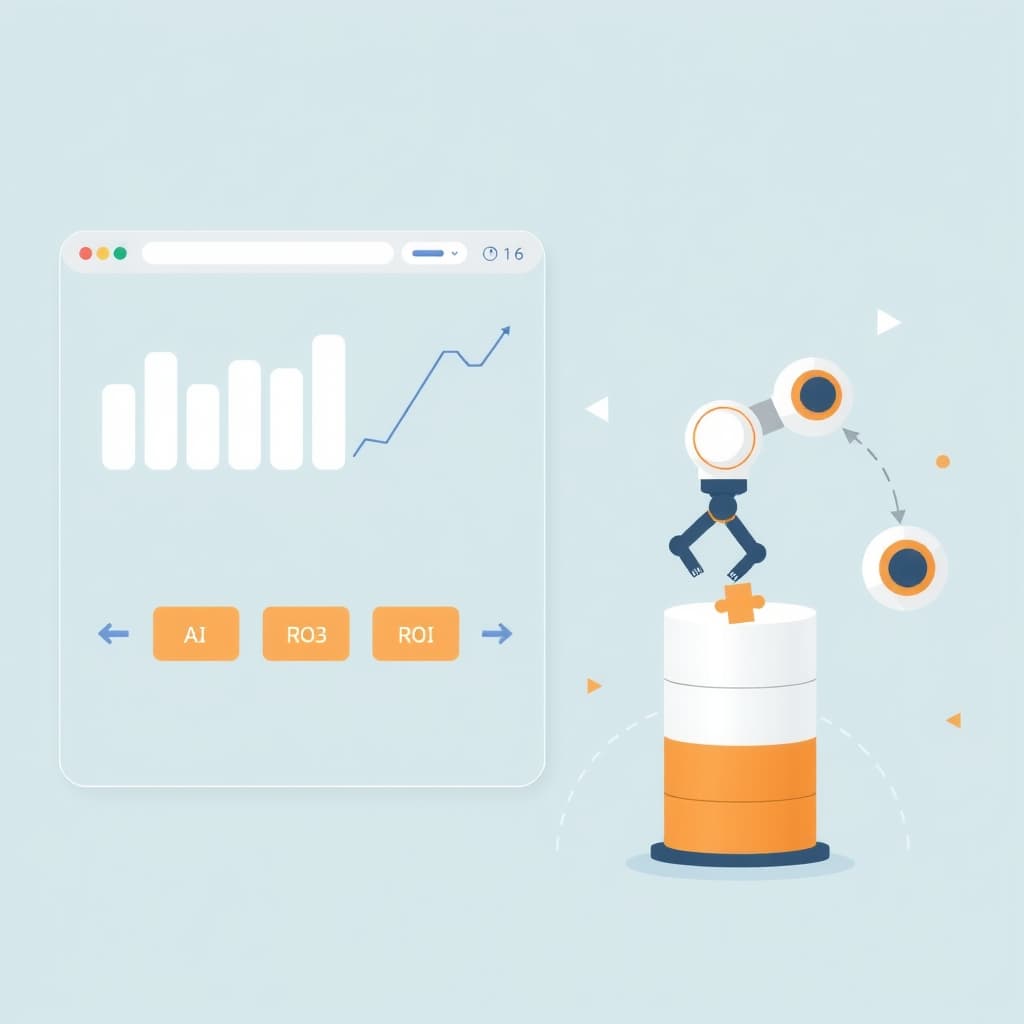
Quantify the benefits of automation with three concrete KPIs. First, time savings: compare the average manual processing time (baseline from your assessment) to the post‑automation duration; multiply by document volume to calculate person‑hours reclaimed. Second, error reduction: track the defect rate before and after AI introduction—fewer mis‑keyed fields translate directly into lower rework costs and compliance penalties. Third, cost impact: convert saved hours into labor cost, add avoided compliance fines, and factor in the subscription or development expense of the AI services. A simple ROI formula—(Annual Savings – Annual Costs) / Annual Costs—provides a clear business case for stakeholders and helps justify further investment.
Step‑by‑Step Implementation Roadmap for a Pilot Project
1. Define scope: pick a single document type (e.g., vendor invoices) with high volume and clear business impact.
2. Gather data: collect a representative sample of PDFs and images, label them for OCR and classification training.
3. Prototype AI models: use a managed OCR service and a pre‑trained LLM, fine‑tune on your labeled set.
4. Build integration: expose a REST endpoint that receives a document, runs AI, and returns structured data; connect it to your ERP via API.
5. Implement HITL UI: create a lightweight review screen for low‑confidence results.
6. Run a controlled pilot: process a limited batch, measure the KPIs defined earlier, and collect user feedback.
7. Iterate: refine models, adjust routing rules, and expand to additional document types.
8. Transition to production: add monitoring, logging, and post‑launch support to ensure reliability.
Scaling the Solution Across Departments and Maintaining Governance
Once the pilot proves ROI, replicate the pattern for contracts, HR onboarding forms, and compliance reports. Establish a governance board that defines data retention policies, access controls, and model audit schedules. Centralize model management so updates propagate uniformly, preventing version drift between departments. Leverage role‑based permissions in your document portal to enforce who can view, edit, or approve specific document classes. Document the end‑to‑end flow in a living workflow automation guide, and embed it in onboarding material for new hires. Regularly review error logs and compliance reports to catch drift early, and schedule quarterly model re‑training cycles using fresh data.
Conclusion & Next Steps: When to Partner with a Custom Software Team
If your organization lacks in‑house AI expertise, or the pilot reveals integration complexities that stretch your engineering bandwidth, it’s time to bring in a specialist. A custom software partner can accelerate model fine‑tuning, build robust orchestration layers, and ensure the solution scales securely across regions. SiteFusion’s experience with full‑stack Next.js/React development, AI automation, and post‑launch support makes us a natural fit for founders who want to move from prototype to production without sacrificing quality. Book a call today to discuss how we can turn AI-powered document workflow automation into a competitive advantage for your growing SaaS business.