When you’re scaling a SaaS product, the visual and interaction language you ship matters as much as the code. A well‑crafted design system for SaaS teams reduces rework, accelerates onboarding, and keeps the experience consistent across internal tools and customer‑facing apps. Below we walk through a pragmatic approach that lets you reap those benefits without adding heavyweight governance.
Why a Lightweight Design System Matters for Growing SaaS Teams (design system for SaaS teams)
Rapid growth forces product and engineering squads to ship features fast. In that rush, UI decisions get duplicated, components drift, and the brand narrative fragments. A lightweight design system captures the essentials—core colors, typographic scales, and reusable patterns—while staying flexible enough for divergent product lines. The result is fewer design‑to‑dev hand‑off errors, lower QA overhead, and a more predictable development velocity. For founders, the tangible upside is a shorter time‑to‑value for new features, which directly supports revenue growth. Ops managers also appreciate the reduced maintenance cost when a single source of truth eliminates “pixel‑perfect” debates across teams.
Assessing Your Current UI Inconsistencies and Their Business Impact
Before you invest in any system, audit the existing UI. Pull a sample of screens from your internal dashboard, customer portal, and any micro‑apps. Look for mismatched button styles, divergent spacing, and inconsistent iconography. Quantify impact by estimating the extra QA hours spent on visual bugs and the friction users report in support tickets. A simple spreadsheet that maps each inconsistency to a cost (time, support, brand perception) makes the business case concrete. This data also helps you prioritize which components to codify first, ensuring the design system tackles the highest‑pain areas.
Core Components to Include: Colors, Typography, and UI Patterns
The foundation of any design system is a concise set of visual tokens. Start with a primary palette that reflects your brand, plus a secondary set for status (success, warning, error). Define a typographic hierarchy—font families, sizes, line heights—that works across desktop and mobile. Next, codify UI patterns that appear repeatedly: buttons, form fields, tables, and navigation menus. Document usage rules (e.g., when to use a primary vs. secondary button) and provide code snippets for React/Next.js components. By keeping the core library under 20 items, you avoid the temptation to over‑engineer and keep the system approachable for both designers and developers.
Balancing Flexibility and Governance: When to Enforce Rules
Governance should protect consistency without stifling innovation. Adopt a tiered approach: enforce strict rules for brand‑critical elements (logo, color usage) and allow more flexibility for experimental features or internal tools. Use a “design token” system that lets developers override values locally when justified, but require a review before committing changes to the shared library. This balances speed—teams can iterate quickly—with control, ensuring that any deviation is intentional and documented.
Tools and Platforms That Keep the Hand‑off Seamless
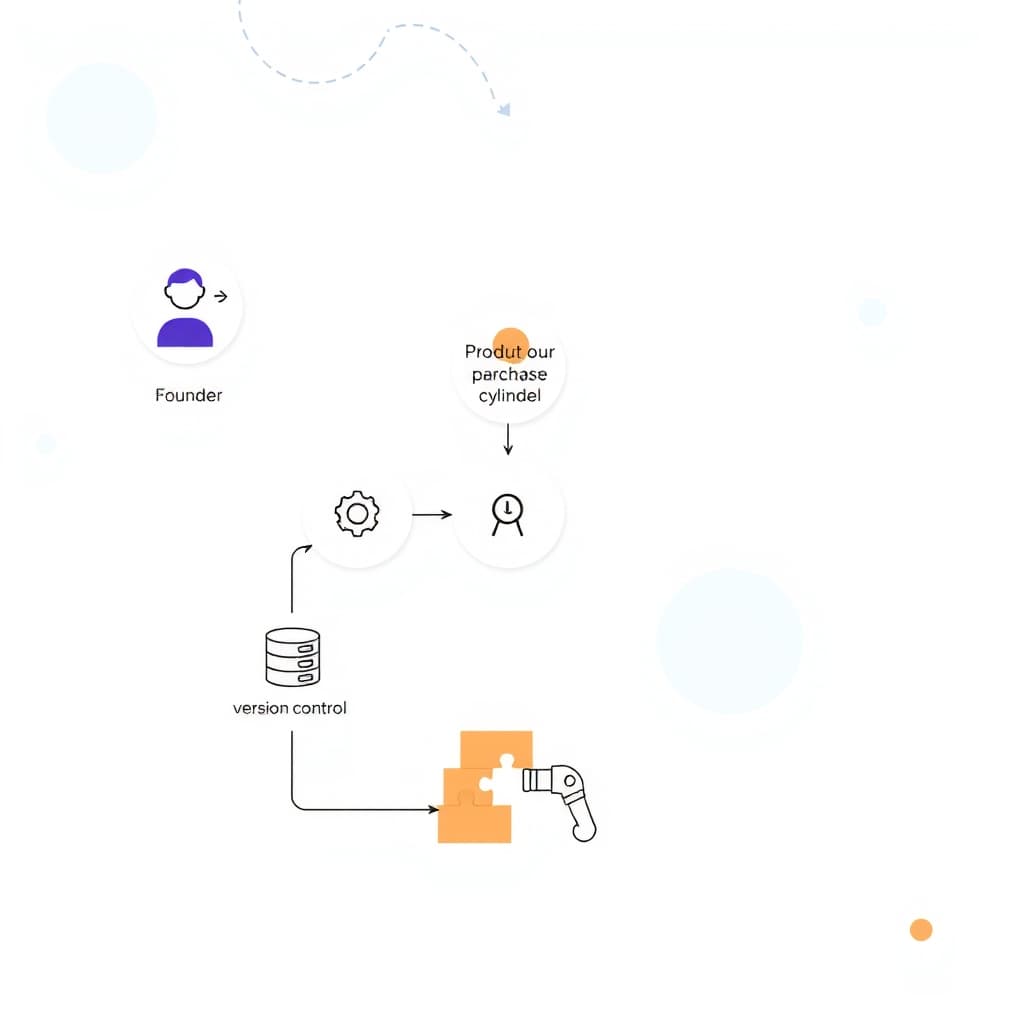
Choose tools that bridge design and code. Figma’s component library syncs with Storybook, letting designers and developers view the same source of truth. Storybook also serves as a living style guide, where each component is showcased with usage examples and accessibility notes. For version control, store the component library in a mono‑repo and publish it as an npm package. This workflow mirrors the one we recommend in our B2B Customer Portal Roadmap: Guide for Growing Companies, ensuring that UI updates flow directly into production without manual hand‑offs.
Scaling the System: Adding New Components Without Bloat
As your product suite expands, new UI needs will arise. Treat the design system as a living product: each new component must pass a lightweight acceptance checklist—design intent, accessibility compliance, and code review. Store components in a modular folder structure so they can be imported independently, preventing the bundle size from ballooning. Periodically prune unused components; a quarterly “design system health check” keeps the library lean and encourages teams to reuse existing patterns rather than create duplicates.
Measuring Success: Metrics and Feedback Loops
Track both quantitative and qualitative signals. Quantitative metrics include reduction in UI‑related bugs, average time from design to production, and the number of components reused across projects. Qualitative feedback comes from design and engineering retrospectives—ask teams whether the system helped them ship faster or caused friction. Incorporate a simple feedback widget in Storybook so users can flag missing states or suggest improvements. Over time, these data points validate the ROI of your design system and guide its evolution.
Common Pitfalls and How to Avoid Them
1. Over‑engineering: Resist the urge to capture every edge case initially. Start small and iterate.
2. Lack of ownership: Assign a dedicated design system champion—often a senior designer or front‑end lead—to shepherd updates.
3. Ignoring accessibility: Embed accessibility checks (color contrast, keyboard navigation) into the component review process.
4. Disconnected documentation: Keep design specs and code examples in the same place; separate docs become stale quickly.
By anticipating these traps, you keep the system useful and maintain stakeholder trust.
Next Steps: Building Your First Design System Sprint + CTA
Kick off with a two‑week sprint focused on the core visual tokens and the most‑used UI patterns. Assemble a cross‑functional squad—designer, front‑end developer, and product owner. Day 1: audit existing screens and prioritize components. Days 2‑5: define colors, typography, and create Figma components. Days 6‑10: build React equivalents, write Storybook stories, and run a quick usability test. Day 11: gather feedback, iterate, and publish the first version as an npm package. Book a call with SiteFusion to get expert guidance on setting up the sprint, integrating with your CI/CD pipeline, and ensuring the system scales with your product roadmap.
By treating the design system as a strategic asset rather than a cosmetic checklist, SaaS teams can deliver consistent experiences at speed, reduce technical debt, and free up resources for the features that truly drive growth.