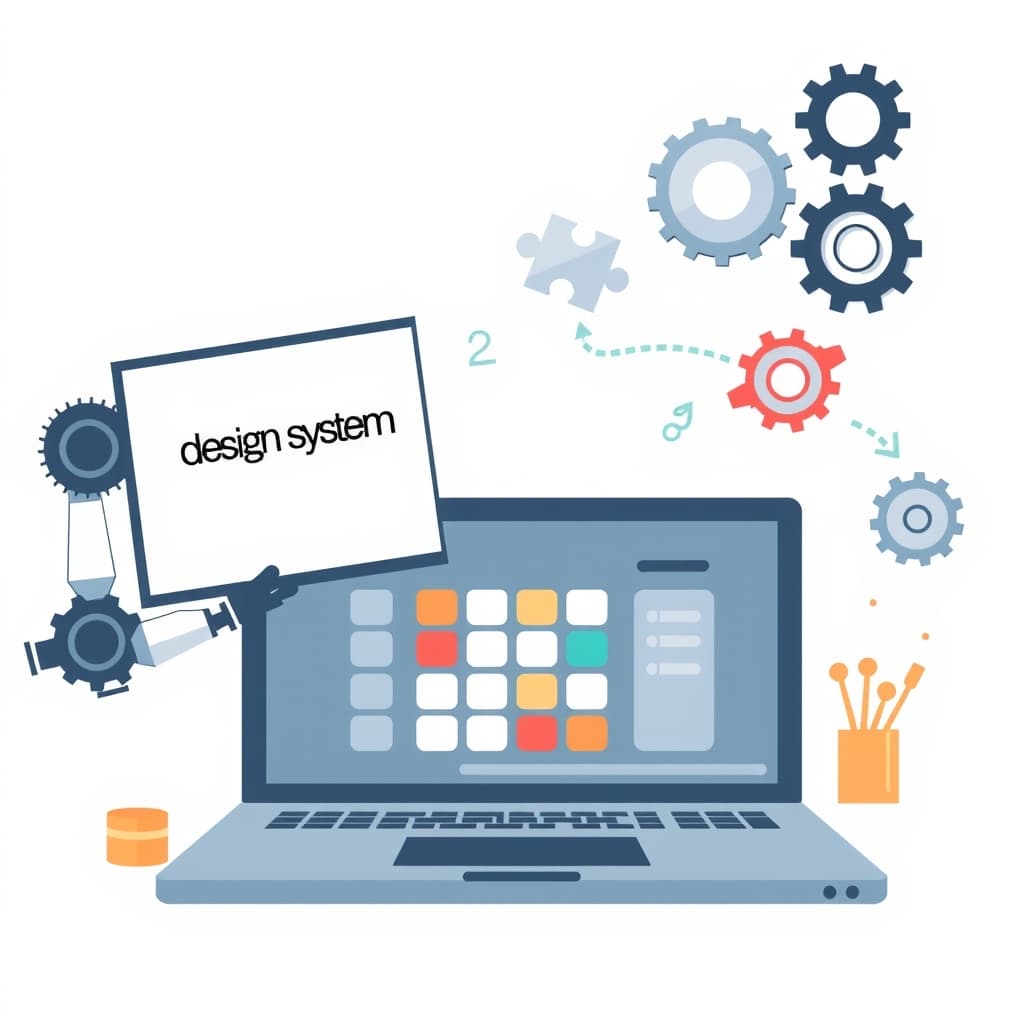
When you move a design system from Sketch, Figma, or another design tool into production code, the design system handoff is the moment where intent meets implementation. For growing teams, a smooth handoff means faster delivery, fewer re‑work cycles, and a product that feels consistent across every screen. In this post we’ll walk through the practical steps founders, product leaders, and ops managers need to keep design intent intact from the wireframe to the live component library.
Why a Robust Design System Handoff Matters for Growing Teams
Scaling teams often add developers faster than designers, creating a gap where visual intent can be lost. A robust handoff process ensures that every component—buttons, tables, modals—carries the same spacing, color, and interaction rules across all codebases. This consistency reduces the cognitive load on engineers, shortens onboarding time, and prevents UI drift that can erode brand trust. Moreover, when the handoff is documented and repeatable, product roadmaps stay on schedule because developers spend less time asking “what does this look like?” and more time building features that drive revenue. In short, a disciplined design system handoff is a foundation for predictable velocity and a safeguard against the technical debt that often plagues fast‑moving startups.
Common Pitfalls That Cause Intent to Slip Between Design and Development
Even with the best intentions, teams stumble over a few recurring issues. First, designers may hand over pixel‑perfect mockups without exposing the underlying design tokens (e.g., color variables, spacing scales), forcing developers to guess values. Second, naming conventions are often inconsistent—one designer calls a primary button BtnPrimary, another uses PrimaryCTA—leading to duplicated components in the codebase. Third, missing accessibility notes mean developers overlook keyboard focus states or ARIA attributes, creating compliance gaps. Fourth, version mismatches arise when the design file evolves but the spec sheet isn’t updated, causing developers to implement outdated UI. Finally, a lack of shared language between design and dev teams makes it hard to surface intent early, turning what could be a quick clarification into a prolonged ticket backlog.
Preparing Your Design System for Handoff: Documentation, Tokens, and Naming Conventions
Before you click “share” on a design file, create a living document that captures the system’s core elements. Start with a token library that maps every color, typography, and spacing value to a semantic name (e.g., --brand-primary, --spacing-lg). Document these tokens in a single source of truth—often a JSON or YAML file that both designers and developers can import. Next, establish a naming convention that mirrors your component hierarchy: Button/Primary, Input/Text, Card/Info. Consistent names make it trivial to locate components in Storybook or a component registry. Finally, write brief usage guidelines for each component, covering variants, states, and edge cases. By front‑loading this documentation, you give developers the exact blueprint they need, and you reduce the back‑and‑forth that typically slows down the handoff.
Choosing the Right Handoff Tools: Figma, Zeplin, Storybook, and Their Best Use Cases
Tool selection should match the maturity of your design system. Figma excels at real‑time collaboration and can export design tokens directly via plugins, making it ideal for teams that want a single source of truth. Zeplin still offers a clean spec view for developers who prefer static PDFs, but it lacks the live‑update capabilities of Figma. Storybook, on the other hand, lives in the codebase and serves as the ultimate reference for developers: each component is rendered with its props, documentation, and accessibility checks. A common workflow pairs Figma for design creation, a token export step, and Storybook for the final developer handoff. This combination ensures designers keep the visual fidelity while developers see live, testable code. When evaluating tools, consider integration depth, version control support, and whether the tool can surface design tokens without manual copy‑pasting.
Creating a Handoff Checklist: From Component Specs to Accessibility Notes
A checklist turns a vague handoff into a repeatable process. Include the following items:
- Component inventory: list every UI element being delivered.
- Design tokens: confirm colors, typography, spacing, and shadows are exported.
- Variant matrix: document all states (default, hover, disabled, error).
- Interaction guidelines: describe animation timing, easing, and trigger conditions.
- Accessibility notes: ARIA roles, focus order, contrast ratios, and screen‑reader text.
- Responsive breakpoints: specify how components adapt at each viewport.
- Testing hooks: data‑testids or storybook stories for QA.
- Version tag: link to the design file version and commit hash.
Having this checklist as a shared Google Doc or Confluence page ensures nothing slips through the cracks, and it provides a clear audit trail for future updates.
Bridging the Gap: Collaborative Review Sessions and Version Control Practices
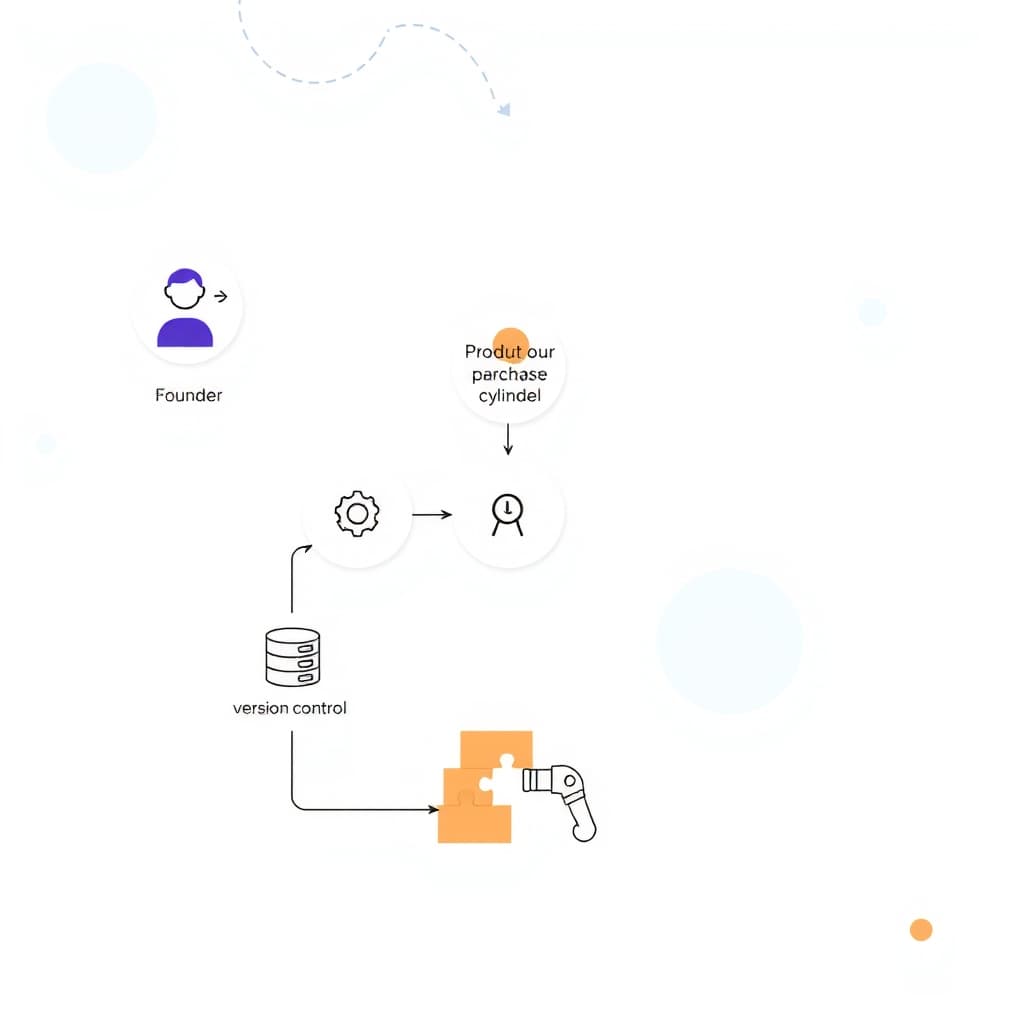
Even the best documentation benefits from a live walkthrough. Schedule short, focused review meetings where designers walk developers through the component library, highlighting edge cases and answering questions in real time. Record decisions in a version‑controlled changelog—preferably within the same Git repository that houses the component code. Use pull‑request templates that require a link to the corresponding design spec and a checklist completion badge. This practice not only enforces accountability but also creates a searchable history of why a component looks the way it does. Pairing collaborative reviews with disciplined version control keeps the design system evolving without breaking existing implementations.
Measuring Success: Metrics and Feedback Loops to Refine the Handoff Process
Quantify the effectiveness of your handoff by tracking a few key metrics: the average time from design approval to merged component PR, the number of clarification tickets per sprint, and the percentage of components that pass automated accessibility tests on first review. Conduct a quarterly survey of designers and developers to capture qualitative feedback—what worked, what felt ambiguous, and where bottlenecks appear. Use these insights to iterate on your checklist, token strategy, or toolchain. Over time you’ll see a reduction in rework cycles and an increase in developer confidence, which directly translates to faster feature delivery and lower engineering overhead.
Conclusion & Next Steps: Implementing a Scalable Handoff Framework for Your Next Project
Establishing a reliable design system handoff is less about fancy tools and more about disciplined documentation, shared language, and continuous feedback. Start by auditing your current token library, adopt a consistent naming scheme, and roll out the checklist outlined above. Pair your design files with a live Storybook instance, and schedule regular review sessions to keep designers and developers aligned. As you refine the process, measure the impact with the metrics we discussed, and adjust accordingly.
Ready to put a rock‑solid handoff framework into practice? Our team at SiteFusion can help you build a custom design system, integrate it with your existing stack, and provide ongoing post‑launch support. Book a call today and ensure your next project launches with intent intact.