In fast‑growing B2B SaaS companies, manual processes become the hidden bottleneck that stalls scaling. Leveraging AI workflow automation lets you offload repetitive work, reduce errors, and free your team to focus on strategic initiatives. This roadmap walks founders, operations leaders, and product managers through a pragmatic, step‑by‑step plan to assess, prioritize, and implement AI‑driven automation that scales with your business.
Why a Structured AI Workflow Automation Roadmap Matters
A haphazard approach to automation often leads to duplicated effort, security gaps, and missed ROI. A structured roadmap provides a clear vision, aligns stakeholders, and ensures that each automated task fits into a cohesive architecture. It also helps you balance short‑term wins with long‑term scalability, preventing the “quick‑fix” trap that can create technical debt. By mapping out dependencies, compliance requirements, and change‑management processes up front, you reduce the risk of project overruns and keep the focus on outcomes that directly impact revenue and customer satisfaction.
Assessing Your Current Manual Processes: Quick Audit Checklist
Before you automate, you need a factual baseline. Use this concise checklist to inventory tasks across departments:
- Identify the process owner and frequency (daily, weekly, ad‑hoc).
- Document inputs, outputs, and any decision points.
- Measure time spent per task and error rates.
- Flag any compliance or data‑privacy considerations.
- Note existing tools or systems involved.
Running this audit with a cross‑functional team surfaces hidden pain points and creates a shared language for later prioritization. For a deeper dive into evaluating processes, see our When to Build vs Buy SaaS: A Founder’s Decision Framework.
Prioritizing Automation Opportunities: Impact vs. Effort Matrix
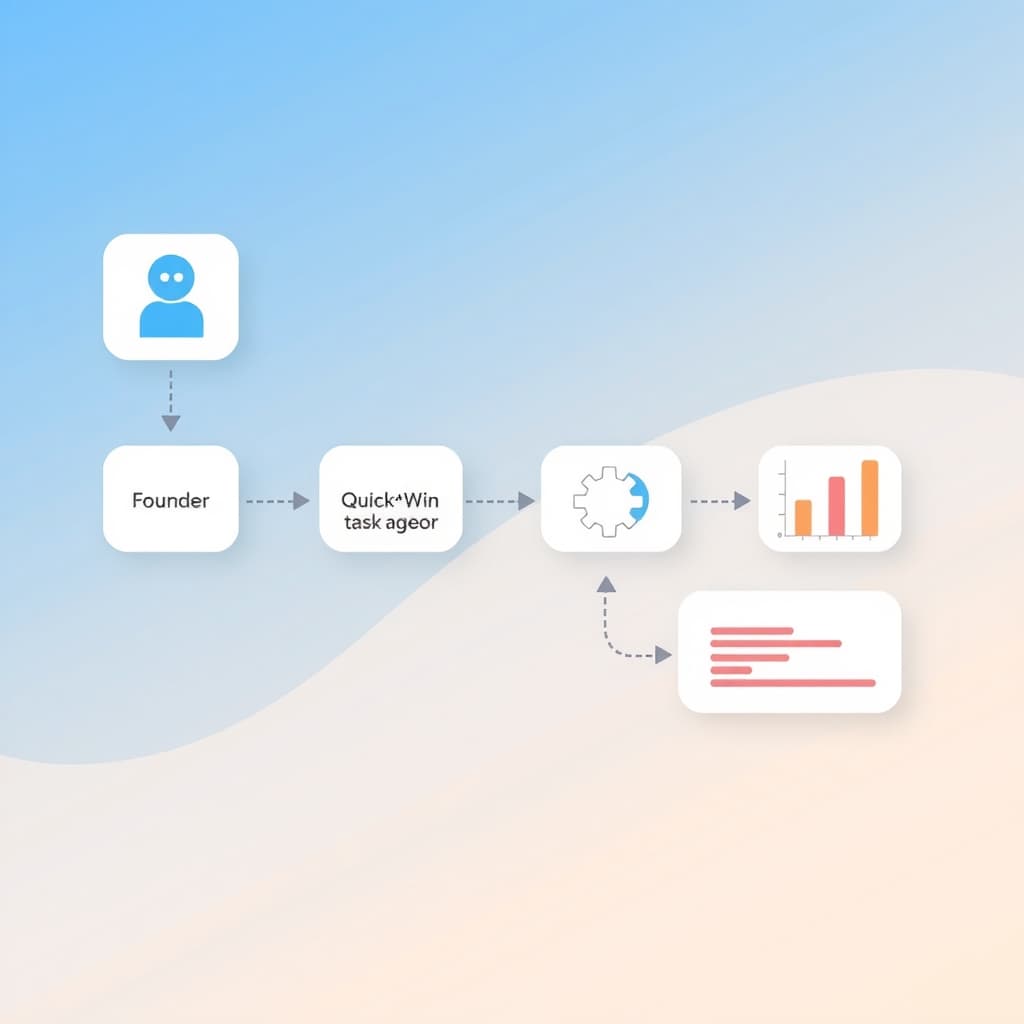
Plot each audited task on a two‑axis matrix: potential business impact (cost savings, speed, compliance) versus implementation effort (technical complexity, data readiness). Focus first on “quick wins” that deliver high impact with low effort—these build momentum and demonstrate value early. Next, target “strategic” items that may require more engineering but unlock significant competitive advantage, such as automated contract review or AI‑enhanced support ticket triage. Reserve “low‑impact, high‑effort” tasks for later or discard them altogether.
Designing a Scalable Architecture for AI‑Driven Tasks
A robust architecture separates concerns, making it easier to add or replace AI components. Key principles include:
- Modular services: Encapsulate each AI function (e.g., OCR, sentiment analysis) behind a well‑defined API.
- Event‑driven pipelines: Use message queues or streaming platforms to decouple producers and consumers, enabling horizontal scaling.
- Data contracts: Define schema versions to avoid breaking changes when models evolve.
- Observability: Instrument logging, tracing, and metrics from day one for rapid troubleshooting.
This approach aligns with modern workflow automation best practices and prepares your stack for future AI advances.
Choosing the Right AI Tools: LLMs, OCR, RPA, and Integration Platforms
The technology landscape is crowded; picking the right tool hinges on the problem you’re solving:
- Large Language Models (LLMs): Ideal for generating text, summarizing tickets, or extracting intent from unstructured data.
- Optical Character Recognition (OCR): Turns scanned documents or PDFs into searchable text for downstream processing.
- Robotic Process Automation (RPA): Mimics human UI interactions, perfect for legacy systems lacking APIs.
- Integration Platforms (iPaaS): Offer pre‑built connectors to stitch together SaaS tools, reducing custom code.
Evaluate each option against criteria such as latency, data residency, cost, and vendor support. When in doubt, prototype with a low‑cost trial before committing to a long‑term contract.
Implementing Human‑in‑the‑Loop Controls for Quality and Compliance
Even the best AI models make mistakes. Embedding human oversight safeguards quality and satisfies regulatory requirements (e.g., SOC 2). Common patterns include:
- Review queues: Route low‑confidence predictions to a subject‑matter expert for validation.
- Versioned approvals: Require sign‑off before a new model version goes live in production.
- Audit trails: Log every AI decision with the associated input, confidence score, and reviewer action.
These controls not only reduce risk but also generate valuable feedback to continuously improve model performance. For compliance guidance, refer to our SOC 2 Readiness Checklist for SaaS Founders 2024.
Measuring Success: KPIs and ROI Framework for Automated Workflows
Quantifying the impact of AI workflow automation keeps stakeholders aligned and justifies further investment. Track these core KPIs:
- Time saved per transaction (minutes or hours).
- Error reduction rate (percentage decrease in manual mistakes).
- Cost avoidance (labor cost vs. automation cost).
- User satisfaction or NPS for automated touchpoints.
- Compliance adherence metrics (audit findings, incident count).
Combine these metrics into a simple ROI formula: (Annualized Savings – Annual Automation Cost) ÷ Annual Automation Cost. Regularly review the dashboard and adjust priorities based on real‑world performance.
Common Pitfalls and How to Avoid Them
Even seasoned teams stumble. Here are the most frequent traps and practical mitigations:
- Over‑engineering: Resist building a custom AI model when an off‑the‑shelf API meets the need. Start simple.
- Data silos: Consolidate source data into a unified lake or warehouse before training models.
- Neglecting change management: Communicate benefits, provide training, and involve end users early to reduce resistance.
- Ignoring monitoring: Set up alerts for drift in model accuracy or pipeline failures.
- Skipping post‑launch support: Ongoing maintenance is critical; consider our post‑launch support to keep automations reliable.
Next Steps: Building Your First AI Automation Pilot and Scaling Up
Begin with a narrowly scoped pilot that delivers a measurable win—perhaps automating invoice data extraction using OCR and an RPA bot. Follow these steps:
- Define the pilot’s success criteria (e.g., 30% reduction in processing time).
- Assemble a cross‑functional squad: product manager, data engineer, compliance lead.
- Develop a minimal viable automation using the chosen tools.
- Run the pilot for a fixed period, collect KPI data, and iterate.
- Document lessons learned, then expand to adjacent processes using the same architecture.
When you’re ready to accelerate, explore our portfolio at our portfolio for examples of successful AI workflow automation projects.
Scaling manual tasks with AI isn’t a one‑off project; it’s a continuous journey of assessment, iteration, and governance. Start your pilot today, measure the impact, and let the data guide the next wave of automation.
Ready to transform your operations? Book a call with SiteFusion and let our experts help you design and execute a roadmap that delivers real business outcomes.