Launching a client‑facing portal is a high‑stakes moment for any B2B company. A well‑crafted customer portal onboarding checklist turns that moment into a predictable, repeatable process that drives adoption, reduces support tickets, and accelerates revenue. Below you’ll find a practical, step‑by‑step guide that aligns product, ops, and engineering teams around a shared set of outcomes.
Why a Structured Onboarding Process Is Critical for B2B Portals
In B2B environments, portals are often the primary interface for invoices, data exchange, and service requests. A fragmented rollout can create security gaps, data inconsistencies, and frustrated users—all of which erode trust. A structured onboarding process provides a single source of truth for requirements, timelines, and success metrics, ensuring that every stakeholder—from founders to support agents—knows what “done” looks like. It also creates a feedback loop early enough to catch usability issues before they become costly fixes. By treating onboarding as a product feature rather than a one‑off task, you embed continuous improvement into the portal’s DNA, setting the stage for sustainable adoption.
Step 1: Define Success Metrics and User Personas
The first line of any customer portal onboarding checklist is a clear definition of who you’re building for and how you’ll measure success. Identify primary personas—e.g., procurement managers, field technicians, or finance analysts—and map their business goals to portal interactions. Success metrics might include activation rate (percentage of invited users who log in within 30 days), task completion time, or support ticket volume. Align these metrics with broader company KPIs such as churn reduction or upsell velocity. Documenting this data in a shared sheet or product brief keeps engineering, design, and ops teams focused on outcomes rather than feature lists.
Step 2: Map the Core User Journey and Key Touchpoints
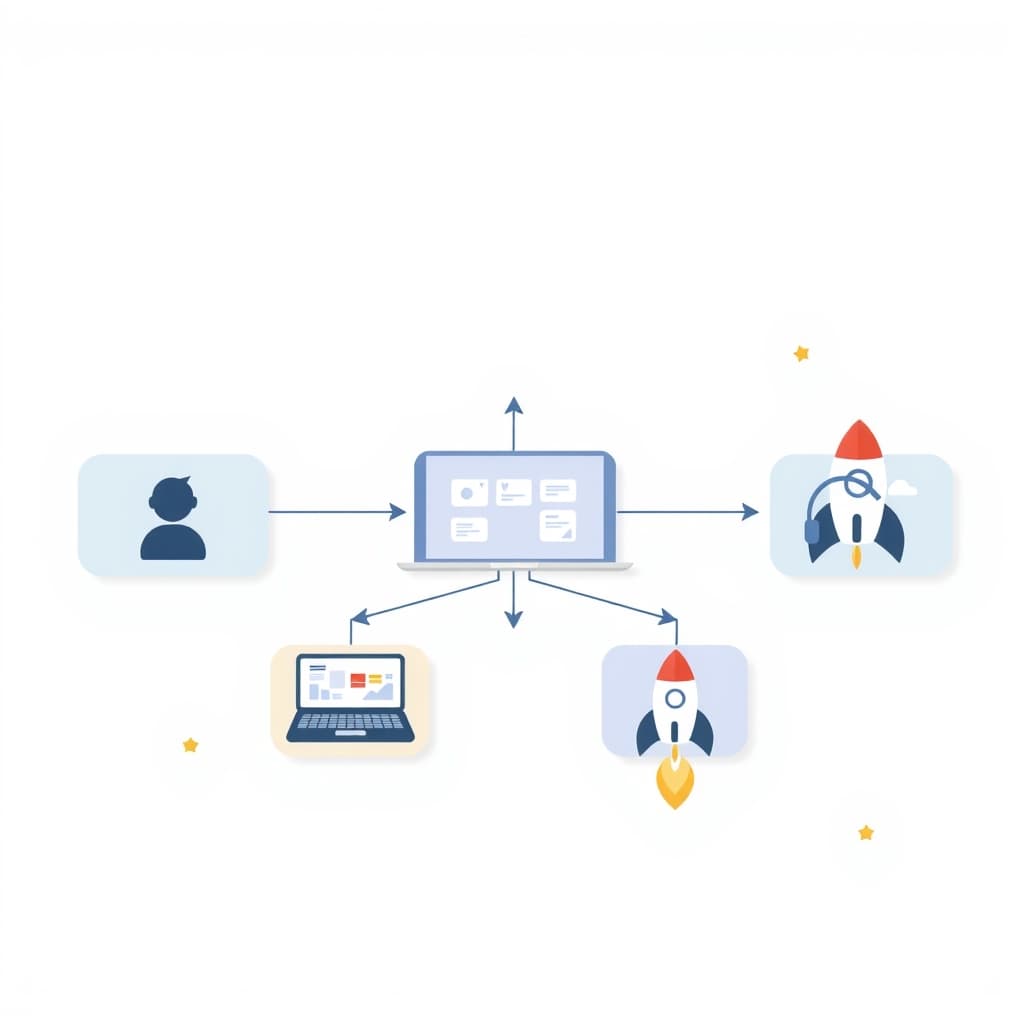
Once personas are defined, sketch the end‑to‑end journey from invitation to routine use. Break the journey into discrete stages—invite, first login, profile setup, core task execution, and ongoing support. For each stage, list the touchpoints (email, in‑app messaging, help center) and the expected user actions. This map becomes the blueprint for your onboarding flows and helps you spot friction points before they surface. Use a simple
- list to capture the stages, and consider tagging each with the responsible team (product, ops, or engineering) to enforce accountability.
- Invitation & account creation
- Initial walkthrough & feature discovery
- First core transaction (e.g., upload a file, submit a request)
- Routine usage & self‑service support
- Renewal or expansion trigger
- Survey after first login
- Survey after first core task
- Quarterly NPS check‑in
Step 3: Build a Minimum Viable Portal with Essential Features
Speed to value is crucial. Rather than building a feature‑rich monolith, start with a Minimum Viable Portal (MVP) that includes only the functions needed to complete the core user journey. Refer to A Practical MVP Scoping Framework for Early‑Stage Founders for a systematic way to prune scope without sacrificing usability. Typical MVP features include secure login, role‑based dashboard, primary data upload/download, and basic reporting. By limiting scope, you reduce development risk, accelerate feedback cycles, and free resources for rapid iteration.
Step 4: Create Guided Walkthroughs and Contextual Help
Even the simplest portal can feel opaque without guidance. Embed step‑by‑step walkthroughs that trigger on first login and surface contextual tooltips where users are likely to hesitate. Use a lightweight library that supports “tour” mode, and keep the language concise—focus on the action, not the feature name. Pair walkthroughs with a searchable help center and video snippets for visual learners. This dual approach reduces support tickets and builds confidence, especially for non‑technical users who may be new to self‑service portals.
Step 5: Automate Account Setup and Data Migration
Manual provisioning is a common bottleneck that stalls adoption. Leverage API‑driven automation to create accounts, assign roles, and preload historical data. A well‑designed integration layer can pull customer records from your CRM or ERP, map fields, and validate data integrity before the portal goes live. Automation not only speeds up onboarding but also ensures consistency across accounts, which is essential for compliance and audit trails. Consider building a “one‑click import” wizard that lets admins verify a preview before committing.
Step 6: Collect Feedback Early and Iterate Quickly
Feedback loops should be baked into the onboarding timeline, not tacked on after launch. Deploy in‑app surveys after key milestones—such as after the first transaction or after a walkthrough completes. Use a simple
- list to prioritize feedback: usability issues, missing data fields, performance concerns. Rapidly triage findings and push small patches or configuration changes within a sprint. This iterative cadence demonstrates responsiveness to users and prevents small annoyances from becoming adoption barriers.
Step 7: Measure Adoption, Reduce Friction, and Scale
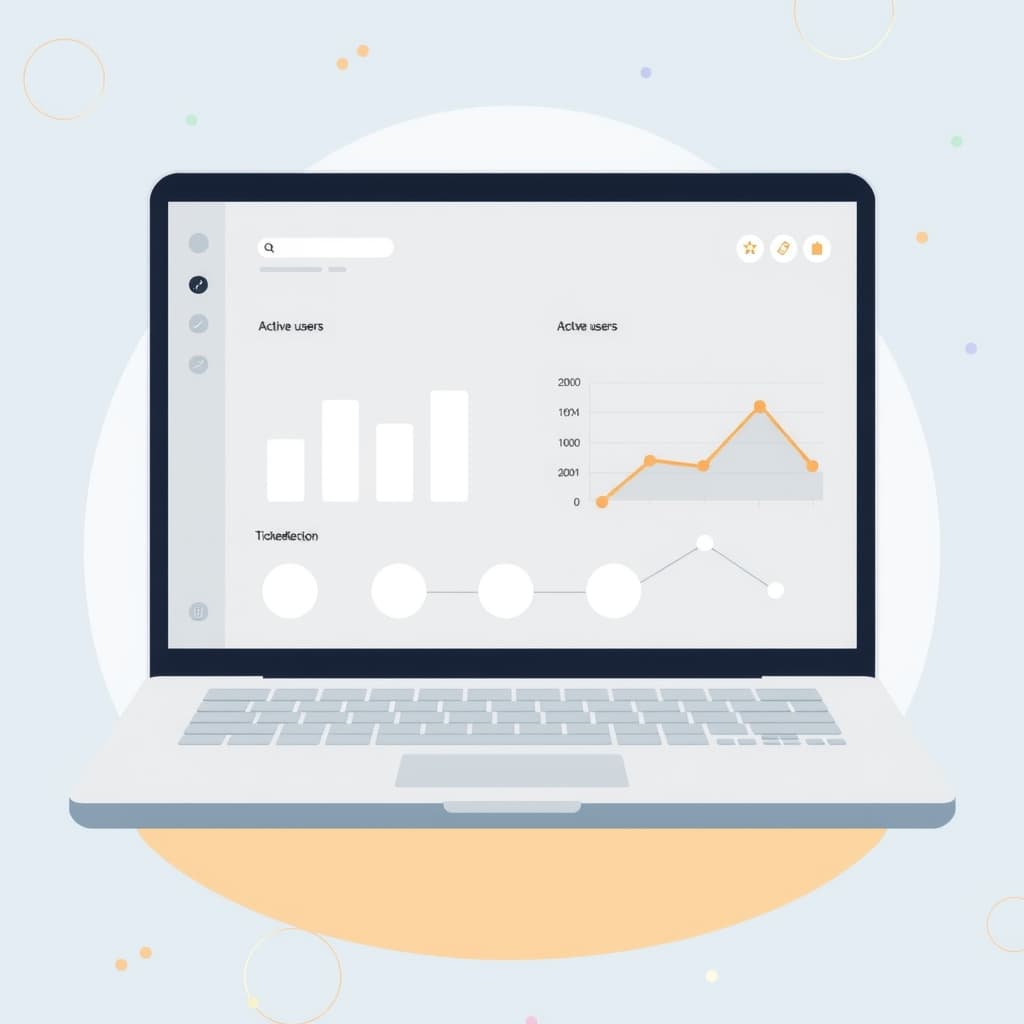
With the portal live, shift focus to long‑term adoption metrics. Track activation rates, daily active users, and task completion times. Identify friction points by correlating spikes in support tickets with specific UI elements or workflow steps. Use the insights to prioritize enhancements—whether that means adding bulk actions, improving search, or integrating AI‑driven suggestions (see AI Feature Cost Control for cost‑effective automation ideas). As adoption stabilizes, you can scale the portal to new customer segments, add advanced analytics, and transition to a self‑service engine that reduces manual ops overhead.
Conclusion: Turn Your Portal Into a Self‑Service Engine – Next Steps & CTA
By following this customer portal onboarding checklist, you’ll move from a risky launch to a predictable, self‑service platform that fuels growth. The next step is to audit your current onboarding assets against the seven steps, fill the gaps, and schedule a sprint to deliver the MVP. If you need hands‑on expertise—whether it’s building the MVP, automating data migration, or setting up post‑launch support—our team can help. Explore our post‑launch support services or view our portfolio for examples of portals we’ve delivered.
Ready to accelerate adoption and turn your portal into a revenue‑generating asset? Book a call with SiteFusion today and let’s map out your onboarding roadmap.
For the complete picture, read our guide to B2B Web Apps & Customer Portals.