Building a B2B partner portal is no longer a nice‑to‑have; it’s a strategic necessity for companies that need to share data, streamline onboarding, and automate workflows with external partners at scale. A well‑designed portal reduces manual hand‑offs, protects sensitive information, and creates a single source of truth for every stakeholder. In this guide we walk you through the security, architecture, and product decisions that turn a simple login page into a resilient, adoption‑driving platform.
Why a Dedicated Partner Portal Beats Ad‑hoc Solutions
Ad‑hoc file shares, email threads, or custom spreadsheets may work for a handful of partners, but they quickly become a liability as you add more relationships. A dedicated portal centralizes authentication, enforces consistent data policies, and provides audit trails required for compliance. It also offers a branded experience that reinforces trust and reduces the learning curve for new partners. By consolidating integrations—CRM, ERP, and support tickets—into one interface you eliminate duplicate data entry and the errors that come with it. The result is faster partner onboarding, fewer support tickets, and a measurable lift in partner‑generated revenue. If you’re still using spreadsheets, consider reading our Field Service Software Playbook: Move Beyond Spreadsheets for a deeper dive on the risks of unmanaged data.
Key Security Foundations Every B2B Partner Portal Needs
Security is the non‑negotiable baseline for any B2B partner portal. Start with network‑level protections: TLS 1.3 everywhere, firewall rules that limit inbound traffic, and DDoS mitigation services. Next, implement secure coding standards—input validation, output encoding, and regular static analysis—to guard against injection attacks. Data at rest should be encrypted with rotating keys, and secrets must be stored in a vault rather than hard‑coded. Finally, adopt a compliance framework that matches your industry—SOC 2, ISO 27001, or GDPR—as a checklist for ongoing audits. The SOC 2 Readiness Checklist: Guide for Growing SaaS provides a practical roadmap to align your portal with recognized standards.
Choosing the Right Authentication Model for Enterprise Partners
Enterprise partners expect frictionless yet secure access. Single Sign‑On (SSO) with SAML or OpenID Connect lets partners use their existing identity provider, reducing password fatigue and administrative overhead. For smaller partners without an IdP, a federated OAuth flow with short‑lived access tokens works well. Multi‑factor authentication (MFA) should be mandatory for privileged actions, and you can enforce adaptive MFA based on risk signals such as IP location or device reputation. When designing the auth layer, separate authentication from authorization: the portal validates identity, then passes a signed JWT to downstream services that enforce fine‑grained permissions. This decoupling simplifies future integrations and supports a zero‑trust approach.
Designing Role‑Based Access and Data Segmentation
Not every partner needs the same view of your data. Implement role‑based access control (RBAC) that maps business roles—admin, manager, viewer—to specific API scopes. Combine RBAC with attribute‑based access control (ABAC) to factor in partner attributes like region or contract tier. Data segmentation can be achieved at the database level (row‑level security) or via separate schemas for each tenant, depending on your tenancy model. Ensure that UI components respect the same permission matrix to prevent accidental data leakage. Regularly review role assignments and prune stale accounts; a quarterly audit reduces the attack surface and keeps the portal compliant with internal policies.
Essential Features That Drive Partner Adoption and Reduce Support Load
Adoption hinges on delivering tangible value from day one. Core features include a self‑service onboarding wizard, searchable document repository, and real‑time status dashboards for orders or tickets. Embedding a searchable knowledge base cuts support volume, while in‑portal chat or ticket creation streamlines issue resolution. Offer bulk data export (CSV, JSON) and API keys for partners who need to pull data programmatically. Finally, incorporate usage analytics so partners can see their own performance metrics, fostering a sense of ownership. Pair these features with a clear post‑launch support plan to keep the portal reliable as usage grows.
Scalable Architecture: Multi‑Tenant vs. Single‑Tenant Decisions
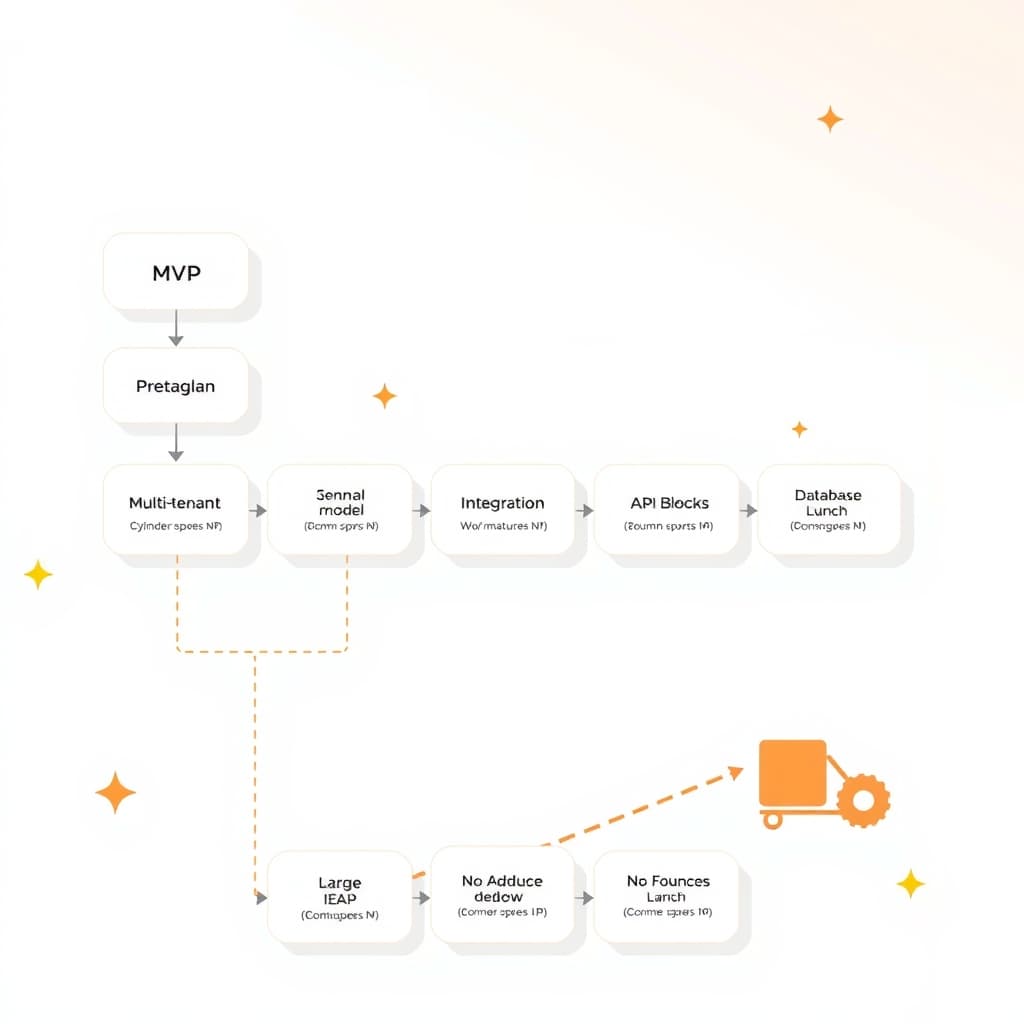
The tenancy model determines how you isolate data and allocate resources. A single‑tenant architecture gives each partner a dedicated instance, simplifying compliance and allowing custom extensions, but it incurs higher infrastructure costs and operational complexity. Multi‑tenant designs share the same codebase and database, using tenant identifiers to enforce isolation; this approach scales efficiently and eases feature rollouts. If you choose multi‑tenant, invest in robust data isolation techniques—row‑level security, separate encryption keys per tenant, and strict API scoping. Our How to Implement Multi‑Tenant SaaS Data Isolation for Scale article walks through the technical patterns you’ll need.
Integrating with Existing ERP, CRM, and API Ecosystems
A partner portal lives at the intersection of your internal systems. Use API gateways to mediate traffic between the portal and ERP/CRM platforms, applying rate limiting and request validation to protect downstream services. Adopt an event‑driven architecture—publish domain events (e.g., order created, invoice paid) to a message bus so both the portal and legacy systems stay in sync without tight coupling. Leverage integration patterns like webhook subscriptions for real‑time partner notifications. Document every integration point in an OpenAPI spec, and run the API Integration Reliability Checklist for Growing SaaS Teams before go‑live to catch latency or error‑handling gaps.
Measuring Success: KPIs and Feedback Loops for Continuous Improvement
Track adoption and performance with a mix of quantitative and qualitative KPIs. Core metrics include active partner count, login frequency, task completion time, and support ticket volume per partner. Monitor security‑related signals such as failed login attempts and anomalous API usage. Pair these with Net Promoter Score (NPS) surveys and in‑portal feedback widgets to capture partner sentiment. Set up automated dashboards that alert product owners when thresholds are crossed, enabling rapid iteration. Use A/B testing for UI changes and feature flags to roll out enhancements safely. Continuous measurement turns the portal from a static project into a living product that evolves with partner needs.
Next Steps: Partner with a Custom Development Team to Accelerate Delivery
Designing and launching a secure, scalable B2B partner portal requires deep expertise across security, architecture, and user experience. A seasoned development partner can translate your business rules into a robust codebase, handle compliance audits, and provide the post‑launch support you need to keep the portal reliable as you grow. Review our customer portals overview for a broader perspective, then schedule a discovery call to map your requirements to a delivery roadmap. Together we’ll turn your partner ecosystem into a competitive advantage.
Ready to move from concept to production? Book a call with SiteFusion and let’s build a portal that scales with your business.