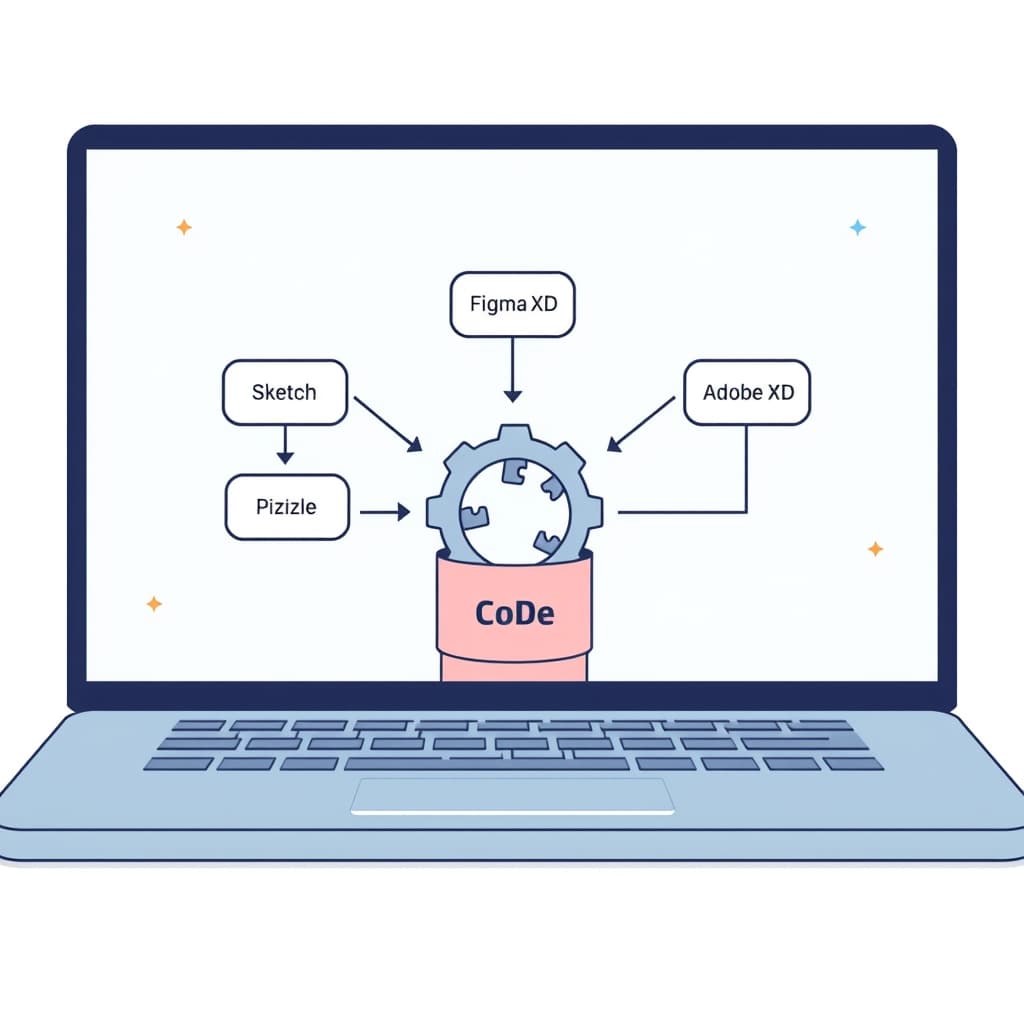
Delivering a seamless design handoff is the bridge between a product vision and the code that powers it. A well‑crafted design handoff checklist ensures that the UX intent captured in Sketch, Figma, or Adobe XD survives the transition to development, keeping timelines tight and quality high. For founders, product managers, and ops leads building internal tools or customer‑facing SaaS platforms, this guide provides a concrete, end‑to‑end process you can adopt today.
Why a Structured Handoff Matters for Growing SaaS Products
Speed without sacrificing quality
When a product scales, the cost of re‑working UI after development skyrockets. A structured handoff reduces back‑and‑forth by giving developers a single source of truth. This cuts cycle time by days, not weeks, and preserves the nuanced interactions that differentiate a polished SaaS experience from a rough prototype.
Risk mitigation
Missing accessibility notes, responsive breakpoints, or edge‑case flows can expose compliance gaps and churn. A checklist forces teams to surface those risks early, turning potential bugs into documented requirements.
Team alignment
Design, product, and engineering often speak different languages. A shared handoff framework creates a common vocabulary, making it easier for non‑technical stakeholders to audit progress and for developers to estimate effort accurately.
Key takeaway: A disciplined handoff is a cost‑saving safety net that protects UX intent as your SaaS product grows.
Common Pitfalls That Break Design Intent During Development
Undocumented interactions
- Hover states, micro‑animations, and gesture‑based flows are often left to “guesswork”.
- Result: Inconsistent behavior that frustrates users.
Missing or outdated assets
- Design files not synced with the latest iteration.
- Result: Developers implement stale UI, leading to rework.
Ambiguous specifications
- Pixel values without context, or vague “responsive” notes.
- Result: Misaligned layouts across breakpoints.
Accessibility blind spots
- Color contrast ratios, focus order, and ARIA roles omitted.
- Result: Non‑compliant experiences that risk legal exposure.
Identifying these pitfalls early lets you embed safeguards into the handoff process, turning “gotchas” into checklist items.
Core Elements of a Design Handoff Checklist
Asset inventory
- All screens exported at 1x, 2x, and 3x (where applicable).
- Icon sets, SVGs, and font files versioned.
Specification sheet
- Typography hierarchy with line‑height, letter‑spacing, and weight.
- Color palette with HEX, RGB, and accessibility contrast notes.
- Spacing scale (e.g., 4‑8‑16‑32 px) applied consistently.
Interaction documentation
- State diagrams for buttons, inputs, and modals.
- Micro‑animation timing (easing, duration) and trigger conditions.
- Edge‑case flows (error handling, empty states).
Responsiveness matrix
- Breakpoints (mobile, tablet, desktop) with layout variations.
- Fluid vs fixed width decisions per component.
Accessibility checklist
- Contrast ratios meeting WCAG AA/AAA.
- Keyboard navigation order and focus styles.
- ARIA labels and role assignments.
Embedding these elements into a single, version‑controlled document creates the backbone of any reliable design handoff checklist.
Preparing Design Assets: Files, Specs, and Interaction Docs
File organization
- Root folder per feature (e.g.,
/dashboard,/settings). - Subfolders:
screens/,components/,assets/,specs/. - Consistent naming:
ButtonPrimary.svg,ModalError.png.
Spec sheets in Figma or Sketch
Leverage built‑in inspection tools to generate CSS snippets, but always export a PDF or Markdown version for offline reference. Include a “Version” header that matches the Git tag you’ll use later.
Interaction documentation tools
- Use Figma Prototyping to capture flow maps.
- Export to
.jsonor.csvfor developers who prefer code‑friendly formats. - Annotate edge cases directly on the canvas with comment threads.
When assets are tidy and specs are explicit, developers spend less time hunting for the “right” version and more time building.
Communicating Accessibility and Responsiveness Requirements
Accessibility brief
- List every color with its contrast ratio (e.g., “Primary #0066FF – 4.5:1 on #FFFFFF”).
- Define focus-visible styles for all interactive elements.
- Provide screen‑reader text for icons and decorative imagery.
Responsive design matrix
Document layout changes at each breakpoint using a simple table:
- Mobile (≤ 480 px): stacked cards, hamburger menu.
- Tablet (481‑768 px): two‑column grid, collapsible sidebar.
- Desktop (≥ 769 px): three‑column layout, persistent navigation.
Testing guidance
Include a checklist for QA: run Lighthouse accessibility audit, verify focus order with Tab, and test breakpoints in Chrome DevTools.
Key takeaway: Explicitly codifying accessibility and responsiveness removes guesswork and protects you from costly post‑launch remediation.
Aligning with Developers: Tools, Annotations, and Version Control
Collaboration platforms
- Use SiteFusion’s post‑launch support or a shared Slack channel for real‑time questions.
- Link design files directly in Jira tickets or GitHub issues.
Annotation standards
Adopt a consistent syntax: // TODO: Add ARIA‑label in CSS comments, or #NOTE in Figma comments. This makes it searchable across the codebase.
Version control integration
- Create a
design/branch that mirrors the UI spec version. - Tag releases with the design version (e.g.,
v2.3‑design‑2024‑09). - Require a design review before merging any UI‑related PR.
When design and code live in the same versioning ecosystem, drift is caught early, and rollback is straightforward.
Validating the Handoff: QA Steps and Feedback Loops
Initial sanity check
- Developer renders each screen against the spec sheet.
- Cross‑verify pixel dimensions with a ruler tool.
Functional QA
- Run automated visual regression tests (e.g., Percy, Chromatic).
- Execute manual interaction tests for hover, focus, and animation timing.
- Validate accessibility with axe‑core or Lighthouse.
Feedback loop cadence
- Daily stand‑up: designers answer “What’s unclear?”
- Mid‑sprint review: demo completed components against the handoff checklist.
- Post‑release retro: capture any missed items and update the checklist.
This iterative validation ensures that the handoff is not a one‑off event but a continuous quality gate.
Scaling the Checklist for Small Teams and Larger Projects
Small team adaptation
- Keep the checklist in a shared Google Sheet with conditional formatting.
- Assign a “Design Champion” role to rotate responsibility for checklist upkeep.
Enterprise‑grade scaling
- Integrate the checklist into a CI/CD pipeline: fail builds if required annotations are missing.
- Use a dedicated design‑to‑code plugin (e.g., Zeplin, Avocode) that enforces naming conventions automatically.
- Maintain a living document in Confluence linked to each product’s repo.
Continuous improvement
Collect metrics such as “average handoff time” or “post‑release UI bugs” and iterate on the checklist quarterly. The process should evolve with your product’s complexity.
Conclusion & Next Steps: Implement the Checklist Today
Bridging design and development is a predictable, repeatable process once you embed a robust design handoff checklist into your workflow. Start by auditing your current handoffs, adopt the core elements outlined above, and tailor the checklist to your team’s size and tooling stack.
Need a partner to help you institutionalize this process or to audit an existing handoff pipeline? Book a call with SiteFusion and let our senior engineers and designers guide you from sketch to production without losing UX intent.
Related reading: How to Maximize B2B Customer Portal ROI in 6 Steps.