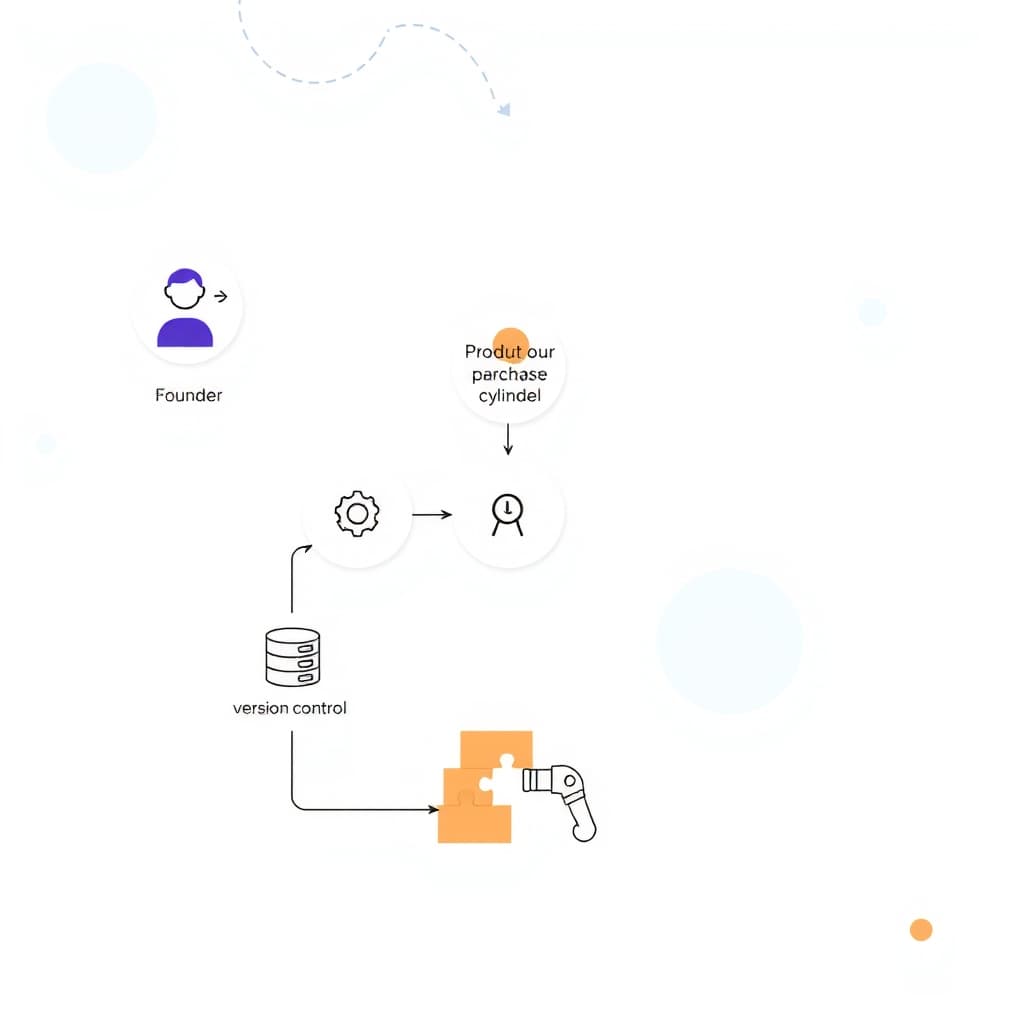
When a SaaS product moves from sketch to production, the design system handoff is the bridge that keeps visual and interaction intent intact. For founders, product managers, and ops leads, a smooth handoff means faster delivery, fewer re‑work cycles, and a UI that scales with new features without breaking consistency. In fast‑growing teams, the cost of design drift quickly eclipses the time saved by a rushed handoff, so investing in a repeatable process pays off in both speed and quality.
Why a Robust Design System Handoff Matters for Growing SaaS Teams
Scaling SaaS products demand a single source of truth for colors, spacing, typography, and component behavior. When designers hand over assets without a structured system, developers interpret specs differently, leading to visual bugs and inconsistent user experiences. A robust handoff reduces ambiguity, shortens the feedback loop, and enables parallel work—designers can iterate on new screens while developers ship existing components. Moreover, a documented handoff builds onboarding efficiency for new engineers, preserving the product’s visual language as the team expands. The result is a tighter alignment between product vision and shipped code, which directly impacts customer satisfaction and churn rates.
Common Gaps That Cause Design Drift Between Designers and Developers
Even with the best intentions, several friction points regularly surface. First, missing or outdated design tokens force developers to guess values for shadows, border‑radius, or animation timing. Second, ambiguous naming conventions—such as “primary button” versus “cta‑button”—create duplicate components in the codebase. Third, lack of interaction documentation (hover states, focus outlines, error handling) leads to inconsistent behavior across browsers. Fourth, designers often export assets at the wrong resolution or format, causing performance regressions. Finally, insufficient communication channels—relying solely on static mockups—prevent developers from asking clarifying questions early. Recognizing these gaps early lets teams plug them before they snowball into costly redesigns.
Preparing Your Design System for Handoff: Documentation, Tokens, and Guidelines
Before you click “share,” consolidate every visual variable into a token file (JSON, YAML, or SCSS). Tokens should cover colors, font families, spacing scales, and elevation levels, and be version‑controlled alongside code. Pair the token file with a living style guide that explains when and why each token is used, complete with real‑world examples. Documentation should also include component anatomy diagrams, usage constraints, and accessibility notes. Keep the guide in a collaborative space—Figma’s “Pages” or a dedicated wiki—so designers and developers can edit it together. Finally, create a “handoff checklist” that verifies assets are exported correctly, naming follows the agreed convention, and all interactive states are captured. This preparation turns a handoff from a one‑off event into a predictable, repeatable workflow.
Choosing the Right Handoff Tools: Figma, Storybook, and Automated Specs
Modern handoff relies on tools that speak both design and code languages. Figma’s inspect panel lets developers copy CSS, iOS, and Android values directly, while its plugins can export tokens to JSON for consumption in a component library. Storybook complements this by providing a live, isolated environment where each component is documented with props, states, and accessibility tests. When integrated with automated spec generators—such as Chromatic or Storycap—design updates trigger visual regression checks, alerting the team to unintended changes. Selecting a stack that syncs token files between Figma and Storybook eliminates manual copy‑pasting and ensures the design system stays single‑sourced.
Embedding Design Decisions into Code: Component Libraries and Style Guides
Once tokens are in code, the next step is to bake them into a reusable component library—whether you use React, Next.js, or another framework. Each UI element (button, modal, table) should expose props that map directly to token values, preventing “hard‑coded” styles. Pair the library with an internal style guide generated by tools like Styleguidist or Docusaurus, which renders live examples and documents the API surface. This approach makes design decisions discoverable at the point of implementation, reducing the temptation to “quick‑fix” with ad‑hoc CSS. It also gives ops leads confidence that any new feature will inherit the same visual language without extra effort.
Quality Assurance Checklist: Verifying Fidelity After Handoff
A thorough QA process catches drift before it reaches users. Start with visual regression testing against the Storybook baseline to spot pixel differences. Next, run accessibility audits (axe, Lighthouse) to ensure contrast ratios and focus order match the design specs. Validate that token values in the compiled CSS match the source token file—this can be automated with a simple diff script. Finally, perform a “design sanity” walkthrough: a designer reviews a sample of implemented screens against the original mockups, checking spacing, typography, and interaction timing. Document any deviations and feed them back into the handoff checklist, creating a loop of continuous improvement.
Scaling the Handoff Process: Roles, Governance, and Continuous Improvement
As teams grow, clear ownership becomes essential. Assign a Design System Owner—often a senior UI/UX lead—who curates tokens, reviews pull requests, and updates the style guide. Pair this role with a Front‑End Lead responsible for maintaining the component library and ensuring it stays in sync with the design files. Establish a governance board that meets bi‑weekly to approve new tokens or component variations, preventing uncontrolled proliferation. Use metrics such as “time from design commit to merged component PR” and “number of UI bugs per release” to measure effectiveness. Over time, refine the handoff checklist based on these metrics, turning the process into a living, data‑driven practice.
Real‑World Example: How a Mid‑Size SaaS Cut UI Bugs by 40% with a Structured Handoff
A SaaS company with 80 engineers struggled with recurring UI inconsistencies across its customer portal. By introducing a formal design system handoff workflow—centralizing tokens in Figma, exporting them to a shared JSON file, and integrating Storybook for component documentation—the team reduced manual hand‑coding by 30%. Visual regression tests caught 90% of mismatches before release, and a dedicated Design System Owner ensured token updates were versioned. Within two quarters, the product’s QA team reported a 40% drop in UI‑related bugs, translating into faster release cycles and a measurable improvement in customer satisfaction scores. The case study is detailed in our Design Multi‑Tenant SaaS Onboarding to Slash Churn post.
Conclusion & Next Steps: Implement a Design System Handoff Framework Today
Consistent user experiences are non‑negotiable for growing SaaS businesses, and the design system handoff is the linchpin that keeps design intent alive in code. Start by auditing your current tokens, choose a toolchain that bridges design and development, and assign clear ownership. Then, embed a repeatable checklist, automate visual testing, and iterate based on real metrics. When you’re ready to accelerate the process, our team can help you build a custom component library and set up end‑to‑end handoff automation. Book a call with SiteFusion today and turn design consistency into a competitive advantage.
Related reading: B2B Customer Portal Security Checklist for Growing Companies.