Scaling a tech‑enabled business often begins with no‑code tools because they’re fast and cheap. But the moment you ask yourself when to stop using no-code, you’re hitting the growth ceiling where flexibility, performance, and governance become non‑negotiable. This guide walks founders, product leaders, ops leads, and PMs through the signals that it’s time to outgrow the no‑code stack, how to evaluate build vs. buy, and a pragmatic migration path that protects your timeline and budget.
Why the No‑Code Plateau Matters for Scaling Teams (when to stop using no-code)
Early‑stage teams love no‑code for its drag‑and‑drop speed, but the plateau appears when the product’s core value starts to depend on custom logic, complex data relationships, or high‑volume traffic. At that point, the very advantages of no‑code—speed and low overhead—turn into constraints. Teams spend more time stitching together brittle integrations, fighting API limits, and writing work‑arounds that erode velocity. The plateau also surfaces governance gaps: audit trails, role‑based access, and compliance become ad‑hoc, risking security and regulatory exposure. Recognising this inflection point early prevents costly re‑architectures later and aligns engineering effort with the company’s growth trajectory.
Key Symptoms That Your No‑Code Stack Is Holding You Back
Even if your dashboards look fine, subtle friction points often signal that the stack is outgrowing its purpose. Common symptoms include:
- Frequent manual data clean‑ups because connectors can’t enforce referential integrity.
- Latency spikes as workflows chain more steps across disparate services.
- Inability to implement granular permission models without custom code.
- Recurring “feature request” loops where the no‑code platform lacks native support, forcing you to build external micro‑services.
- Stakeholder frustration with limited version control, making rollbacks risky.
When you see two or more of these issues repeatedly, it’s a clear indicator that it’s time to evaluate a more robust solution.
Cost vs. Value: Hidden Expenses of Over‑Extending No‑Code Tools
At first glance, a no‑code subscription looks cheaper than a development team. Yet hidden costs accumulate quickly:
- Scale‑related pricing. Many platforms charge per automation run or per record, turning exponential growth into exponential spend.
- Technical debt. Work‑arounds become permanent, demanding more engineering time to maintain.
- Integration overhead. Each new API connection often requires a separate Zapier or Integromat flow, multiplying monitoring effort.
- Opportunity cost. The time spent troubleshooting platform limits is time not spent on revenue‑generating features.
For a realistic ROI picture, compare the total cost of ownership (TCO) of your no‑code stack against the projected cost of a custom solution that can be amortized over the product’s lifecycle. Our AI Feature Cost Control post offers a framework for that analysis.
Strategic Criteria for Deciding Between Build, Buy, or Configure
Choosing the right path requires a matrix of business and technical criteria. Consider:
- Core differentiation. If the workflow is a competitive advantage, building in‑house protects IP.
- Time‑to‑value. Off‑the‑shelf SaaS can deliver immediate capability if the feature is commoditized.
- Integration complexity. Evaluate whether existing APIs can be wrapped or if a custom layer is needed.
- Compliance requirements. Platforms that lack SOC 2 or GDPR certifications may force a custom build; see our SOC 2 readiness guide for details.
- Team bandwidth. A small engineering team may benefit from a hybrid approach—configure a low‑code platform for non‑core modules while building the core engine.
Our comprehensive build vs buy guide expands on each factor with decision trees and real‑world examples.
Risk‑Managed Migration: Phased Approach to Replace No‑Code
Jumping straight to a full rewrite is a recipe for disruption. A phased migration mitigates risk while preserving continuity:
- Discovery. Map every no‑code component, data flow, and external integration.
- Prioritisation. Identify high‑impact pain points that deliver immediate ROI when rebuilt.
- Parallel run. Develop the custom module behind the scenes and expose it via a feature flag.
- Cutover. Gradually switch traffic from the no‑code workflow to the new service, monitoring performance and error rates.
- Decommission. Retire the legacy no‑code assets once confidence is established, cleaning up credentials and contracts.
This approach aligns with our post‑launch support model, ensuring stability during and after the transition.
Case Study: From Airtable/Zapier to a Custom Workflow Engine
A mid‑size SaaS platform relied on Airtable for product catalogues and Zapier for order routing. As monthly orders grew from 2 K to 25 K, latency rose and data sync errors spiked. The team faced three core challenges: lack of transactional guarantees, API throttling, and no unified audit log.
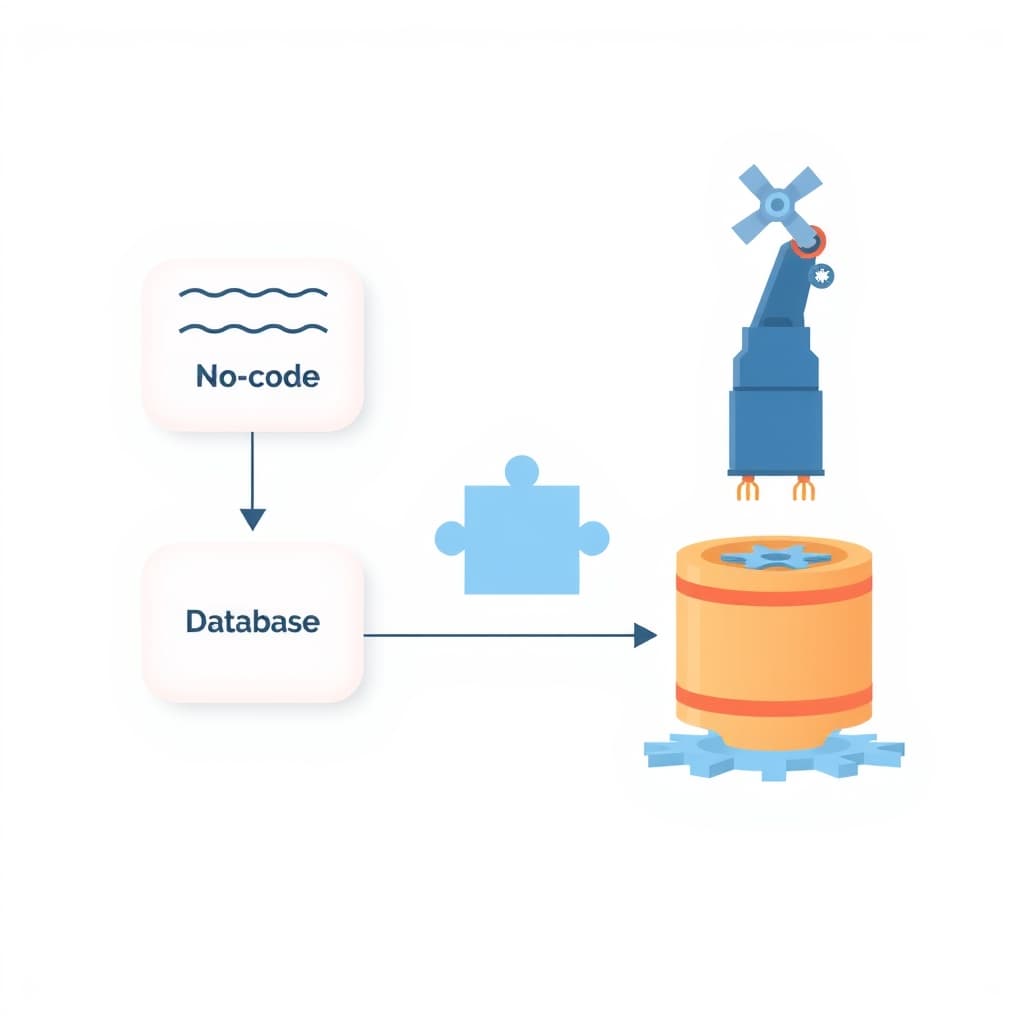
We started with a discovery sprint, documenting 12 Zapier flows and 8 Airtable tables. The migration plan focused on the order pipeline, rebuilding it as a Next.js API layer with PostgreSQL for relational integrity and a RabbitMQ queue for reliable async processing. Within six weeks, order latency dropped from 12 seconds to under 2 seconds, and error rates fell by 87 %. The new engine also enabled role‑based access and a compliance‑ready audit trail, paving the way for SOC 2 certification.
How to Pitch the Build Decision to Stakeholders and Secure Budget
Stakeholders often equate “no‑code” with “no cost.” A data‑driven pitch flips that narrative:
- Quantify pain. Present metrics on latency, error rates, and manual effort hours.
- Show ROI. Model cost savings from reduced subscription fees and lower support tickets.
- Risk assessment. Outline compliance gaps and potential downtime costs.
- Roadmap alignment. Demonstrate how a custom engine unlocks roadmap items that are impossible on the current stack.
- Phased funding. Propose an MVP build with clear milestones, allowing incremental budget approval.
Backing the proposal with a prototype or a proof‑of‑concept can further reduce perceived risk and accelerate approval.
Conclusion: Making the Switch with Confidence + Next Steps CTA
Recognising when to stop using no-code is less about abandoning a tool and more about aligning technology with scale. By monitoring symptoms, evaluating hidden costs, applying strategic criteria, and executing a risk‑managed migration, you can transition without sacrificing momentum.
Ready to map your migration or need a partner to build the custom engine? Book a call with SiteFusion today and let our senior engineers turn your growth challenges into a scalable advantage.