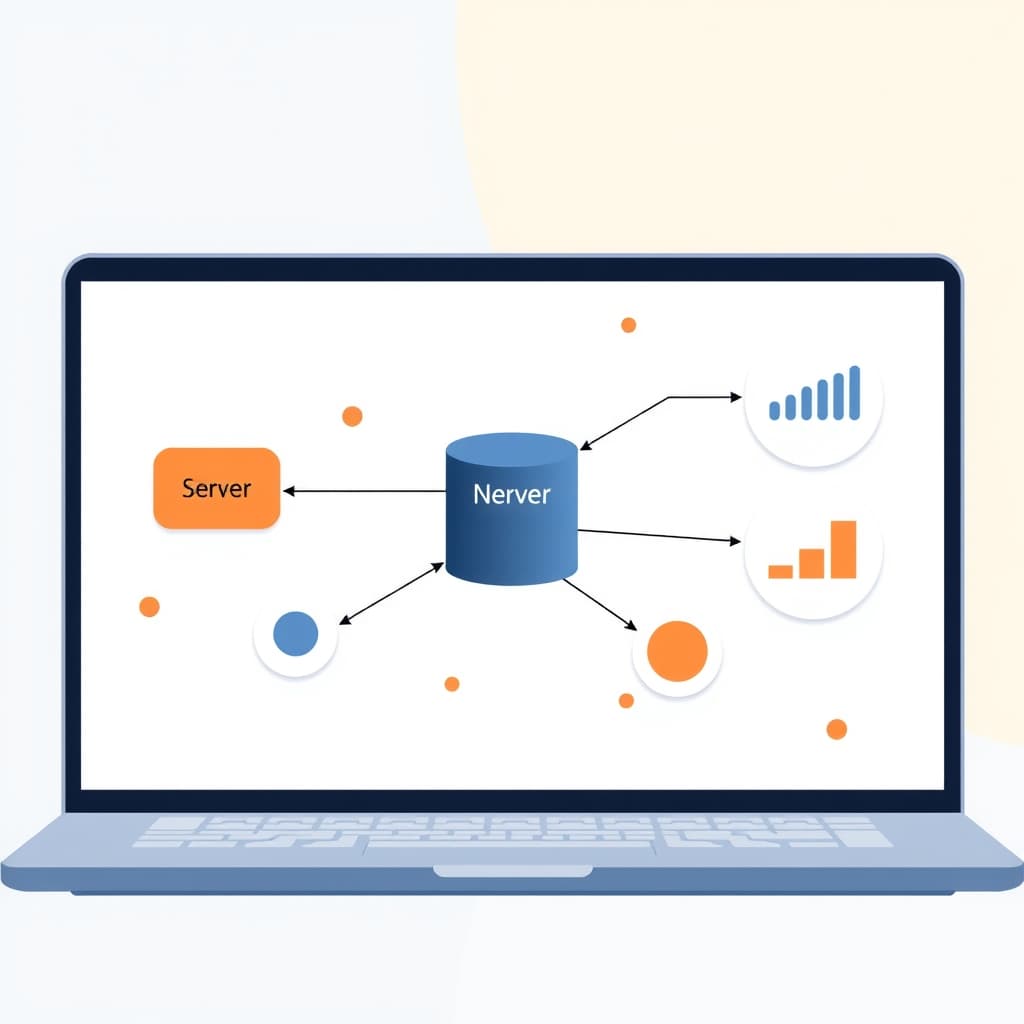
When you weigh the Next.js server vs client debate, you’re really deciding how much work runs where, and that decision scales directly into cost, latency, and developer velocity. In a growth‑stage SaaS, every millisecond saved on the front‑end translates into higher conversion, while every server‑side optimization can reduce cloud spend. This article walks founders, product leaders, and ops managers through a practical blueprint for splitting responsibilities in a Next.js codebase, so you can grow without hitting performance or maintenance walls.
Why the Server‑Client Split Matters for Scaling SaaS
Scaling SaaS isn’t just about adding more servers; it’s about where you place the work. Server‑side rendering (SSR) and Server Components can pre‑compute HTML, reducing the amount of JavaScript the browser must download and execute. That directly improves First Contentful Paint (FCP) and Time to Interactive (TTI), metrics that correlate with user retention. On the client side, keeping interactivity lightweight avoids unnecessary re‑renders and memory bloat, which can otherwise cause churn in high‑traffic dashboards. Moreover, a clear split lets you align team ownership—backend engineers focus on data contracts while frontend specialists fine‑tune UI logic. The result is a more predictable cost model, because server workloads can be autoscaled based on request volume, while client bundles stay lean, keeping CDN costs flat. In short, the split is a lever for both performance and operational efficiency.
Understanding Next.js server vs client (Next.js Server Components vs Client Components)
Next.js introduces two distinct component types. Server Components run exclusively on the server; they can import Node APIs, access databases directly, and never reach the client bundle. Because they render to static HTML, they’re ideal for content that doesn’t need immediate interactivity, such as product listings or SEO‑critical pages. Client Components, on the other hand, are shipped to the browser and can use React state, effects, and browser‑only APIs. They’re necessary for dynamic widgets, drag‑and‑drop, or real‑time charts. The key is to treat Server Components as the default and opt‑in to Client Components only when interactivity is required. This mental model reduces bundle size dramatically and prevents accidental leakage of secrets, as server‑only code never appears in the client bundle. Understanding the boundary is the first step toward a disciplined architecture that scales.
Choosing the Right Data‑Fetching Strategy for Each Component Type
Data fetching in Next.js aligns with component boundaries. For Server Components, you can call your database or external APIs directly inside the component file—no need for getServerSideProps or getStaticProps. This “fetch‑as‑you‑render” approach keeps the data path short and eliminates an extra network hop. For Client Components, you must fetch data on the client, typically via useEffect or a data‑fetching library like SWR or React Query. When you need both, consider a hybrid pattern: a Server Component fetches the initial payload and passes it as props to a nested Client Component that takes over interactivity. This pattern avoids the “waterfall” effect where the client waits for an extra API call after the page loads. Choosing the right strategy per component ensures you don’t double‑fetch data and keeps latency predictable.
Performance Impact: Core Web Vitals and Bundle Size
Core Web Vitals—LCP, CLS, and FID—are directly influenced by the server‑client split. Server Components shave off JavaScript that would otherwise inflate the bundle, improving Largest Contentful Paint (LCP) because the browser can render the main content sooner. Client Components that are truly needed keep First Input Delay (FID) low, as there’s less JavaScript to parse and execute before the user can interact. Bundle analysis tools will typically show a 30‑50% reduction in total size after migrating non‑essential UI to Server Components. Additionally, because Server Components never hydrate, you avoid CLS (Cumulative Layout Shift) caused by late‑loading content. The net effect is a smoother, faster experience that Google rewards in search rankings—critical for SaaS landing pages and dashboards alike.
Database & API Integration Patterns Aligned with Component Boundaries
When a component lives on the server, it can talk to your database or internal APIs without an extra layer. This encourages a “direct‑to‑DB” pattern for read‑heavy pages, such as a pricing table or a public catalog. For client‑side components, you should expose a thin API surface—often a GraphQL or REST endpoint—that returns only the data needed for that widget. This separation enforces the principle of least privilege and makes it easier to audit access, a concern highlighted in our SOC 2 Readiness for SaaS Founders guide. Moreover, caching strategies differ: server‑side calls can leverage in‑memory caches like Redis, while client‑side calls benefit from HTTP caching headers or SWR’s built‑in stale‑while‑revalidate. Aligning integration patterns with component boundaries reduces latency and simplifies security reviews.
Deploy‑time Decisions: Edge vs Node.js Runtime for Server Components
Next.js lets you run Server Components on either a traditional Node.js runtime or an Edge runtime (e.g., Vercel Edge Functions). Edge runtimes sit closer to the user, cutting round‑trip latency for globally distributed SaaS products. They excel for lightweight data fetching, such as reading from a CDN‑backed CMS or performing simple auth checks. However, they have tighter execution limits and cannot run heavy libraries that require native binaries. For complex business logic—billing calculations, multi‑tenant queries, or AI inference—you’ll likely stay on Node.js, where you can leverage full‑stack libraries and longer timeouts. The decision should be driven by the component’s workload: keep latency‑critical, low‑complexity Server Components on the Edge, and reserve Node.js for heavyweight processing. This hybrid approach maximizes performance without sacrificing capability.
Migration Path: Refactoring an Existing Codebase Incrementally
Moving to a server‑client split doesn’t require a full rewrite. Start by identifying pages that are primarily static or SEO‑focused; convert their top‑level components to Server Components. Next, audit client‑side interactivity: replace any “state‑heavy” UI that can be rendered server‑side with a Server Component that passes minimal props to a small Client Component. Use feature flags to toggle the new implementation, allowing you to roll back if regressions appear. Gradually expand the pattern to internal tools—dashboards and admin panels—where you control the data contracts. Throughout the migration, maintain a shared TypeScript interface for data shapes to avoid mismatches. This incremental approach lets you reap performance gains early while keeping delivery schedules intact.
Monitoring & Observability: Keeping the Split Healthy in Production
Observability must cover both sides of the split. For Server Components, instrument request latency, database query times, and edge function cold‑starts. Tools like New Relic or Datadog can correlate these metrics with the specific route that rendered the component. For Client Components, monitor JavaScript error rates, hydration time, and interaction latency using Real‑User Monitoring (RUM) solutions such as Vercel Analytics or Google Lighthouse CI. Correlate client‑side performance spikes with server‑side logs to pinpoint whether a slowdown originates from a heavy API call or a bloated bundle. Set alerts on Core Web Vitals thresholds, because a regression in LCP often signals that a Server Component has unintentionally become a Client Component. A unified dashboard that surfaces both perspectives keeps the split balanced as traffic grows.
Conclusion & Next Steps: How SiteFusion Can Help Execute the Blueprint
Mastering the Next.js server vs client distinction is a decisive advantage for any growth‑stage SaaS. It delivers faster load times, lower cloud spend, and a clearer ownership model for engineering teams. If you’re ready to audit your current stack, refactor critical paths, or build a new product from the ground up with this architecture, SiteFusion can partner with you from design through post‑launch support. Explore our post‑launch support services or view our portfolio of successful SaaS implementations. When you’re prepared to turn this blueprint into reality, book a call with us today and let’s scale your product together.