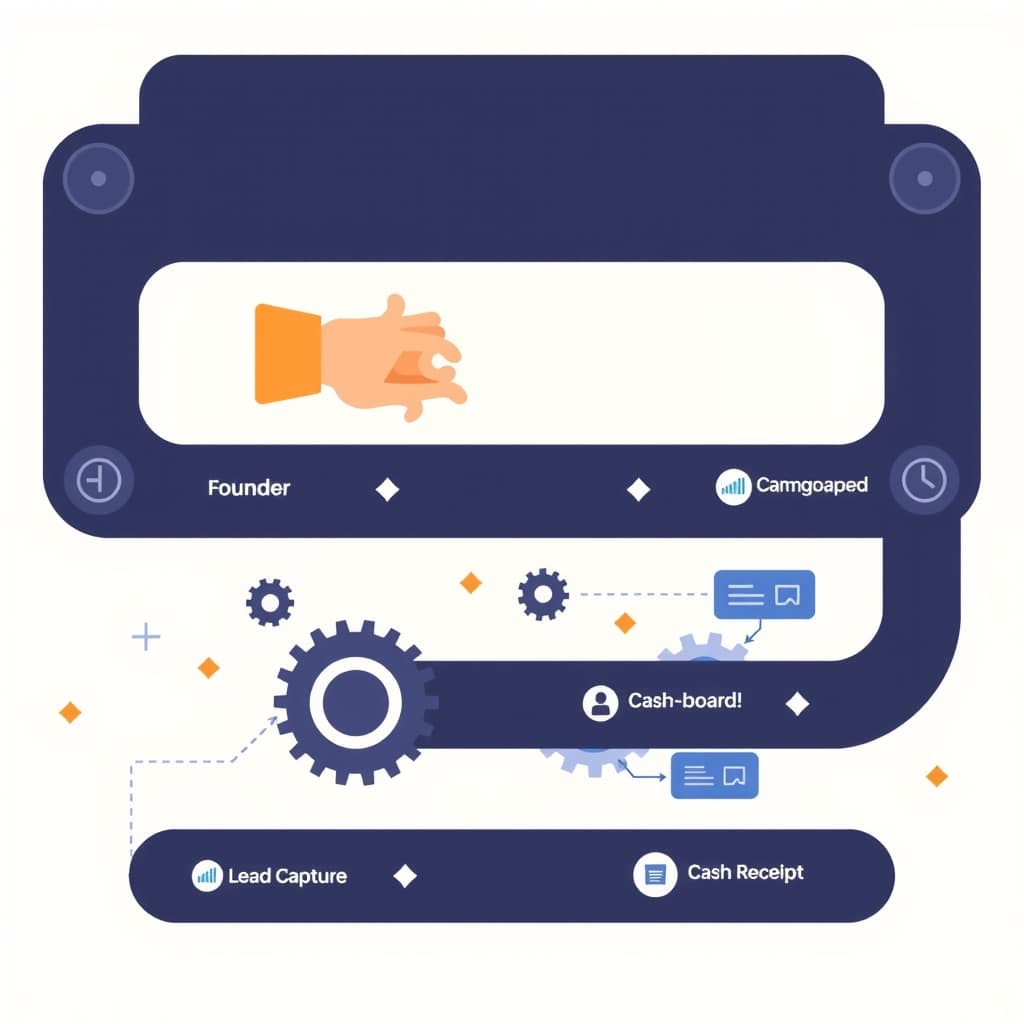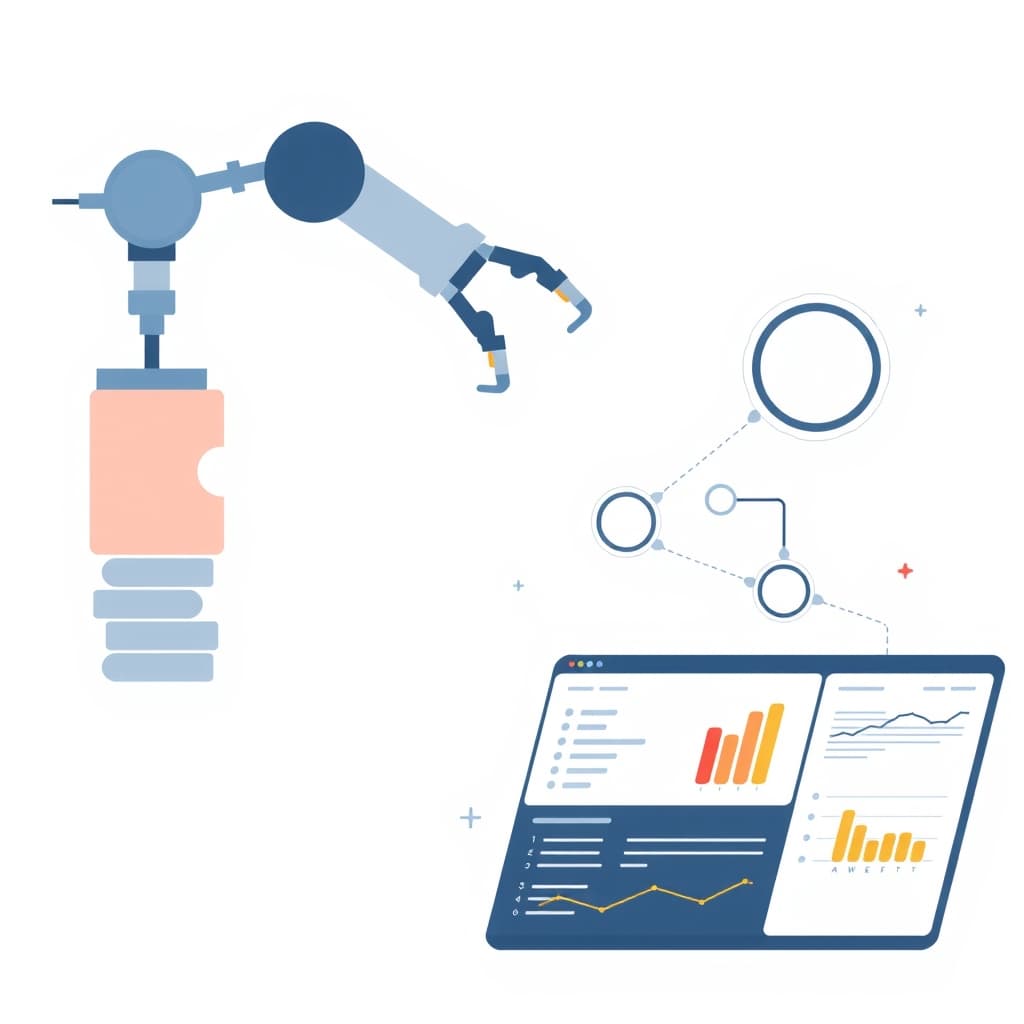
In fast‑growing B2B SaaS firms, documents—contracts, invoices, compliance reports—are the lifeblood of operations. Yet most teams still rely on manual uploads, email chains, and spreadsheet tracking, which stalls scaling and invites error. AI document workflow automation replaces those bottlenecks with intelligent pipelines that extract, classify, and route data without human lift, freeing your people to focus on revenue‑generating work. This post walks founders, product leaders, and ops managers through the strategic, technical, and operational steps needed to turn a paper‑heavy process into a repeatable, measurable engine of growth.
Why AI Document Workflow Automation is a Growth Imperative
When document handling remains manual, each additional customer or contract adds a linear increase in effort. That hidden cost becomes a ceiling on how fast you can acquire new business. By automating extraction, validation, and routing, you compress cycle time from days to minutes, which directly improves cash flow and customer satisfaction. Moreover, AI‑driven validation reduces costly rework and regulatory exposure—critical for SaaS firms handling sensitive data. The scalability of an automated pipeline also enables you to onboard new partners or regions without hiring a proportional ops team. In practice, companies that adopt AI document workflow automation see faster onboarding, higher invoice‑to‑cash conversion, and a clearer audit trail, all of which are tangible growth levers.
Mapping Your Current Document Processes Before Automation
Before you replace anything with AI, you need a clear picture of the existing flow. Start by documenting every touchpoint: who receives the document, how it is stored, what manual checks are performed, and where approvals happen. Create a simple swim‑lane diagram or a list of steps in an as‑is map. Identify pain points such as duplicate data entry, long latency, or compliance hand‑offs. Quantify the volume (e.g., 5,000 contracts per month) and the average handling time. This baseline becomes the metric against which you’ll measure automation impact. It also reveals which steps are truly rule‑based and ready for AI, and which require human judgment. A thorough map prevents scope creep and ensures you target the highest‑ROI fragments first.
Choosing the Right AI Technologies: OCR, LLMs, and Classification Models
Document automation is rarely a one‑size‑fits‑all stack. Optical character recognition (OCR) turns scanned PDFs into searchable text; modern OCR engines like Google Vision or Tesseract now achieve >95% accuracy on clean scans. For unstructured or semi‑structured content, large language models (LLMs) can extract entities, summarize clauses, or even suggest risk flags. When you need to route documents—e.g., invoice vs. contract—a lightweight classification model (logistic regression, fine‑tuned BERT) often outperforms a full LLM in cost and latency. Evaluate each technology against your data quality, volume, and latency requirements. Remember that LLM usage incurs token costs, so pair them with a cost‑control strategy to keep the budget predictable.
Designing a Human‑in‑the‑Loop Review Layer for Accuracy and Trust
No AI model is perfect out of the box, especially when legal language or industry‑specific terminology is involved. A human‑in‑the‑loop (HITL) layer lets reviewers correct misclassifications, approve high‑risk extractions, and provide feedback that continuously improves the model. Implement a simple UI where flagged items appear with confidence scores; set thresholds so only low‑confidence cases require review. Track reviewer actions to build a training dataset for future model retraining. This approach balances speed with compliance, builds stakeholder trust, and satisfies auditors who demand a clear audit trail of manual overrides.
Building a Scalable Architecture: Queues, Micro‑services, and Data Stores
Scalability begins with decoupling each stage of the pipeline. Use a message queue (e.g., RabbitMQ or AWS SQS) to ingest incoming documents, then spin up micro‑services for OCR, classification, and LLM extraction. Store raw files in an object store (S3 or Azure Blob) and extracted metadata in a searchable database such as PostgreSQL or Elasticsearch. This architecture lets you scale each component independently—add more OCR workers during peak intake without touching the LLM service. It also simplifies monitoring: each queue depth and service latency becomes a health metric you can alert on. For multi‑tenant SaaS, isolate tenant data at the database level to meet compliance and performance guarantees.
Measuring ROI: Time Savings, Error Reduction, and Compliance Gains
Quantifying the impact of AI document workflow automation is essential for continued investment. Track three core metrics: (1) average processing time per document, (2) error rate (e.g., mis‑extracted fields) before and after automation, and (3) compliance incidents or audit findings related to document handling. Convert time savings into labor cost reductions and compare against the operational cost of the AI stack. For regulated industries, factor in reduced fines or lower insurance premiums as part of the compliance gain. Present these numbers in a simple dashboard—perhaps built on the principles from How to Design an Internal Ops Dashboard That Pays for Itself—to keep executives informed and supportive.
Common Pitfalls and How to Avoid Them
Even seasoned teams stumble when automating documents. A frequent mistake is over‑automating: pushing every document through an LLM regardless of complexity, which inflates costs and latency. Instead, tier the pipeline—use OCR for simple forms, classification for routing, and reserve LLMs for high‑value, unstructured contracts. Another trap is neglecting data privacy; ensure that any cloud‑based AI service complies with GDPR, CCPA, or industry‑specific regulations—see our Privacy Compliance Checklist for a quick audit. Finally, avoid siloed development by involving ops, legal, and product teams early; a cross‑functional charter keeps expectations aligned and reduces rework.
Step‑by‑Step Playbook to Launch Your First AI Document Automation
- Define the pilot scope. Choose a document type with high volume and clear business impact, such as vendor invoices.
- Map the current workflow. Capture every manual step and establish baseline metrics.
- Select technology stack. Pair an OCR engine with a lightweight classifier; reserve an LLM for clause extraction.
- Build the pipeline. Set up a queue, micro‑services, and storage as described in the architecture section.
- Implement HITL. Create a reviewer UI that surfaces low‑confidence results.
- Run a controlled test. Process a batch of real documents, compare outcomes to the baseline, and gather reviewer feedback.
- Iterate and scale. Refine models, adjust thresholds, and gradually expand to additional document types.
- Monitor and optimize. Use the ROI dashboard to track time savings, error rates, and compliance metrics.
Following this playbook reduces risk and delivers a measurable win within weeks, not months.
Next Steps: Partnering with a Custom Development Team and Ongoing Optimization
Building a robust AI document workflow automation solution requires deep expertise in machine learning, cloud architecture, and regulatory compliance. A seasoned custom development partner can accelerate each phase—from data labeling to production monitoring—while ensuring the solution aligns with your product roadmap. Our team offers end‑to‑end services, including post‑launch support to keep models fresh and performance optimal. Review the broader workflow automation guide for a strategic overview, then schedule a discovery call to map your specific needs to a scalable implementation plan.
Ready to turn document chaos into a competitive advantage? Book a call with SiteFusion today and start building the automation engine that fuels your growth.