Why LLM Cost Control Matters for Growing SaaS
When a SaaS product adds user‑facing AI, the headline‑grabbing feature often masks a hidden expense: the per‑token price of large language model (LLM) calls. For a startup that is still tightening its burn rate, uncontrolled AI spend can erode margins faster than any other line item. LLM cost control becomes a strategic lever—not just a budget checkbox—because it directly influences pricing, unit economics, and the ability to scale without renegotiating contracts. Moreover, investors scrutinize AI‑driven cost structures; a clear plan for keeping LLM spend predictable reassures them that the product can grow sustainably. Finally, cost discipline enables you to experiment with new prompts, features, or even custom fine‑tuned models without fearing a surprise bill that forces a feature rollback. In short, mastering LLM cost control is as essential as building the UI that your users love.
Understanding the Real Cost Drivers of LLM Calls
The first step toward effective LLM cost control is to demystify what you are actually paying for. Most providers charge by the number of input and output tokens, but the token count is only part of the story. Model complexity (e.g., GPT‑4 vs. GPT‑3.5) determines the per‑token rate, while request latency can affect infrastructure overhead if you self‑host. Additionally, ancillary services—such as vector search for retrieval‑augmented generation—add separate compute costs. The shape of your prompts matters too: verbose system messages or redundant context inflate token usage without adding value. Finally, frequency of calls (burst traffic vs. steady stream) can trigger volume discounts or, conversely, overage fees. Mapping these variables in a simple spreadsheet helps you see which levers have the biggest impact and where quick wins are possible.
Choosing the Right Model Size for Each Feature
Not every AI‑enabled interaction requires the most powerful model. A common mistake is defaulting to the largest LLM for every endpoint, which blows up costs without measurable benefit. Start by classifying features into three buckets: core business logic, creative assistance, and simple classification. Core logic—such as contract clause extraction—often needs higher accuracy and therefore a larger model, but you can still experiment with a medium‑sized variant to find the sweet spot. Creative assistance, like drafting marketing copy, tolerates occasional hallucinations, so a cheaper model may be acceptable. Simple classification tasks (e.g., intent detection) can be off‑loaded to lightweight embeddings or even rule‑based systems. By aligning model size with feature risk and value, you reduce token price per call and free budget for higher‑impact use cases. This approach also simplifies scaling: smaller models handle higher QPS with lower latency, keeping the user experience smooth.
Implementing Retrieval‑Augmented Generation to Reduce Tokens
Retrieval‑augmented generation (RAG) pulls relevant documents from a vector store and injects them into the prompt, allowing the LLM to answer with fewer generated tokens. Because the model no longer needs to “remember” large knowledge bases, you can keep prompts short while maintaining answer quality. The key is to index only the data that truly informs the user request—over‑indexing adds unnecessary search cost and noise. For example, a support chatbot that accesses a curated FAQ set can retrieve a single paragraph and ask the LLM to summarize it, often halving the token count compared to a full‑context prompt. To get started, read our What Is RAG? Retrieval‑Augmented Generation, Explained guide, then prototype a simple vector search pipeline using open‑source tools. Once you validate the token savings, you can expand the approach to more complex domains like policy compliance or product documentation.
Caching Strategies and Prompt Optimization
Even with RAG in place, repeated calls to the same LLM with identical or near‑identical prompts can waste dollars. Implement a two‑layer cache: a short‑term in‑memory store for hot queries and a longer‑term key‑value store keyed by a hash of the prompt and retrieved context. When a cache hit occurs, you return the stored answer instantly, eliminating the token cost entirely. Prompt optimization goes hand‑in‑hand with caching. Strip out unnecessary system messages, consolidate user instructions, and use token‑efficient formatting (e.g., JSON instead of natural language for structured data). You can also employ “few‑shot” examples sparingly; each example adds tokens, so keep them to the minimum needed for the model to understand the task. A disciplined review of prompts every sprint often uncovers redundancies that shave 10‑20 % off token usage without degrading output quality.
Monitoring, Alerting, and Budget Guardrails in Production
Without real‑time visibility, cost overruns can sneak up unnoticed. Deploy a lightweight middleware that logs token counts, model name, and request latency for every LLM call. Feed these metrics into your existing observability stack and set alerts when daily spend exceeds a predefined threshold—say 10 % of your monthly AI budget. Combine this with a budget guardrail that automatically throttles or redirects traffic to a fallback (e.g., a rule‑based engine) once a hard cap is reached. For teams already using a reliability checklist, see our Post‑Launch Reliability Checklist for Growing SaaS for a template that includes AI‑specific health checks. Regularly review cost reports alongside product metrics to ensure that AI features are delivering ROI, and adjust model selection or caching policies as needed.
Step‑by‑Step Rollout Checklist and CTA: Partner with SiteFusion for AI Feature Engineering
Launching AI features responsibly requires a repeatable process. Follow this checklist before you push to production:
- Define business value. Map each AI use case to a KPI (conversion, churn reduction, support ticket deflection).
- Select model tier. Match feature risk to model size, as outlined earlier.
- Prototype with RAG. Build a minimal retrieval pipeline and measure token reduction.
- Implement caching. Add in‑memory and persistent caches for repeat queries.
- Instrument monitoring. Log token usage, set alerts, and configure budget guardrails.
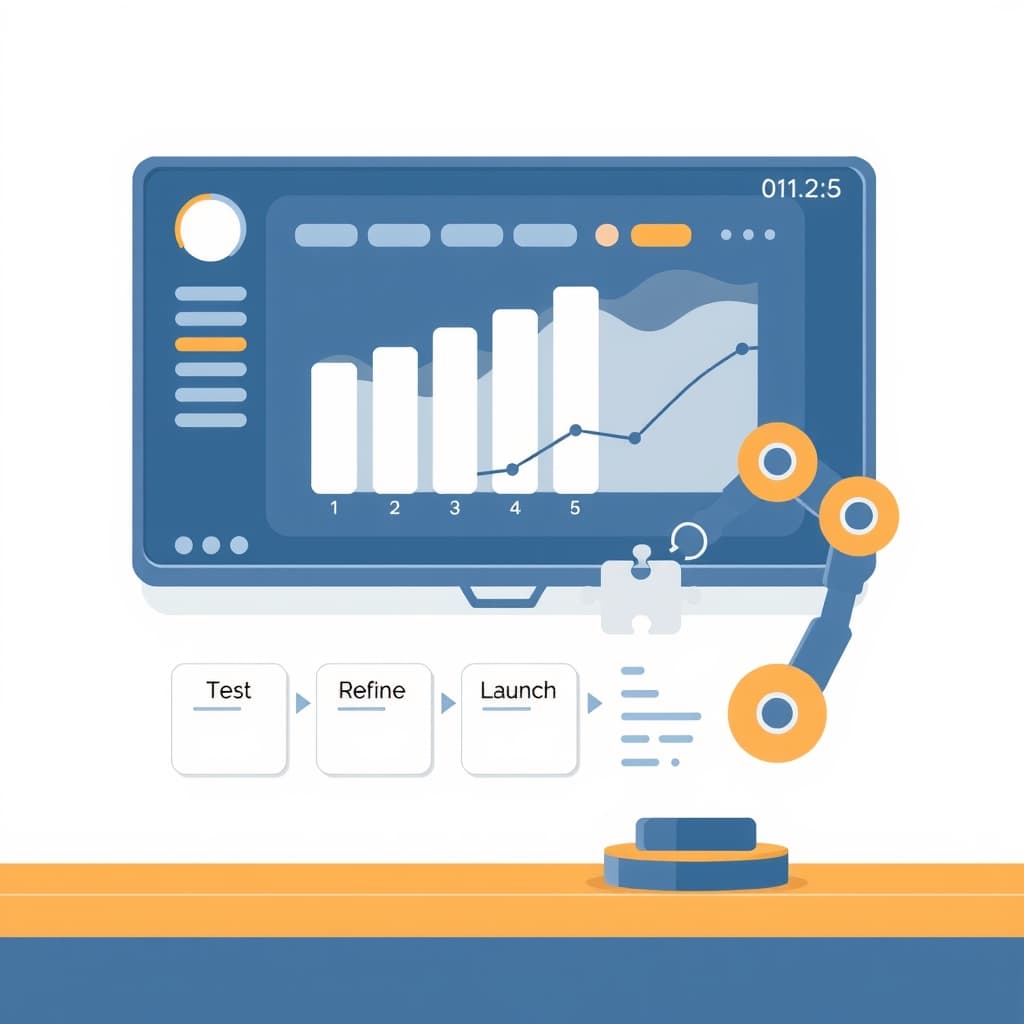
- Run a staged rollout. Start with a beta cohort, monitor cost vs. impact, then expand.
- Iterate. Refine prompts, adjust model choice, and tune cache TTLs based on real data.
If you need a seasoned partner to accelerate this journey—designing prompts, building RAG pipelines, and wiring up robust monitoring—our team at SiteFusion can help. We specialize in full‑stack AI feature engineering and provide ongoing post‑launch support to keep costs in check as you scale. Ready to make AI affordable and predictable? Book a call with SiteFusion today and turn your AI vision into a cost‑controlled reality.