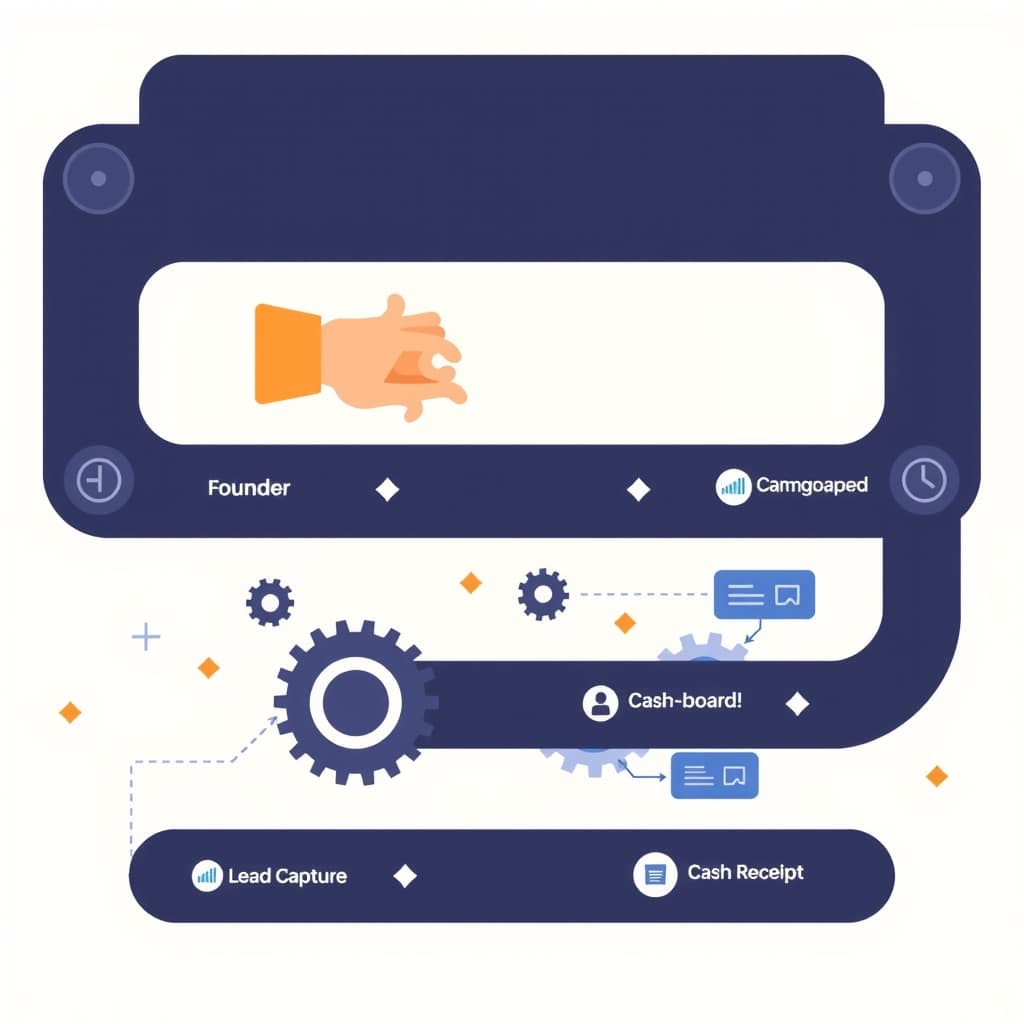
In fast‑growing B2B companies, manual back‑office work quickly becomes a hidden cost that drags down velocity. Leveraging AI workflow automation lets founders and ops leaders replace repetitive data entry, document routing, and rule‑based decisions with intelligent pipelines that scale with the business. This roadmap walks you through a pragmatic, step‑by‑step approach—starting with a quick audit and ending with a live, measurable automation project—so you can move from ad‑hoc scripts to a repeatable, ROI‑driven system.
Why a Structured AI Workflow Automation Roadmap Matters
A haphazard rollout of AI tools often leads to duplicated effort, security gaps, and missed performance gains. A structured roadmap forces you to define clear objectives, align stakeholders, and sequence work so that each automation builds on the previous one. This disciplined approach reduces technical debt, makes budgeting predictable, and provides a narrative you can share with investors or auditors. Moreover, a roadmap helps you balance quick wins—like auto‑extracting data from invoices—with longer‑term investments in custom pipelines that can handle multi‑tenant SaaS billing or complex compliance checks. In short, the roadmap is the blueprint that turns scattered experiments into a sustainable, scalable engine for growth.
Assessing Your Current Manual Processes: A Quick Audit Checklist
Before you automate, you need to know exactly what you’re automating. Use this checklist to audit your back‑office workflows:
- Identify every manual touchpoint in finance, HR, and customer support.
- Document the volume, frequency, and average handling time for each task.
- Note the systems involved (e.g., ERP, CRM, email) and any existing integrations.
- Flag steps that involve regulatory compliance or high‑risk decisions.
- Gather stakeholder pain points and any workarounds currently in use.
Running this audit with a cross‑functional team surfaces hidden bottlenecks and creates a shared language for the automation effort. For a deeper dive on audit techniques, see our When to Stop Using No‑Code: Build vs. Buy Guide.
Prioritizing Automation Opportunities: Impact vs. Effort Matrix
Not every manual task deserves the same level of investment. Plot each candidate on an impact‑vs‑effort matrix to surface high‑value, low‑effort wins. Impact criteria include cost savings, error reduction, and speed gains; effort considers technical complexity, data availability, and change‑management overhead. Prioritize the top‑right quadrant (high impact, low effort) for quick wins—such as auto‑classifying incoming support tickets—while planning phased builds for high‑impact, high‑effort items like end‑to‑end order‑to‑cash automation. This visual prioritization also helps you justify budget to leadership and keeps the team focused on outcomes rather than technology hype.
Choosing the Right AI Technologies for Document & Data Handling
Document processing is the cornerstone of most back‑office automations. Evaluate technologies based on three dimensions:
- Extraction accuracy: Look for models that handle OCR, tables, and unstructured text with >90% precision for your domain.
- Integration flexibility: Prefer APIs that speak REST or GraphQL and can be wrapped in serverless functions.
- Cost predictability: Choose pricing models that align with your volume—pay‑per‑page versus subscription.
For complex scenarios—like multi‑language contracts or regulated financial statements—consider custom fine‑tuned models hosted on your own infra. Pair extraction with a data‑validation layer that leverages rule‑based checks or a lightweight LLM to flag anomalies before they enter downstream systems.
Designing Human‑in‑the‑Loop Safeguards for Critical Steps
Even the best AI can misinterpret edge cases. Embedding human‑in‑the‑loop (HITL) checkpoints protects against costly errors and satisfies compliance auditors. Identify steps where a false positive would have high risk—e.g., approving a credit limit increase or releasing a legal document. For each, design a UI that surfaces the AI’s confidence score, the extracted data, and an easy “approve” or “reject” button. Log every decision for audit trails, and feed corrections back into the model training pipeline to improve accuracy over time. This balanced approach keeps automation fast while preserving accountability.
Building a Scalable Architecture: From Zapier Prototypes to Custom Pipelines
Many teams start with no‑code tools like Zapier to prove concepts. While useful for pilots, these platforms struggle with volume, latency, and complex error handling. Transition to a custom architecture once you’ve validated ROI: use serverless functions (AWS Lambda, Vercel Edge) for lightweight steps, a message queue (Kafka, SQS) for reliable orchestration, and a dedicated data lake for raw and processed documents. Containerize heavy‑weight AI models with Docker and orchestrate them via Kubernetes or a managed service. This layered design lets you retain the agility of prototypes while supporting enterprise‑scale throughput. For a deeper look at scaling patterns, read our Next.js Server vs Client Split: Scaling Blueprint.
Measuring ROI and Iterating: Metrics Every Founder Should Track
Automation is only as valuable as the outcomes it delivers. Track these core metrics:
- Time saved: Compare pre‑automation handling time to post‑automation averages.
- Error rate reduction: Measure defects per thousand transactions before and after.
- Cost per transaction: Include AI service fees, compute, and human review time.
- Adoption rate: Percentage of eligible tasks actually routed through the automated pipeline.
- Compliance score: Audit findings related to data handling and HITL logs.
Review these numbers quarterly, adjust the impact‑effort matrix, and feed insights back into the roadmap. If you need ongoing assistance, our post‑launch support team can help you fine‑tune performance and keep the ROI curve upward.
Common Pitfalls and How to Avoid Them
Even seasoned teams stumble on predictable traps:
- Over‑engineering: Building a custom model for a task that a simple rule engine could handle wastes time.
- Data silos: Feeding AI models with incomplete or stale data leads to drift and inaccurate outputs.
- Neglecting change management: Users who feel bypassed will revert to manual workarounds.
- Ignoring security & compliance: Failing to encrypt data in transit or to log HITL decisions can trigger audit failures.
- Under‑estimating maintenance: AI models degrade; schedule regular retraining and monitoring.
Address each risk early—define clear data ownership, involve end users in design reviews, and embed security checks into every pipeline.
Next Steps: Turning the Roadmap into a Live Automation Project
With the roadmap drafted, move to execution:
- Secure executive sponsorship and allocate a cross‑functional squad.
- Pick the first high‑impact, low‑effort use case from your matrix.
- Build a minimal viable automation (MVA) using a serverless function and a pre‑trained AI model.
- Run a controlled pilot, collect the ROI metrics outlined above, and iterate.
- Scale the pipeline, add HITL safeguards, and expand to additional processes.
For a holistic view of workflow automation best practices, consult our comprehensive workflow automation guide. When you’re ready to accelerate, explore our portfolio of successful projects at our portfolio and book a strategy session.
Automation is a journey, not a one‑off project. Start with a clear roadmap, measure relentlessly, and let AI amplify your team’s capacity. Book a call with SiteFusion today to turn this plan into a live, revenue‑protecting engine.