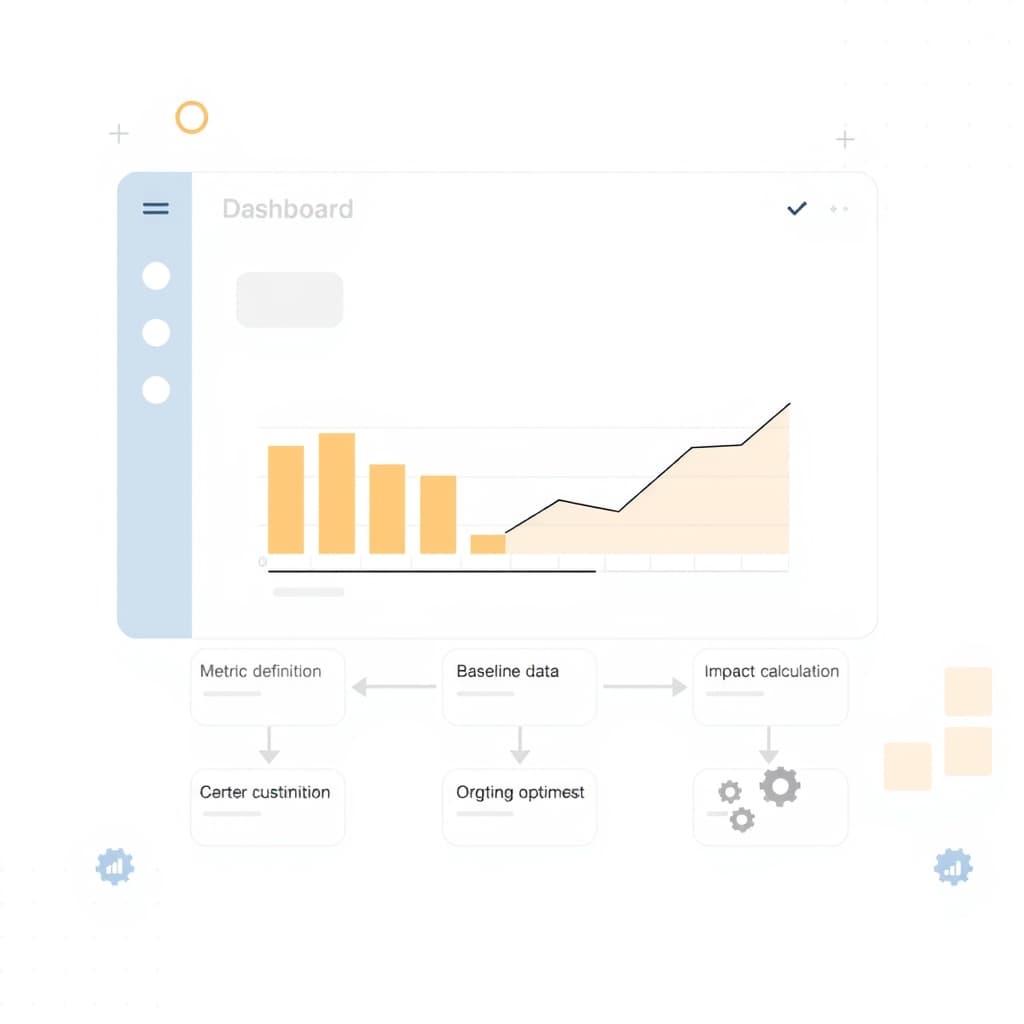
Understanding internal ops dashboard ROI is the first step to turning a data‑centric tool into a measurable profit center for growth‑stage companies.
Why Measuring internal ops dashboard ROI Matters for Internal Ops Dashboards
Investing in a dashboard without a clear return narrative invites budget creep and stakeholder skepticism. When founders, ops leads, and product managers can point to concrete savings or revenue uplift, the tool graduates from “nice‑to‑have” to “must‑have.” Quantifying ROI also surfaces hidden inefficiencies—duplicate approvals, manual data pulls, or delayed decision cycles—that would otherwise stay invisible. Moreover, a disciplined ROI framework aligns the dashboard’s purpose with broader business goals, ensuring that every widget supports a strategic outcome rather than vanity metrics. This focus becomes especially critical when you’re juggling multiple internal‑tool projects; the ones that demonstrably move the needle earn continued funding and iterative improvement. In short, a solid ROI story unlocks executive buy‑in, justifies future enhancements, and creates a feedback loop that drives operational excellence.
Defining the Success Metrics That Matter to Your Business
The first practical step is to translate high‑level goals into quantifiable metrics. Typical success indicators include time‑to‑decision, process‑step reduction, error rate, and cost per transaction. Choose metrics that map directly to revenue or cost centers—e.g., a 10 % reduction in order‑processing time translates into labor savings and higher throughput. Involve cross‑functional stakeholders early; ops may prioritize compliance adherence, while product managers care about feature‑release velocity. Document each metric with a clear definition, data source, and measurement frequency. This “metric charter” becomes the reference point for every subsequent ROI calculation and prevents later disputes over data quality. For founders, aligning metrics with investor‑level KPIs—such as EBITDA impact or churn reduction—creates a compelling narrative that bridges operational detail with board‑room expectations.
Mapping Current Processes and Identifying Cost Drivers
Before you can claim any improvement, you need a granular map of the existing workflow. Use a simple flowchart or a table that lists each step, the owner, the tools involved, and the average time spent. Highlight bottlenecks where handoffs are manual, data is re‑entered, or approvals stall. Quantify cost drivers by attaching labor rates, software licensing fees, or error‑related expenses to each step. For example, if a support agent spends 15 minutes per ticket manually pulling data from three systems, that time multiplied by the agent’s hourly rate becomes a concrete cost. This exercise often reveals low‑hanging savings—like consolidating two reporting tools into one—before any dashboard is built. Documenting these baseline costs provides the denominator for your ROI formula and equips you with a narrative that resonates with finance and ops leaders alike.
Building a Baseline: Capturing Pre‑Implementation Data
With the process map in hand, start collecting real‑world data for at least two weeks to smooth out daily variance. Track the chosen success metrics using existing logs, spreadsheets, or lightweight analytics tools. Ensure data integrity by defining clear inclusion criteria—e.g., only “completed” tickets, not those abandoned mid‑process. Record both the raw numbers and the context (seasonality, staffing levels) so you can adjust later if needed. This baseline becomes the “as‑is” benchmark against which the dashboard’s impact will be measured. It also helps you spot data gaps early; if a metric cannot be reliably captured, consider whether the dashboard should surface that data or if the underlying process needs redesign. Remember, a robust baseline reduces the risk of attributing unrelated improvements to the dashboard later on.
Designing the Dashboard to Capture Impactful Data
The dashboard’s design should be a direct reflection of the success metrics you defined earlier. Prioritize real‑time visualizations for high‑impact KPIs such as average handling time or error rate, while relegating historical trends to secondary tabs. Leverage API integrations to pull data automatically from existing systems, minimizing manual entry and ensuring data freshness. Include drill‑down capabilities so users can trace a spike in a KPI back to the specific process step that caused it. Keep the UI uncluttered; each widget must answer a business question, not just display raw numbers. If you’re unsure which visualizations drive action, reference our Measuring AI Workflow Automation ROI for Growing Companies guide for proven patterns. Finally, embed alerts that trigger when a metric deviates from its target—turning the dashboard from a passive report into an active decision engine.
Calculating ROI: The Simple 5‑Step Formula
Once the dashboard is live, follow this five‑step calculation to surface internal ops dashboard ROI:
- Identify the financial impact per metric. Convert time saved into labor cost, error reduction into rework avoidance, etc.
- Measure the delta. Subtract post‑implementation values from the baseline for each metric.
- Assign a monetary value. Multiply each delta by its unit cost (e.g., $30/hour for a support rep).
- Aggregate savings. Sum all monetary deltas to get total annual benefit.
- Subtract total cost of ownership. Include development, licensing, training, and ongoing maintenance (our post‑launch support can help keep that number low).
The ROI percentage is then (Total Benefit – Total Cost) ÷ Total Cost × 100. A positive figure validates the investment; a negative one signals a need to revisit scope or adoption.
Validating Results and Communicating Value to Stakeholders
After the first quarter of operation, revisit the metrics and run the ROI formula again. Compare the calculated savings against the projected figures you set during planning. Use a concise executive summary that pairs a high‑level ROI percentage with a few concrete anecdotes—e.g., “the dashboard reduced invoice processing time by 12 minutes per invoice, saving $45 K annually.” Visualize the before‑and‑after data in a slide deck, highlighting trend lines that show sustained improvement. Anticipate skeptical questions by preparing variance analyses that explain any shortfalls (seasonal spikes, data‑quality issues). Sharing these results in a cross‑functional review not only reinforces the dashboard’s credibility but also builds momentum for future internal‑tool initiatives. For founders, tying the ROI back to broader financial metrics—like operating margin—creates a compelling story for investors and board members.
Iterating and Scaling: Turning One Dashboard into a Continuous Savings Engine
ROI measurement is not a one‑off exercise; it should feed a continuous improvement loop. Schedule quarterly retrospectives where ops leads, product managers, and developers review metric trends, user feedback, and emerging business needs. Prioritize enhancements that promise the highest incremental ROI—such as adding predictive alerts or integrating a new data source. As the dashboard matures, consider replicating its framework for adjacent processes (e.g., extending from order fulfillment to supplier onboarding). This scalability turns a single investment into a platform for ongoing cost reduction. Document each iteration in a changelog linked to its impact on the ROI calculation, reinforcing the narrative that the dashboard is a living asset, not a static report.
Conclusion & Next Steps: When to Invest in a Custom Build
If your baseline analysis shows recurring manual effort, fragmented data, or decision latency that directly affect profit or cost, the ROI case for a custom internal ops dashboard is strong. Start with a pilot covering a high‑impact process, measure the five‑step ROI, and use the results to secure broader funding. When the numbers consistently exceed the cost of ownership, scaling the solution across the organization becomes a strategic advantage. Need help turning these steps into a production‑grade dashboard? Explore our internal tools overview for a deeper dive, then book a call with SiteFusion to discuss a custom build that delivers measurable ROI from day one.