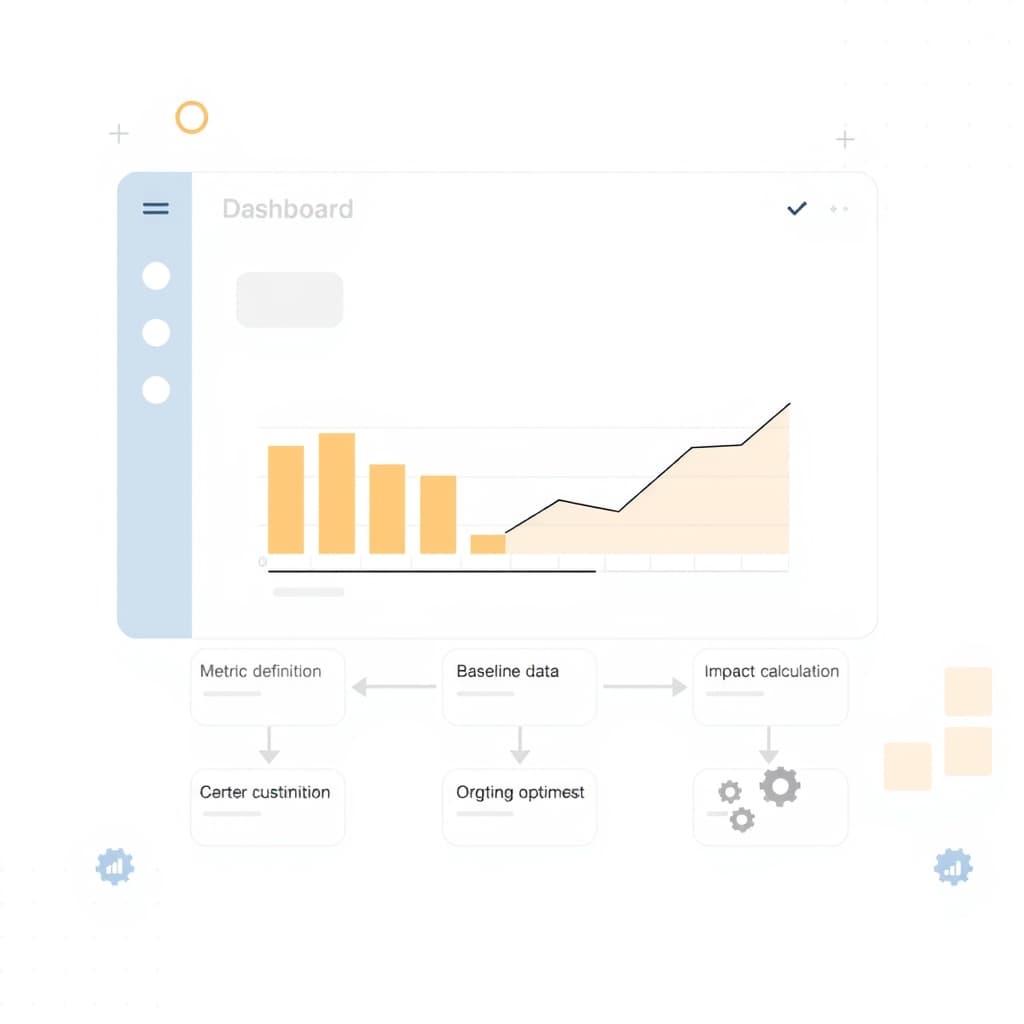
When growing teams need to move requests—budget approvals, content sign‑offs, or vendor onboarding—through a predictable path, an internal approval workflow tool becomes the backbone of operational velocity. Off‑the‑shelf spreadsheets or no‑code platforms can start fast, but they rarely scale with the complexity of real‑world hand‑offs, audit requirements, and role‑specific logic. Building a custom solution lets you embed the exact rules, data validation, and integrations your business depends on, while keeping the user experience aligned with how ops teams actually work.
Why a Custom Internal Approval Workflow Beats Spreadsheets and No‑Code
Spreadsheets excel at ad‑hoc tracking but crumble when you need version control, conditional routing, or secure multi‑user access. No‑code builders add visual flow designers, yet they lock you into generic data models and limited API quotas. A purpose‑built internal approval workflow tool gives you a single source of truth, real‑time notifications, and the ability to enforce compliance without manual workarounds. You can also embed audit fields directly into the data schema, ensuring every change is traceable for internal governance or external audits such as SOC 2. The result is fewer bottlenecks, clearer accountability, and a platform that can evolve alongside your processes rather than forcing you to reshape them around the tool.
Defining the Real Business Problem: Mapping the End‑to‑End Process
The first step is to document the complete approval journey—not just the visible steps, but the decision points, data dependencies, and exception paths. Gather stakeholders from finance, legal, product, and any other gatekeepers to create a swim‑lane diagram that shows who does what, when, and why. Identify pain points like “approval loops that require manual email follow‑up” or “missing data that forces re‑submission.” This mapping exercise surfaces hidden requirements such as escalation rules, parallel approvals, or conditional branching based on request value. By anchoring the tool’s scope to a clearly defined business problem, you avoid scope creep and ensure the final product delivers measurable efficiency gains. For a deeper look at quantifying workflow ROI, see our AI Workflow Automation ROI guide.
Key User‑Centred Design Principles for Ops Teams
Ops professionals value speed, clarity, and error‑prevention. Start with personas that capture daily frustrations—e.g., “The Procurement Officer who juggles multiple vendor contracts.” Use these personas to drive design decisions: prioritize a clean dashboard that surfaces pending actions, employ progressive disclosure to hide advanced settings, and provide inline validation to stop incomplete submissions. Consistency across the UI reduces cognitive load; adopt a shared design system that aligns with your corporate brand and includes reusable components like status chips and permission badges. Accessibility matters too—ensure keyboard navigation and screen‑reader labels are in place, because many internal tools are used across varied devices and environments. A well‑crafted user experience not only boosts adoption but also lowers the support overhead that custom tools often incur.
Choosing the Right Tech Stack: Next.js, React, and Secure Auth
For a modern, performant internal tool, the combination of Next.js and React offers server‑side rendering, incremental static regeneration, and a seamless developer experience. Next.js handles routing, API endpoints, and SEO‑friendly URLs out of the box, while React’s component model lets you build a modular UI that can be reused across other internal products. Security is non‑negotiable: integrate an industry‑standard authentication provider (e.g., Auth0 or Azure AD) that supports SSO, MFA, and granular role claims. Pair this with HTTPS‑only communication, CSP headers, and regular dependency audits. The stack also aligns with our broader expertise, as showcased in our service portfolio, ensuring you have a partner who can maintain and extend the platform over time.
Step‑by‑Step Architecture: Data Model, API Layer, and UI Components
Begin with a normalized data model that captures requests, approvals, comments, and audit logs. Use a relational database (PostgreSQL) for transactional integrity and easy reporting. Expose CRUD operations through a thin REST or GraphQL API built in the Next.js API routes, enforcing validation and permission checks server‑side. On the front end, compose UI components—RequestForm, ApprovalQueue, HistoryTimeline—that consume these endpoints. Leverage React Query or SWR for data fetching, which provides caching and automatic refetch on mutation. Organize code into feature folders (e.g., /features/approval) to keep the codebase maintainable. This layered approach isolates concerns, making it straightforward to replace or scale any part without disrupting the whole system.
Implementing Role‑Based Permissions and Audit Trails
Define roles (Requester, Approver, Auditor, Admin) and map them to permission sets stored in a dedicated table. Middleware in the API layer checks the caller’s JWT claims against these sets before allowing actions such as “submit,” “approve,” or “override.” Every state transition writes a record to an immutable audit log, capturing who performed the action, timestamp, and prior vs. new values. This log supports both internal investigations and external compliance audits. For companies pursuing SOC 2, the audit trail satisfies the “Change Management” and “Access Control” criteria, linking back to our SOC 2 Readiness Checklist. Providing a searchable audit UI empowers managers to trace decisions without digging through email threads.
Testing, Deployment, and Measuring Success Metrics
Adopt a testing pyramid: unit tests for business logic, integration tests for API routes, and end‑to‑end tests (Cypress or Playwright) for critical user flows like “submit → approve → archive.” Automate these in a CI/CD pipeline that deploys to a staging environment for stakeholder review before production rollout. Success isn’t just “it works”—track metrics such as average approval time, number of re‑submissions, and user satisfaction (via short NPS surveys). Set baseline values during the pilot phase and compare after a month of live use. If the tool reduces cycle time by 20 % or more, you have concrete evidence of ROI, reinforcing the business case for further investment.
Scaling and Maintaining the Tool as Your Company Grows
As request volume rises, ensure the architecture can handle higher concurrency. Horizontal scaling of the Next.js serverless functions and read replicas for the database keep latency low. Implement feature flags to roll out new approval rules safely. Regularly review the audit log schema and archive older entries to keep the primary tables lean. Maintenance contracts—like our post‑launch support offering—provide proactive monitoring, security patching, and performance tuning. Periodically revisit the process map to incorporate new business units or regulatory changes, keeping the tool aligned with evolving needs without requiring a full rebuild.
Conclusion & Next Steps: When to Partner with a Development Agency
If your team lacks the bandwidth to design, build, and iterate on a robust internal approval workflow tool, partnering with an experienced agency accelerates delivery while mitigating risk. Look for a partner that demonstrates deep expertise in Next.js, security, and user‑centred design, and that can provide ongoing support as the product scales. Our internal‑tools pillar guide (internal tools overview) outlines the strategic considerations you should evaluate before committing. Ready to move from spreadsheet chaos to a purpose‑built workflow platform? Book a call with SiteFusion and let’s turn your approval process into a competitive advantage.