Why Measuring ROI on Internal Ops Dashboards Matters (internal ops dashboard ROI)
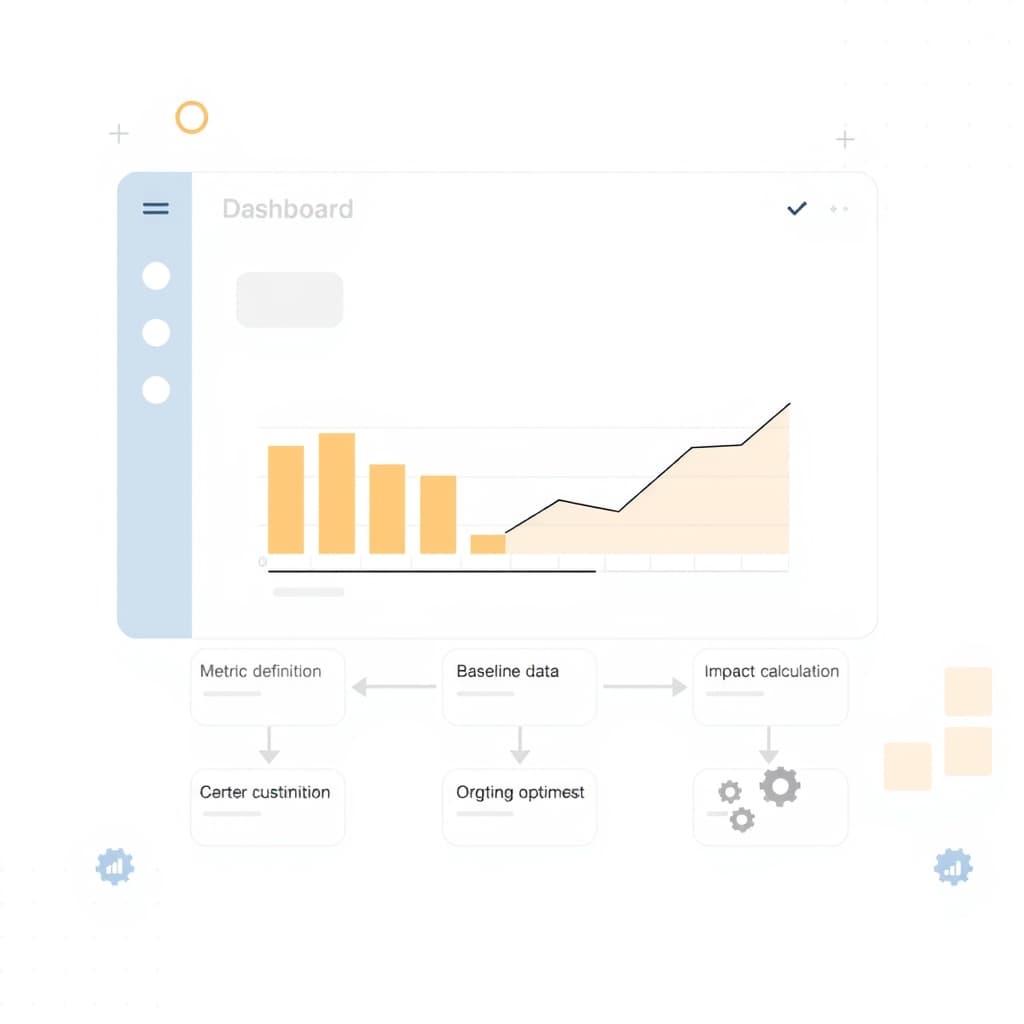
Investing in an internal ops dashboard is a strategic decision, not a cosmetic upgrade. The internal ops dashboard ROI is the metric that convinces founders, ops leads, and product managers that the tool pays for itself. Without a clear ROI narrative, budget committees default to “nice‑to‑have” and the project stalls. Measuring ROI also surfaces hidden costs—manual data pulls, duplicated effort, and delayed decision‑making—that would otherwise stay invisible. By quantifying these, you turn subjective “efficiency gains” into hard numbers that can be compared against other growth initiatives, such as the Logistics Automation Roadmap. Moreover, a disciplined ROI approach creates a feedback loop: the dashboard itself can surface the very metrics you need to prove its value, reinforcing a culture of data‑driven improvement.
Key reasons to track ROI early
- Budget justification: Aligns tool spend with board expectations.
- Prioritization: Helps you decide which features to double‑down on.
- Stakeholder confidence: Demonstrates that ops investments are not sunk costs.
Focus on measurable outcomes, not just “nice‑to‑have” features, to secure ongoing funding.
Defining Success Metrics Before You Build
Before a line of code lands, you must agree on what success looks like. Success metrics are the north star for both development and the eventual ROI calculation. Start by gathering input from the three primary user groups: frontline operators, managers, and executives. Each will value different signals—operators care about task completion time, managers about error rates, executives about strategic visibility. Capture these in a prioritized list, then translate each into a quantitative metric.
Typical success metric categories
- Efficiency: average time per transaction, number of clicks saved.
- Accuracy: error frequency before vs. after dashboard launch.
- Adoption: daily active users, feature‑specific usage rates.
- Strategic impact: speed of quarterly business reviews, forecast variance.
Document the baseline for each metric in a living spreadsheet. This baseline becomes the reference point for every ROI calculation you’ll perform later. For a deeper dive into metric selection, see our internal tools overview.
Define metrics that matter to all stakeholder tiers; otherwise the ROI story will fall flat.
Mapping the Current Workflow: Baseline Cost & Time
Understanding the existing process is the foundation of any ROI model. Begin by walking through a typical end‑to‑end workflow—order intake, data validation, reporting, and follow‑up. Capture every handoff, manual spreadsheet, and email thread. Then assign two cost dimensions to each step: labor (hourly rate × minutes spent) and opportunity cost (delayed insight, missed upsell).
Steps to create a reliable baseline
- Process mapping: Use a simple flowchart or a tool like Lucidchart to visualize each action.
- Time tracking: Ask participants to log minutes for a week or use screen‑recording analytics.
- Cost assignment: Multiply logged minutes by the employee’s fully‑burdened hourly rate (salary + benefits + overhead).
- Error cost estimation: Identify the average rework cost when a data mistake occurs.
When you have a clear baseline, you can later subtract the dashboard‑enabled numbers to reveal the delta—your raw ROI material.
Accurate baselines prevent “inflated” ROI claims that erode trust later.
Designing Data Collection Points for Accurate Tracking
Once the baseline is set, embed data collection directly into the dashboard’s architecture. The goal is to capture the same metrics you defined earlier without adding manual reporting overhead. Use event‑driven telemetry: every button click, data import, or report generation fires a lightweight event that records user ID, timestamp, and context.
Practical collection techniques
- Frontend hooks: Instrument React components with
onClickhandlers that push events to a central analytics endpoint. - Backend logs: Log API latency and payload size to infer processing time savings.
- Database triggers: Capture row‑level changes that indicate manual corrections avoided.
- Periodic surveys: Short quarterly pulse checks to gauge perceived error reduction.
Store this raw data in a secure, query‑able warehouse (e.g., Snowflake or BigQuery). The same data will feed both the direct savings calculations and the indirect benefit models discussed later. For teams new to telemetry, our post‑launch support service can help set up reliable pipelines.
Automation of data capture is the only way to keep ROI tracking sustainable.
Calculating Direct Savings: Labor, Errors, and Cycle Time
Direct savings are the easiest to quantify because they tie directly to measurable inputs. Start with labor: compare the baseline minutes per transaction to the post‑dashboard minutes, then multiply by the fully‑burdened hourly rate. Next, calculate error‑related savings. Identify the frequency of data errors before the dashboard and the average cost of correcting each error (including re‑work, customer churn risk, and compliance penalties). Finally, assess cycle‑time reduction—the time from request to insight.
Sample calculation template
- Labor Savings: (Baseline minutes – Dashboard minutes) ÷ 60 × Hourly rate = $ saved per transaction.
- Error Savings: (Baseline error count – Post‑dashboard error count) × Avg. error cost = $ saved.
- Cycle‑time Savings: (Baseline cycle days – Dashboard cycle days) × Revenue per day (if applicable) = $ saved.
Aggregate these figures across the volume of transactions per month to arrive at a monthly direct ROI figure. Remember to factor in any one‑time implementation costs (development, integration, training) to compute net ROI over a chosen horizon, typically 12–24 months.
Direct savings provide the “hard” part of ROI; they’re the anchor for the rest of the story.
Estimating Indirect Benefits: Decision Speed and Employee Satisfaction
Indirect benefits are harder to monetize but no less critical. Faster decision‑making can unlock revenue opportunities, while higher employee satisfaction reduces turnover—a hidden cost for growing companies. To estimate decision speed, track the time between data request and actionable insight before and after dashboard launch. Assign a monetary value by estimating the revenue impact of a faster go‑to‑market decision (e.g., a 2‑day lead‑time reduction on a $500k contract equals $2.7k per day).
Approaches to quantify indirect benefits
- Revenue impact modeling: Use historical win‑rate data to map decision latency to deal size.
- Turnover cost avoidance: Survey employee NPS; correlate improvements with reduced attrition. Multiply saved headcount by hiring & onboarding cost.
- Compliance risk reduction: Estimate the probability and cost of a regulatory breach avoided by real‑time alerts.
While these estimates carry assumptions, documenting the methodology adds credibility. You can refine them as more data becomes available, turning vague intuition into a repeatable component of your ROI model.
Indirect benefits often tip the ROI balance in favor of strategic investments.
Building a Simple ROI Model You Can Update Quarterly
A static spreadsheet quickly becomes stale. Build a modular ROI model that pulls raw metrics from your data warehouse and recalculates key figures each quarter. Use a tool like Google Sheets with connected data connectors, or a BI platform (Looker, Power BI) that supports parameterized calculations. Structure the model into three tabs: Baseline, Post‑Implementation, and Summary.
Model components
- Baseline tab: Stores pre‑dashboard labor, error, and cycle‑time numbers.
- Post‑Implementation tab: Ingests the latest telemetry and survey results.
- Summary tab: Calculates direct savings, indirect benefit estimates, total ROI, and payback period.
Include a “What‑If” section to test scenarios—e.g., a 10 % increase in adoption or a 5 % rise in labor rates. This flexibility lets you present forward‑looking projections to the board. Document assumptions in a footnote section; transparency builds trust.
Quarterly updates keep the ROI narrative alive and allow you to course‑correct early.
Communicating Results to Stakeholders and Securing Ongoing Funding
Numbers alone rarely move a boardroom; the story around them does. Craft a concise executive deck that starts with a headline ROI figure (e.g., “12 % net ROI in the first 6 months”) followed by three supporting pillars: cost savings, strategic acceleration, and employee impact. Use visual aids—bar charts for labor savings, line graphs for adoption trends, and a simple table for payback period.
Presentation checklist
- Executive summary: One slide with the headline ROI and key takeaway.
- Methodology: Briefly explain data sources and assumptions.
- Results: Separate slides for direct and indirect benefits.
- Future roadmap: Show planned enhancements and expected incremental ROI.
- Call to action: Request budget for next phase or for ongoing maintenance.
Tailor the depth of detail to the audience—ops leads may want granular error‑cost breakdowns, while founders prefer high‑level payback periods. End with a clear request for continued funding, referencing the proven ROI and the next set of features that will amplify it.
Clear, data‑backed storytelling turns ROI from a spreadsheet into a strategic lever.
Conclusion & Next Steps: Turning ROI Insights into Future Tool Enhancements
Measuring internal ops dashboard ROI is not a one‑off exercise; it’s a continuous improvement engine. Use the quarterly ROI model to identify under‑performing features, then prioritize enhancements that promise the highest incremental return. For example, if adoption spikes after adding a real‑time alert but error reduction plateaus, consider expanding the alert library to cover additional data sources.
Actionable next steps
- Schedule a quarterly ROI review with ops, product, and finance leads.
- Update the baseline whenever a major process change occurs.
- Iterate on the dashboard based on the “What‑If” scenarios that delivered the biggest upside.
- Leverage SiteFusion’s full‑stack development expertise to accelerate high‑impact enhancements.
By embedding ROI tracking into the DNA of your internal tool strategy, you turn every dollar spent into a measurable lever for growth. Ready to build a dashboard that proves its worth from day one? Book a call with SiteFusion and let’s design the ROI‑first solution your team needs.