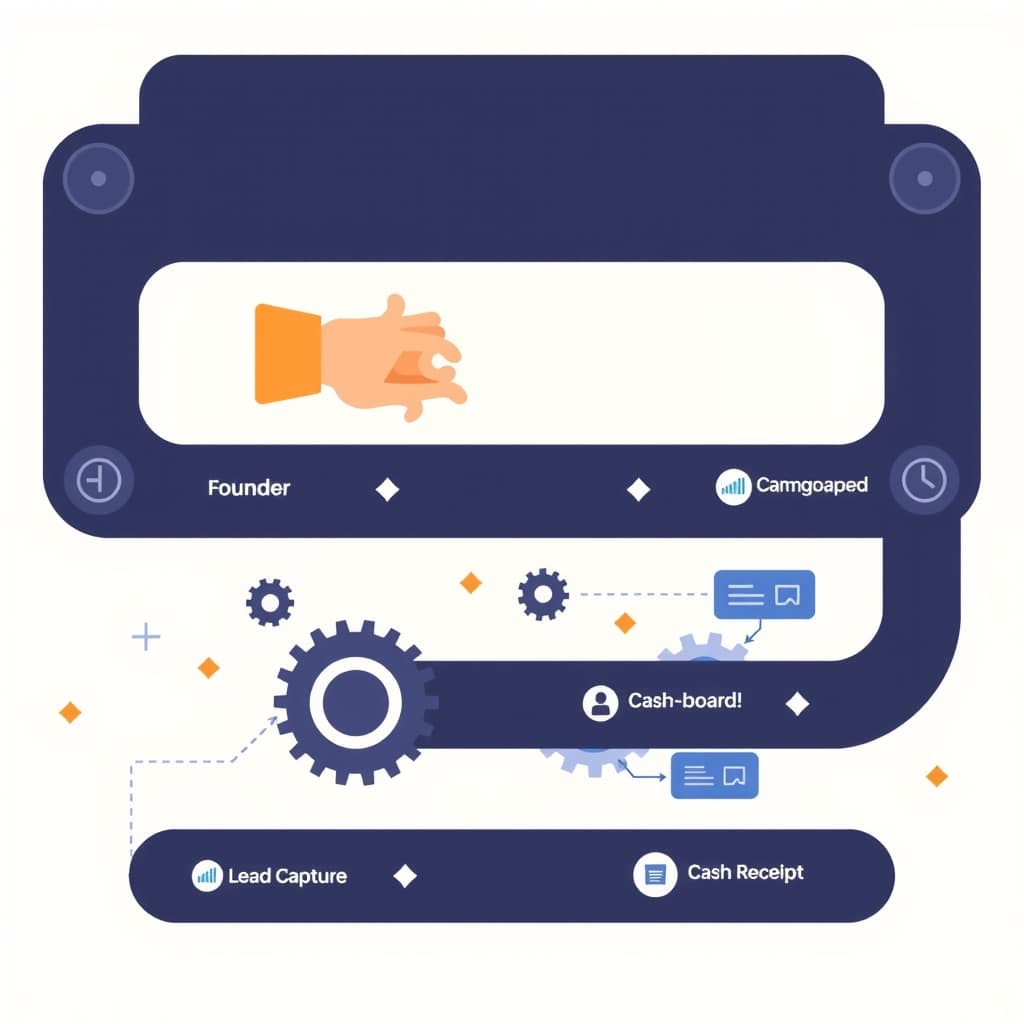
Why ROI Matters for AI Workflow Automation
For founders and ops leaders, every investment must translate into measurable outcomes. AI workflow automation ROI is the yardstick that tells you whether an intelligent bot or a custom integration is worth the spend. Without a clear ROI framework, you risk allocating engineering bandwidth to projects that look impressive on paper but deliver marginal value. Quantifying ROI forces you to align automation with business goals—whether that’s reducing headcount costs, accelerating time‑to‑market, or improving customer satisfaction. It also builds credibility with stakeholders who demand hard data before green‑lighting further automation. By treating AI workflow automation as a portfolio of experiments with defined returns, you create a feedback loop that informs future prioritisation and budgeting decisions.
Defining the Scope: Which Processes Should Be Automated First
Not every repetitive task delivers the same payoff. Start by mapping end‑to‑end processes and flagging steps that are high‑volume, rule‑based, and error‑prone. Typical early wins include data entry, invoice reconciliation, and ticket triage. Prioritise workflows that sit at the intersection of cost, risk, and strategic impact. For example, a manual onboarding sequence that consumes three hours per client can be a prime candidate if it directly influences churn. Use a simple scoring matrix—volume, complexity, and revenue impact—to rank candidates. Remember, the goal is to automate where the marginal benefit of AI exceeds the marginal cost of implementation and maintenance.
Setting Baseline Metrics Before You Automate
Before you press “run” on any AI model, capture the current performance of the target process. Record cycle time, error rate, labor hours, and any downstream effects such as support tickets or refunds. These baseline numbers become the denominator in your ROI calculation. Use existing analytics tools or build a lightweight spreadsheet to log daily or weekly figures for at least four weeks to smooth out variance. Include qualitative observations—like employee frustration or customer complaints—as they often surface hidden costs that later appear as indirect benefits. A solid baseline not only validates the impact of automation but also protects you from “regression creep” where the new system unintentionally slows down other parts of the workflow.
Choosing the Right AI Tools and Integration Patterns
The market offers everything from off‑the‑shelf NLP APIs to custom‑trained models. Selecting the right tool hinges on three factors: data availability, latency requirements, and integration complexity. For low‑latency, high‑volume tasks, a hosted model with a REST endpoint may be optimal. For highly confidential data, on‑premise models or edge inference keep information in‑house. Evaluate integration patterns—event‑driven pipelines, webhook orchestration, or batch jobs—to match the process cadence. When in doubt, consult resources like Choosing the Right Dev Partner Pricing Model for Growth to understand how tooling choices affect long‑term cost structures. A modular architecture also makes it easier to swap components as models improve, preserving ROI over time.
Calculating Direct Cost Savings (labor, error reduction, speed)
Direct savings are the easiest to quantify. Start with labor: multiply the number of hours saved per transaction by the average fully‑burdened hourly rate of the staff member performing the task. Next, factor in error reduction. If the manual process historically produced a 2% error rate that cost $5,000 per incident, a 90% reduction translates into a clear dollar benefit. Finally, speed gains often translate into additional capacity—more tickets closed per day or faster order fulfillment—allowing you to serve more customers without hiring. Summarise these components in a simple equation: Labor Savings + Error Cost Avoidance + Capacity Value = Direct ROI. Keep the calculation transparent so finance teams can audit the numbers.
Estimating Indirect Benefits (customer satisfaction, churn, revenue uplift)
Indirect benefits are harder to attach a precise dollar figure, yet they often dominate the total ROI. Faster response times boost Net Promoter Score, which correlates with lower churn. For a SaaS business, a 1% reduction in churn can mean millions in retained ARR. Similarly, error‑free invoices improve cash‑flow predictability and reduce late‑payment penalties. Use proxy metrics—CSAT, first‑contact resolution, or average revenue per user—to estimate the revenue uplift attributable to automation. Apply industry‑benchmark multipliers where available, but always qualify the estimate with confidence intervals. Document assumptions so future refinements can replace proxies with actual data as the automation matures.
Building a Continuous Measurement Dashboard
A static ROI report quickly becomes stale. Implement a live dashboard that pulls real‑time data from your monitoring stack, ERP, and CRM. Key widgets should include baseline vs. post‑automation cycle time, error rate trends, labor hour consumption, and the derived cost savings. Visualise indirect metrics such as churn rate and CSAT alongside financial KPIs. Use alerts to flag regressions—e.g., a sudden spike in error rate—that may erode ROI. The dashboard becomes a decision‑making hub for product managers and ops leads, ensuring that every iteration of the AI model is evaluated against the same benchmark. For a deeper dive on building such dashboards, see our guide on Proving Internal Ops Dashboard ROI.
Case Study: From Manual Invoicing to AI‑Driven End‑to‑End Automation
A mid‑size SaaS provider processed 1,200 invoices per month using a spreadsheet‑based workflow. Each invoice required two staff members averaging $30 /hour, and the error rate was 1.8%, costing $4,200 monthly in rework. After implementing an AI‑powered data extraction and validation pipeline, cycle time dropped from 12 hours to 2 hours per batch, labor fell to 0.3 FTE, and errors fell below 0.2%. Direct savings amounted to $5,400 per month, while the faster turnaround improved cash‑flow, reducing days sales outstanding by three days—a $2,800 revenue benefit. The total monthly ROI, combining direct and indirect gains, exceeded 150%, and the solution paid for itself in under four months. This example illustrates how a focused automation effort can deliver both immediate cost cuts and strategic financial advantages.
Key Pitfalls to Avoid When Tracking ROI
Even with a solid framework, common mistakes can skew results. First, double‑counting: don’t count the same time saved as both labor reduction and capacity gain. Second, ignoring change‑over costs—training, migration, and temporary productivity dips—can inflate ROI. Third, using overly optimistic baseline data; always verify that pre‑automation metrics are accurate and representative. Fourth, neglecting to adjust for seasonality; a spike in volume during a particular month can mask true efficiency gains. Finally, failing to revisit the model: AI performance degrades over time if data drift occurs, eroding ROI unless you schedule regular retraining and monitoring. Awareness of these traps helps maintain a trustworthy ROI narrative.
Next Steps: How SiteFusion Can Help You Quantify and Scale AI Automation
SiteFusion brings a full‑stack approach to AI workflow automation—from discovery workshops that surface high‑impact processes to custom model development and seamless API integration. Our post‑launch support ensures that models stay accurate and dashboards stay current, protecting your ROI over the long term. We also provide a proven methodology for baseline measurement, tool selection, and continuous improvement, all aligned with your growth targets. Ready to move from hypothesis to quantified results? Explore our workflow automation pillar guide for a deeper overview, then book a call with our team to start building the automation engine that fuels your next growth phase.