Scaling a B2B SaaS product means more users, more data, and tighter expectations around speed. A solid Next.js performance checklist gives founders and product leaders a roadmap to keep latency low, conversion high, and operational costs predictable. In this post we walk through the most impactful levers— from rendering strategy to asset handling— that let your team ship reliable, fast experiences without sacrificing flexibility.
Why performance matters for growing SaaS products (Next.js performance checklist)
Performance directly influences churn, support tickets, and the bottom line. A half‑second delay can shave up to 10 % off conversion rates, while slow internal tools increase employee time‑to‑value. As your user base expands, the cost of every extra millisecond compounds across thousands of sessions, straining budgets and eroding brand trust. Moreover, investors and auditors increasingly scrutinize latency metrics as part of product health dashboards. For SaaS leaders, performance is not a nice‑to‑have; it’s a competitive moat. Embedding performance goals into your development lifecycle—using a clear checklist—ensures that optimization is a continuous, measurable effort rather than an after‑thought.
Understanding the Core Web Vitals landscape in Next.js
Core Web Vitals (LCP, CLS, FID) are the industry’s baseline for user‑perceived performance. Next.js ships with built‑in support for automatic image optimization, server‑side rendering, and static generation, all of which can improve these metrics out of the box. However, you still need to audit each page: use Web Vitals or Lighthouse to capture real‑world data, then prioritize fixes where LCP exceeds 2.5 seconds or CLS spikes above 0.1. Remember that a single heavy component can inflate CLS across the entire app. In Next.js, leveraging next/script with the strategy="lazyOnload" attribute helps keep First Input Delay low, while the next/image component automatically serves appropriately sized images, reducing LCP. Treat these tools as the first line of defense on your performance checklist.
Server‑side vs. client‑side rendering: choosing the right strategy
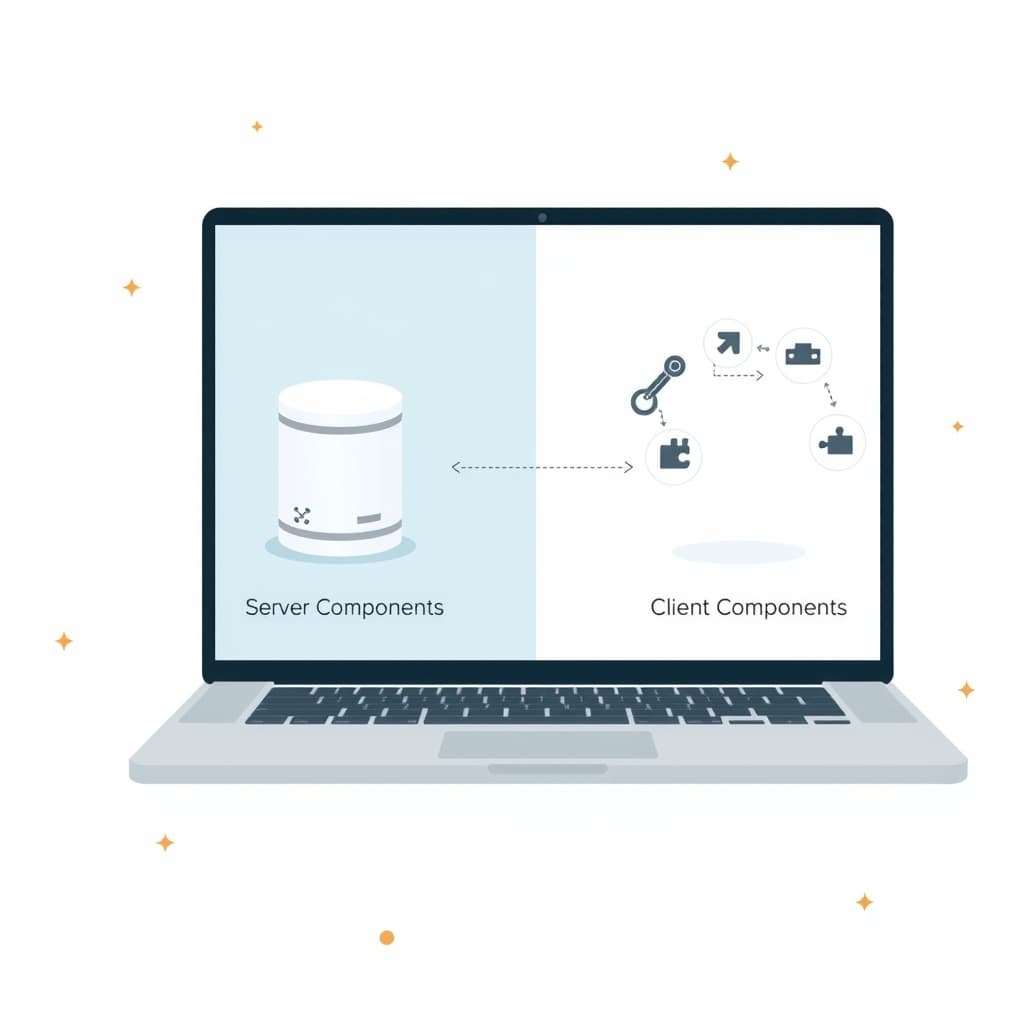
SSR guarantees that the initial HTML is fully populated, which is ideal for SEO‑heavy B2B portals and for users on slow networks. CSR, on the other hand, reduces server load and enables richer interactivity after the first paint. The sweet spot for most SaaS products is a hybrid approach: render critical above‑the‑fold content with SSR, then hydrate interactive widgets on the client. Next.js lets you toggle this per‑page via getServerSideProps or getStaticProps. Evaluate your data freshness needs—if the content changes every request, SSR is safer; if it’s relatively static, static generation wins on speed and cost. Align the rendering choice with your product’s SLA and the expectations of your ops team.
Optimizing data fetching: ISR, SSG, and hybrid approaches
Incremental Static Regeneration (ISR) lets you pre‑render pages at build time and refresh them on demand, striking a balance between freshness and speed. Use revalidate to set a cache window that matches your data volatility—minutes for dashboards, hours for documentation. For truly dynamic endpoints, fall back to SSR or client‑side fetching with useSWR to avoid blocking the render pipeline. A common pattern is to statically generate the shell of a page, then fetch user‑specific data client‑side, keeping the payload lightweight. This hybrid model reduces server cost while preserving a snappy first paint, a key item on any performance checklist for growing teams.
Asset optimization: images, fonts, and static files
Large assets are the single biggest cause of slow LCP. Next.js’s next/image automatically serves WebP or AVIF when supported, and it generates multiple resolutions for responsive devices. Pair this with a CDN edge cache to eliminate round‑trip latency. Fonts should be loaded via font-display: swap and subset to only the characters you need; the next/font module simplifies this process. For other static files— PDFs, CSV exports, or binary blobs—store them in a cloud bucket with proper cache‑control headers and serve through the same edge network. Regularly audit your public folder; orphaned assets add unnecessary weight to every request.
Code‑splitting, lazy loading, and component design patterns
Next.js automatically splits code at the page level, but you can go deeper with dynamic imports. Wrap heavy components in next/dynamic and enable ssr: false for client‑only widgets like charts or rich text editors. Lazy loading images and below‑the‑fold sections further reduces initial payload. Adopt a “presentational‑container” pattern: keep UI components pure and stateless, and fetch data in higher‑order containers. This separation improves testability and makes it easier to apply memoization (React.memo) where appropriate. Each of these techniques should be a line item on your checklist, ensuring that new features never bloat the bundle.
Monitoring and testing: real‑world tools and metrics
Performance is only as good as the data you collect. Integrate Real‑User Monitoring (RUM) tools such as Vercel Analytics, New Relic, or open‑source Web Vitals SDKs to capture field metrics. Pair this with synthetic testing—run Lighthouse CI on every PR to enforce thresholds before merge. Set up alerts for LCP spikes or increased error rates; a sudden rise often signals a regression in a recent deployment. For B2B SaaS, also monitor API latency, as backend delays can surface as front‑end performance issues. A disciplined monitoring regime closes the loop on the checklist, turning insights into actionable tickets.
Future‑proofing your stack: upgrades, edge functions, and scaling
Next.js evolves rapidly; staying on the latest minor version brings performance improvements like faster image handling and better tree‑shaking. Plan regular upgrade windows and use the next migrate tool to catch breaking changes early. Edge Functions (Vercel Edge Middleware) let you run auth checks or personalization logic at the CDN edge, shaving milliseconds off request time. As traffic grows, consider moving heavy compute to edge workers while keeping stateful operations in your core API layer. This architecture reduces latency for global users and aligns with a forward‑looking performance checklist that anticipates growth without a complete rewrite.
Conclusion & next steps: implementing the checklist with a development partner
Performance is a continuous discipline, not a one‑off sprint. By following this Next.js performance checklist—from rendering decisions to edge deployment—you give your SaaS product the speed and reliability that customers expect. If your team needs hands‑on expertise to audit, implement, or maintain these optimizations, our engineers can partner with you from day one. Explore our service catalog or view case studies in our portfolio to see how we’ve helped other scaling SaaS businesses. Ready to turn the checklist into results? Book a call with SiteFusion and let’s build faster together.