Why Traditional Spreadsheets Fail Field Service Teams
Spreadsheets were the first tool many founders reach for because they’re cheap and familiar. In practice, they become a liability the moment a team scales beyond a handful of technicians. Manual entry creates latency: a dispatcher updates a schedule in one tab while a field worker checks a different copy, leading to conflicting information. Version control is non‑existent, so “the latest” data is always an assumption. Complex routing rules, equipment availability, and service level agreements cannot be expressed reliably in rows and formulas. When a job is delayed, the ripple effect—rescheduling, parts allocation, invoicing—must be re‑calculated manually, consuming hours that could be spent on revenue‑generating work. The result is missed appointments, higher travel costs, and frustrated customers. The moment you notice these symptoms, it’s a clear signal that spreadsheet‑based processes have outlived their usefulness and that dedicated field service software is required to restore efficiency.
Core Business Problems Only Field Service Software Can Solve
Custom software addresses the pain points that spreadsheets simply cannot. First, it enforces a single source of truth: every job, technician, and asset lives in a relational database that updates in real time. Second, it automates rule‑based dispatch, ensuring the right skill set, location, and inventory are matched to each request without human guesswork. Third, it provides end‑to‑end visibility from the moment a service ticket is created until payment is collected, eliminating gaps that cause revenue leakage. Fourth, it integrates with existing ERP, CRM, and accounting systems, so data flows automatically rather than requiring copy‑and‑paste. Finally, it supports compliance and audit trails, essential for regulated industries. By replacing ad‑hoc spreadsheets with a purpose‑built platform, you turn operational chaos into a predictable, measurable engine that scales with demand.
First Priority: Real‑Time Dispatch & Scheduling Engine
The heart of any successful field service operation is a dispatch engine that reacts instantly to new requests, cancellations, and traffic conditions. A robust engine ingests incoming jobs via phone, web portal, or API, then applies constraints such as technician certifications, equipment availability, and service level agreements. It continuously re‑optimizes routes using live traffic data, minimizing travel time and fuel costs. Real‑time updates push changes to both dispatchers and mobile workers, so a last‑minute cancellation instantly frees a slot for a higher‑priority job. Building this capability on a modern stack—often with Next.js for the UI and a Node.js backend—ensures low latency and scalability. For performance best practices, see our Next.js Performance Checklist: Faster Apps for Growing Teams. Investing in a real‑time engine early prevents the “dispatch bottleneck” that plagues spreadsheet‑driven workflows.
Second Priority: Mobile Workforce App with Offline Capability
Technicians spend most of their day away from a reliable internet connection. A mobile app that works offline and syncs automatically when back online is non‑negotiable. Offline mode stores job details, customer history, and parts lists locally, allowing the worker to complete checklists, capture signatures, and record time without delay. Once connectivity returns, the app reconciles data, resolves conflicts, and updates the central system. Push notifications keep the workforce informed of schedule changes, while GPS tracking provides accurate arrival estimates for dispatchers. The UI should be lightweight, built with React Native or Expo, and follow a design system to ensure consistency across iOS and Android. Security features—device encryption, biometric login, and role‑based access—protect customer data in the field. A well‑crafted mobile experience reduces paperwork, cuts admin time, and improves first‑time‑fix rates.
Third Priority: Integrated Billing & Parts Inventory System
Field service revenue is tightly coupled to parts usage and labor hours. An integrated billing module automatically aggregates time entries, parts consumed, and service fees into a single invoice, eliminating manual calculations that often result in errors. Real‑time inventory tracking ensures that technicians see accurate stock levels before they head out, reducing the need for return trips. When a part is allocated to a job, the system decrements inventory and flags re‑order thresholds, feeding directly into procurement workflows. Integration with accounting platforms (e.g., QuickBooks, Xero) via APIs streamlines revenue recognition and cash flow reporting. By closing the loop between service delivery and finance, companies gain tighter control over margins and can negotiate better vendor terms based on transparent usage data.
Data‑Driven Insights: Building a Field Ops Dashboard
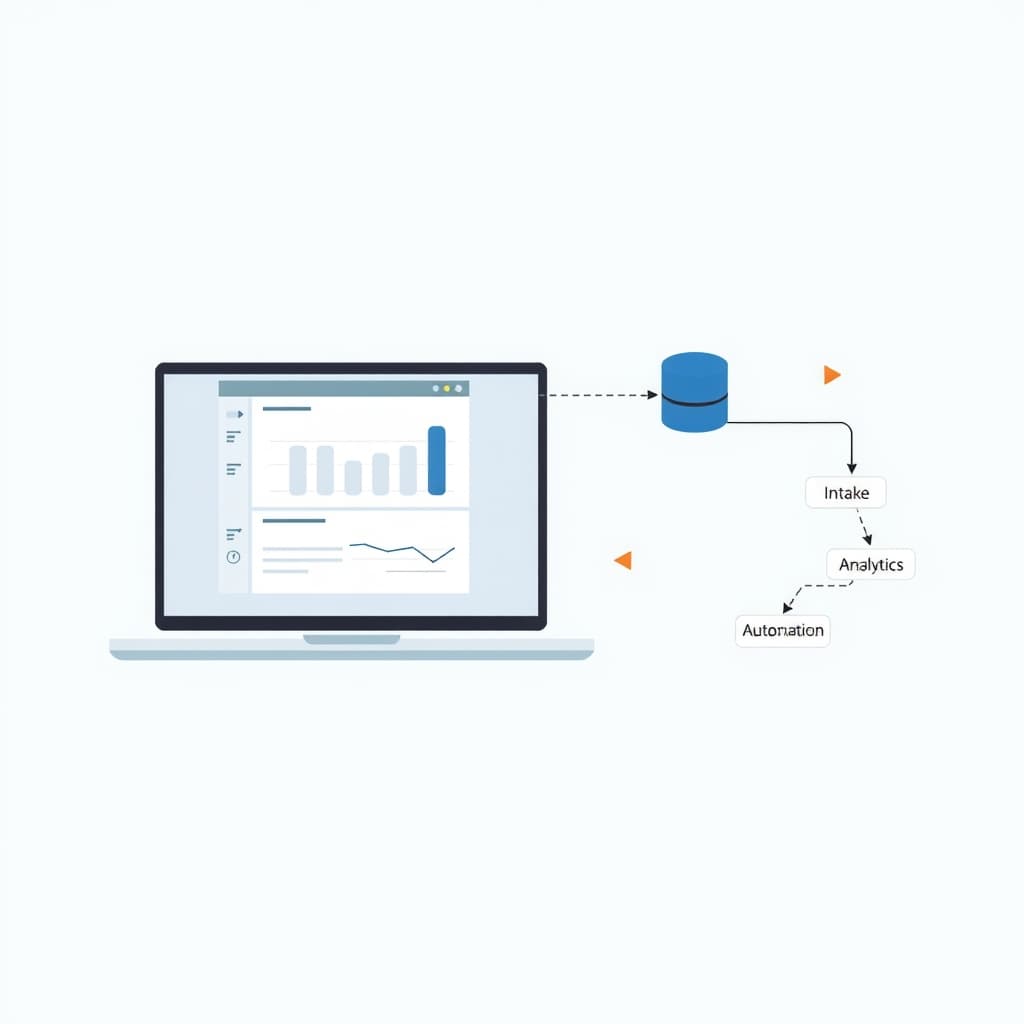
A centralized dashboard turns raw operational data into actionable insight. Key visualizations include technician utilization, average time‑to‑complete, travel mileage, and parts turnover. Drill‑down capabilities let managers explore performance by region, service type, or contract tier. Alerting rules highlight overdue jobs, low inventory, or SLA breaches in real time. Leveraging a modern analytics stack—such as a PostgreSQL data warehouse paired with a React‑based visualization layer—keeps the dashboard responsive even as data volumes grow. Embedding AI‑driven forecasts can suggest optimal staffing levels for upcoming peaks. The dashboard becomes the single source for executive reporting, enabling data‑backed decisions that improve profitability and customer satisfaction.
Implementation Roadmap: From MVP to Scalable Platform
Start with a Minimum Viable Product that delivers the core dispatch engine and a basic mobile app. Define a narrow scope—perhaps a single service line and a limited technician pool—to validate workflows and gather feedback. Use the Swap No‑Code for Custom Software: Practical Checklist to decide which features merit native development versus low‑code extensions. Once the MVP proves its value, iterate by adding offline mobile capabilities, billing integration, and inventory management. Adopt an API‑first architecture early; this ensures future modules (e.g., predictive maintenance) can plug in without re‑architecting the core. Scale horizontally by containerizing services and employing load balancers, and plan for multi‑tenant isolation if you intend to serve multiple brands—see our guide on Multi‑Tenant SaaS Data Isolation for Scale. Finally, allocate resources for post‑launch support to keep the platform reliable as usage grows.
Measuring Success: KPIs and ROI After Launch
Quantify the impact of your field service software with clear KPIs. Common metrics include:
- First‑time‑fix rate – percentage of jobs completed without a follow‑up visit.
- Average dispatch time – time from ticket creation to technician assignment.
- Travel mileage per job – indicates routing efficiency.
- Invoice accuracy – reduction in billing disputes.
- Parts inventory turnover – measures stock optimization.
Track these before and after implementation to calculate ROI. For example, a 15% reduction in travel mileage translates directly into fuel cost savings, while a higher first‑time‑fix rate boosts customer retention. Combine quantitative data with qualitative feedback from technicians and dispatchers to refine the system. Regularly review the dashboard to spot trends and adjust dispatch rules or inventory thresholds accordingly.
Next Steps & How SiteFusion Can Accelerate Your Build
Choosing the right development partner can shave months off your timeline. SiteFusion brings deep expertise in full‑stack Next.js/React, API integrations, and mobile app delivery for field‑service contexts. We begin with a discovery workshop to map your specific workflows, then prototype the dispatch engine within weeks. Our post‑launch support ensures the platform remains stable, secure, and performant as you add new features. Browse our portfolio of products to see similar successes. When you’re ready, we’ll co‑create a phased roadmap, lock in milestones, and provide transparent pricing so you can budget confidently.
Ready to replace spreadsheets with a purpose‑built solution that drives efficiency and growth? Book a call with SiteFusion today and let’s turn your field service challenges into a competitive advantage.