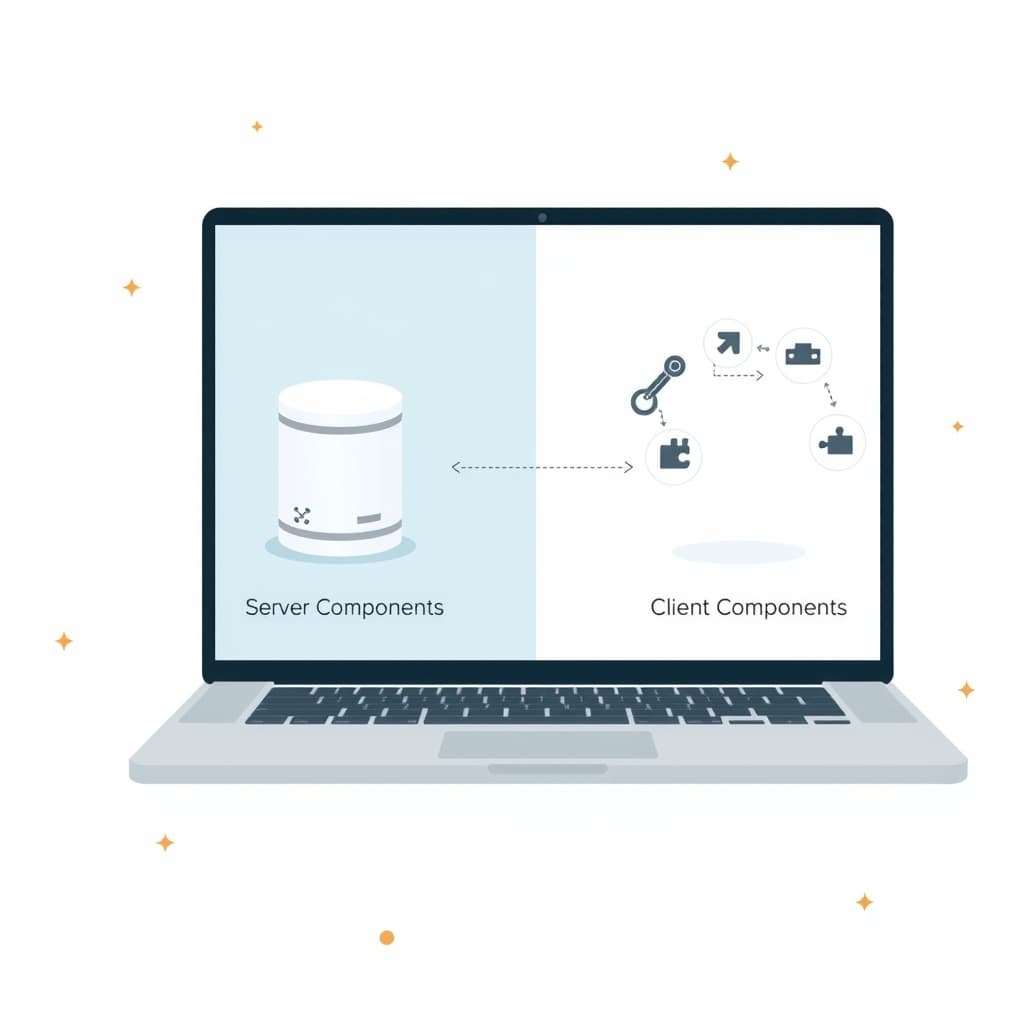
Modern founders are looking for ways to ship features faster without sacrificing performance. Next.js server components give you a clean separation between rendering logic that runs on the edge and interactive UI that lives in the browser, letting you scale both code and traffic with fewer moving parts.
Why Next.js Server Components Matter for Scaling Web Apps
Server components let you render markup on the server without sending the associated JavaScript to the client. This reduces bundle size, cuts initial load time, and eliminates the need for duplicate data‑fetching code. For growing businesses, the payoff is twofold: lower infrastructure costs because pages can be cached at the CDN edge, and a better user experience that translates into higher conversion rates. Because the server does the heavy lifting, your front‑end team can focus on interaction, while backend engineers own data orchestration. The model aligns with the “single source of truth” principle, which is critical when multiple teams iterate on the same product.
Core Differences: Server vs. Client Components in Practice
Server components execute exclusively on the server; they can import Node.js APIs, access databases, and call internal services without exposing secrets. They return plain React elements that the client hydrates as static HTML. Client components, by contrast, run in the browser, can use useState or useEffect, and must ship their JavaScript bundle. In practice, you place data‑intensive UI—lists, tables, SEO‑critical pages—in server components, while interactive widgets—modals, drag‑and‑drop, real‑time charts—remain client‑side. This clear boundary reduces the mental overhead of deciding where to fetch data, because server components can call fetch directly, while client components rely on props or context passed down from the server.
When to Use Each: Decision Matrix for Real‑World Projects
Think of the decision matrix as a quick checklist:
- SEO priority? Use server components for any page that search engines index.
- Interactivity level? If the UI needs client‑side state or event handling, choose a client component.
- Data sensitivity? Server components keep secrets on the backend; avoid exposing them in client bundles.
- Performance budget? Favor server components when you need sub‑second Time to First Byte (TTFB).
Applying this matrix to a B2B partner portal, the dashboard’s summary cards can be server components, while the inline filter bar stays client‑side. For a SaaS onboarding flow, the welcome page is a server component, but the step‑by‑step wizard is a client component.
Architecting Data Fetching and State Management with Server Components
Server components let you co‑locate data fetching with UI definition. Instead of a separate “services” layer, you can call your internal API directly inside the component file, returning the result as props to child components. For shared state, lift it to a server component and pass it down as immutable props; use React’s use hook (available in Next.js 13+) to suspend rendering until the data resolves. When you need client‑side reactivity, wrap the server‑derived data in a client component that receives the initial snapshot via props and then subscribes to a real‑time source (e.g., WebSocket or SWR). This pattern eliminates redundant fetches and keeps the data flow predictable.
Performance Gains: Impact on Core Web Vitals and Load Times
Because server components skip the JavaScript payload, the Largest Contentful Paint (LCP) often drops by 300‑500 ms on typical SaaS pages. First Input Delay (FID) improves as the browser has less script to parse before the user can interact. Moreover, the server‑side rendering of HTML enables edge caching, turning a dynamic page into a static‑like response that serves from the nearest CDN node. In real‑world measurements, teams report a 20‑30 % reduction in overall page weight and a noticeable lift in Core Web Vitals scores, which directly influences SEO rankings and conversion metrics.
Migration Path: Converting an Existing Next.js Codebase
Start with an audit: identify pages that are purely data‑driven and have minimal interactivity. Move those files into the app directory and rename them with the .server.jsx convention. Replace client‑side fetch calls with server‑side equivalents, and pass the results as props. Next, introduce a thin client wrapper for any interactive bits, using 'use client' at the top of the file. Test incrementally—deploy to a staging environment and monitor both functional correctness and performance metrics. For teams that already rely on a monolithic API layer, consider exposing internal services as private endpoints that server components can call directly, reducing network hops.
Operational Considerations: Build, Deploy, and Monitoring
Server components shift some of the build workload to the runtime environment. Ensure your CI pipeline caches the .next build artifacts and that your hosting platform supports edge functions (Vercel, Netlify, or AWS Lambda@Edge). Deployments should include health checks for server‑only routes, as failures will surface as blank pages rather than JavaScript errors. Monitoring tools need to capture both server‑side latency (TTFB) and client‑side metrics (CLS, LCP). Integrate logs with a centralized platform (e.g., Datadog) and set alerts for spikes in server render time. Finally, keep your next.config.js up to date with the experimental.serverComponents flag turned on for stable releases.
Common Pitfalls and How to Avoid Them
One frequent mistake is over‑using client components, which negates the performance benefits. Guard against this by reviewing each component’s responsibilities: if it doesn’t need browser APIs, make it a server component. Another trap is leaking secrets through props; always keep authentication tokens on the server and only pass sanitized data. Beware of “hydration mismatches” when server‑rendered markup differs from client expectations—keep deterministic rendering logic and avoid random IDs in server components. Lastly, don’t forget to purge stale caches after a data schema change; stale HTML can cause confusing UI bugs for end users.
Conclusion & Next Steps: How SiteFusion Can Help You Implement
Adopting Next.js server components gives founders a pragmatic path to faster, more secure web apps without reinventing the stack. Our team at SiteFusion has delivered multi‑tenant SaaS platforms, secure B2B partner portals, and AI‑driven workflow tools that already leverage this architecture. We can audit your current codebase, design a migration roadmap, and handle the end‑to‑end implementation—including post‑launch support.
Ready to future‑proof your product? Book a call with SiteFusion today and let us turn server components into a competitive advantage.
Related reading: AI-Powered Document Workflow Automation: A Founder’s Playbook.