When you’re scaling a product that serves multiple customers from a single codebase, multi-tenant SaaS data migration becomes a strategic priority—not an after‑thought. Moving tenant data between schemas, regions, or even cloud providers touches every downstream system, from billing to analytics. A well‑planned migration protects revenue, maintains trust, and keeps your engineering velocity intact. Below is a step‑by‑step guide that helps founders, product leaders, and ops managers turn a daunting data move into a repeatable, low‑risk process.
Why Data Migration Matters Early in a Multi‑Tenant SaaS Journey
Early‑stage SaaS products often start with a simple, monolithic database because speed to market trumps scalability. As you add tenants, that convenience becomes a liability: a single schema change can cascade into downtime for dozens of customers. Proactively addressing migration lets you design tenant isolation, enforce compliance, and lay the groundwork for future feature rollouts without retrofitting. Moreover, investors look for evidence that you can handle growth without jeopardizing data integrity. By treating migration as a core product capability, you reduce technical debt, improve security posture, and create a clear path to international expansion. The earlier you embed migration thinking, the less you’ll need to re‑architect later, saving months of engineering effort and preserving customer confidence.
Choosing the Right Migration Strategy: Lift‑and‑Shift vs. Incremental Sync
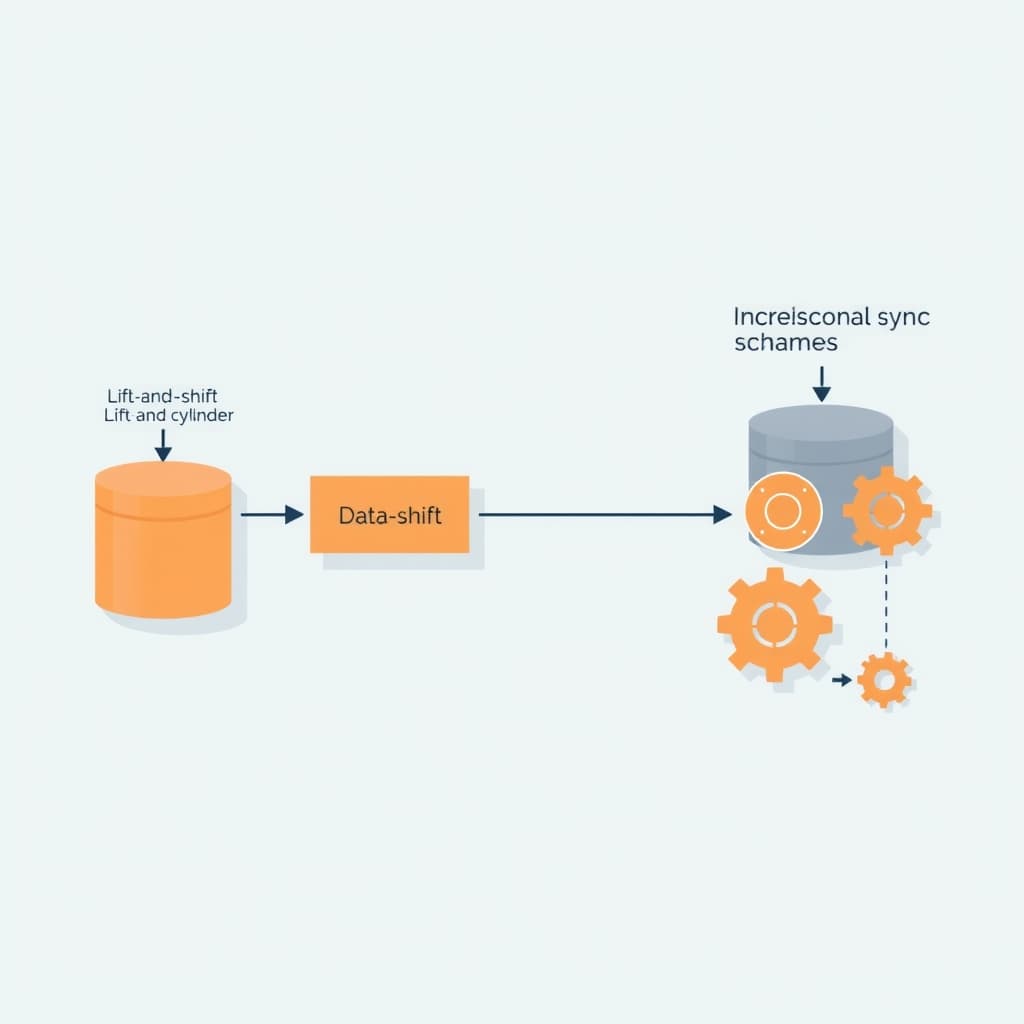
Two dominant patterns solve the migration puzzle. Lift‑and‑Shift copies the entire tenant dataset to a new environment in a single operation, then flips DNS or routing. It’s fast for small tenants but risky for large, active ones because it requires a maintenance window. Incremental Sync runs a continuous data pipeline that replicates changes in near real‑time, allowing a cut‑over with virtually no downtime. The trade‑off is added complexity: you must build idempotent pipelines, handle conflict resolution, and monitor lag. Choose lift‑and‑shift when tenant data volume is modest, the schema change is simple, and you can schedule a brief outage. Opt for incremental sync when you need zero‑downtime, have high‑velocity writes, or are migrating across regions with strict latency requirements. Align the strategy with your SLA commitments and the operational bandwidth of your team.
Designing a Tenant‑Isolated Schema for Seamless Data Moves
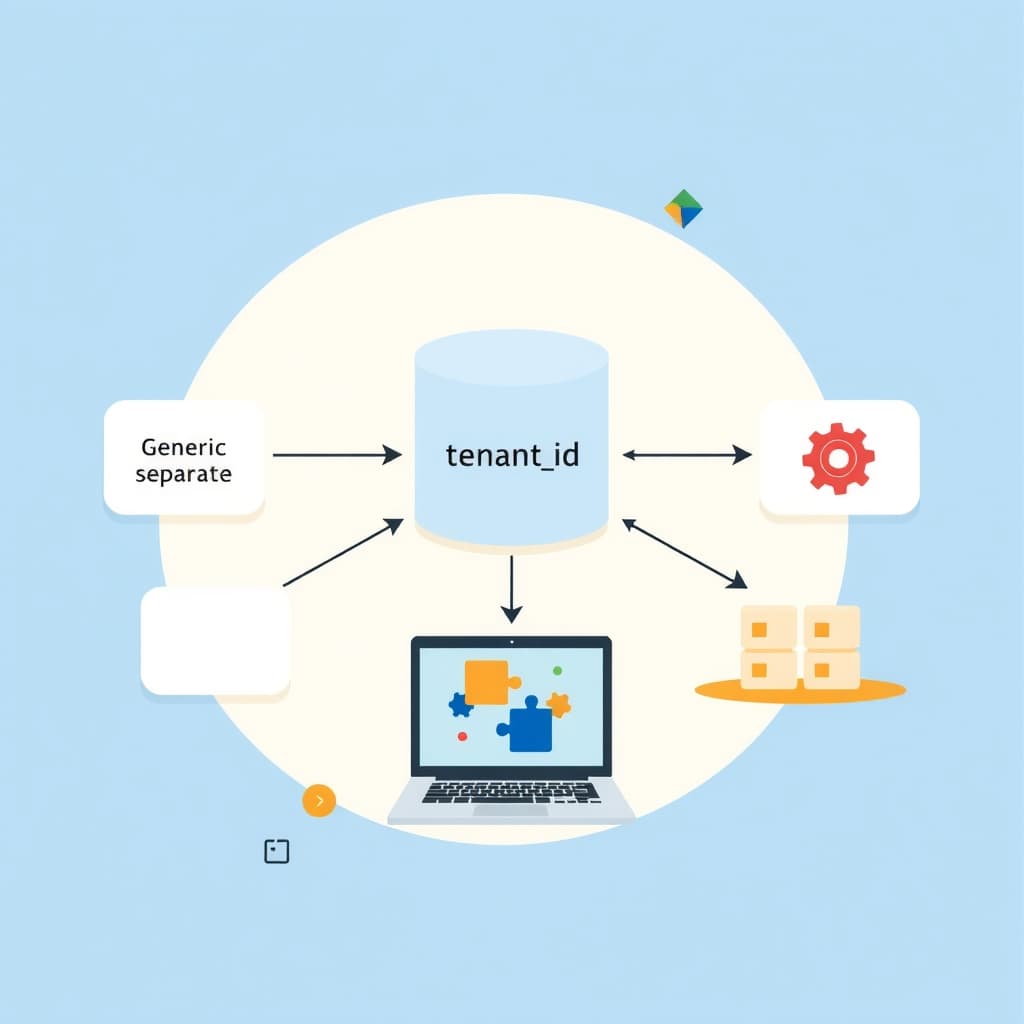
Isolation is the cornerstone of safe migration. Rather than a single table with a tenant_id column, consider a schema‑per‑tenant or a hybrid approach where core tables are shared but tenant‑specific extensions live in separate schemas. This design lets you move an entire tenant’s data without touching others, simplifying both lift‑and‑shift and incremental pipelines. Use foreign‑key constraints sparingly across schemas to avoid cross‑tenant coupling. When you adopt a shared‑nothing model, version your schemas alongside your application code, and store migration metadata in a dedicated migration_log table. This metadata tracks which version each tenant runs, enabling you to orchestrate staged rollouts. The isolation also supports compliance mandates—e.g., GDPR’s data‑subject rights—by allowing you to delete or export a single tenant’s data without affecting the rest of the platform.
Implementing Versioned Data Pipelines and Backward Compatibility
Every migration should be expressed as a series of immutable, versioned pipeline steps. Store each step as a declarative definition (SQL, DBT, or a migration DSL) and tag it with a semantic version that matches your application release. When you introduce a new feature that adds columns, create a forward migration that adds the column and a backward migration that can drop or null‑ify it if you need to roll back. Keep the pipelines backward compatible by never deleting data outright; instead, deprecate fields and phase them out over multiple releases. This approach lets you run A/B tests on new schemas while the old version remains functional, reducing risk. Automation tools that support idempotent runs—such as Flyway or Liquibase—can enforce the version chain and prevent accidental drift.
Testing Migration at Scale: Automated Validation and Rollback Plans
Before you touch production, simulate the migration on a copy of your live data that mirrors tenant diversity—different sizes, activity levels, and feature flags. Use automated validation suites that compare row counts, checksums, and business‑logic invariants before and after the move. Include tests for edge cases like orphaned records, duplicate keys, and time‑zone conversions. A robust rollback plan is equally critical: snapshot the source database, retain read‑only replicas, and script a reverse pipeline that can restore the previous version within your SLA window. Document the decision matrix for when to trigger a rollback—e.g., validation failures above a 0.1% error threshold or latency spikes beyond acceptable limits. By treating testing as a continuous pipeline, you catch regressions early and keep the migration cadence fast.
Minimizing Customer Impact: Zero‑Downtime Techniques and Communication
Zero‑downtime migrations rely on dual‑write patterns: while the new schema is being populated, the application writes to both old and new tables. Feature flags control which version of the code reads from which schema, allowing a gradual traffic shift. Coupled with canary releases, you can monitor a small subset of tenants before a full cut‑over. Communication is the other half of the equation. Publish a migration timeline, outline expected impacts, and provide a dedicated support channel. Use the customer portal metrics guide to set expectations around response times and uptime during the window. Transparent updates reduce anxiety and give you a feedback loop to adjust pacing in real time.
Post‑Migration Monitoring: KPIs, Alerts, and Continuous Improvement
After the cut‑over, shift focus to observability. Track key performance indicators such as data latency, error rates, and tenant‑specific throughput. Set alerts for anomalies that exceed baseline thresholds—e.g., a sudden 20% increase in query latency for a high‑volume tenant. Leverage the post‑launch reliability checklist to audit backups, disaster‑recovery drills, and compliance logs. Feed the monitoring data back into your migration playbook: if a particular pipeline step consistently lags, refactor it before the next tenant migration. Continuous improvement turns a one‑off migration into a repeatable service that scales with your growth.
Common Pitfalls and How to Avoid Them
Even seasoned teams stumble over predictable traps. First, underestimating data volume leads to time‑outs; mitigate this by chunking data and using parallel workers. Second, ignoring tenant‑specific customizations can cause schema mismatches—maintain a tenant‑feature matrix to guide migration scripts. Third, relying on manual SQL edits invites human error; automate every step and enforce code reviews. Fourth, neglecting compliance checks—especially for cross‑border data moves—can trigger legal issues; align your migration plan with the privacy compliance roadmap. Finally, forgetting to decommission old resources creates cost leakage; schedule a clean‑up sprint once validation passes.
Conclusion & Next Steps: Building a Migration Playbook for Ongoing Growth
Effective multi-tenant SaaS data migration is not a one‑off project but a foundational capability that fuels scalability, compliance, and customer trust. By defining isolation schemas, versioned pipelines, automated testing, and zero‑downtime cut‑overs, you turn migration into a predictable, repeatable process. Document each step in a living playbook, embed monitoring, and iterate based on real‑world feedback. For teams that need expert guidance, our post‑launch support service can help you execute migrations flawlessly and keep your platform reliable. Explore the broader custom SaaS development guide for deeper architectural insights, and when you’re ready to operationalize your migration strategy, book a call with SiteFusion today.