Building a robust API integration reliability checklist is non‑negotiable for any B2B SaaS that depends on third‑party services to deliver core value. A single missed webhook or a flaky data sync can cascade into lost revenue, frustrated customers, and an overburdened support team. This guide walks founders, ops leads, and product managers through eight concrete steps that turn “it works most of the time” into “it works every time we need it.” By the end you’ll have a repeatable process you can embed directly into your product roadmap and engineering sprint cadence.
Why Reliability Matters in Modern API Integrations
Modern SaaS products are mosaics of micro‑services, third‑party SaaS, and legacy systems. Each external call is a potential point of failure, and the cost of that failure scales with the number of customers relying on the integration.
Business impact
- Revenue leakage: Missed billing events or order confirmations directly affect the top line.
- Customer churn: Repeated sync errors erode trust and accelerate churn.
- Operational overhead: Manual ticket triage grows as reliability drops, pulling engineers away from innovation.
Technical impact
- Inconsistent data states across systems make debugging a nightmare.
- Rate‑limit penalties from providers can throttle your entire platform.
- Unpredictable latency harms user experience and SEO metrics.
Key takeaway: Reliability is a product feature, not an after‑thought. Treat each integration like a public API you own.
For a broader view on post‑launch stability, see our Post‑Launch Reliability Roadmap.
Step 1: Map Critical Data Flows and Failure Points
The first line of defense is a clear, visual map of every data exchange that powers your core workflows. Identify which endpoints are “critical” – those whose failure blocks a user action or revenue event.
How to map effectively
- List all external APIs your product calls, grouped by business domain (billing, CRM, analytics).
- For each API, document the request/response schema, required authentication, and SLA guarantees.
- Mark the direction of data flow (push vs pull) and annotate where data is persisted internally.
- Highlight failure modes: timeout, 4xx/5xx, malformed payload, rate‑limit, and network partition.
Example
In a subscription SaaS, the “Create Invoice” webhook from the payment provider is critical. A failure here means the invoice never reaches the accounting system, leading to delayed revenue recognition. By flagging this as high‑risk, you can prioritize idempotency and retry logic later in the checklist.
Use tools like Lucidchart or Mermaid to keep the map up‑to‑date as integrations evolve.
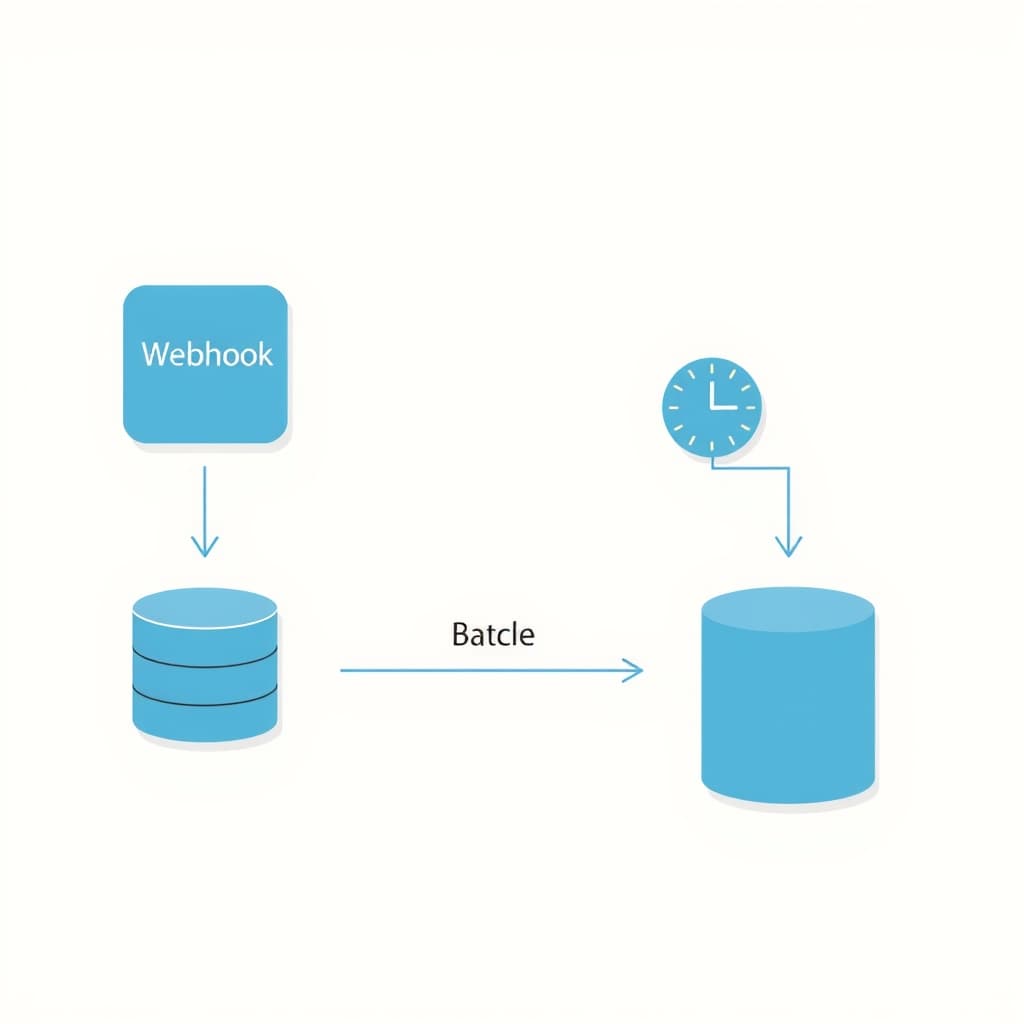
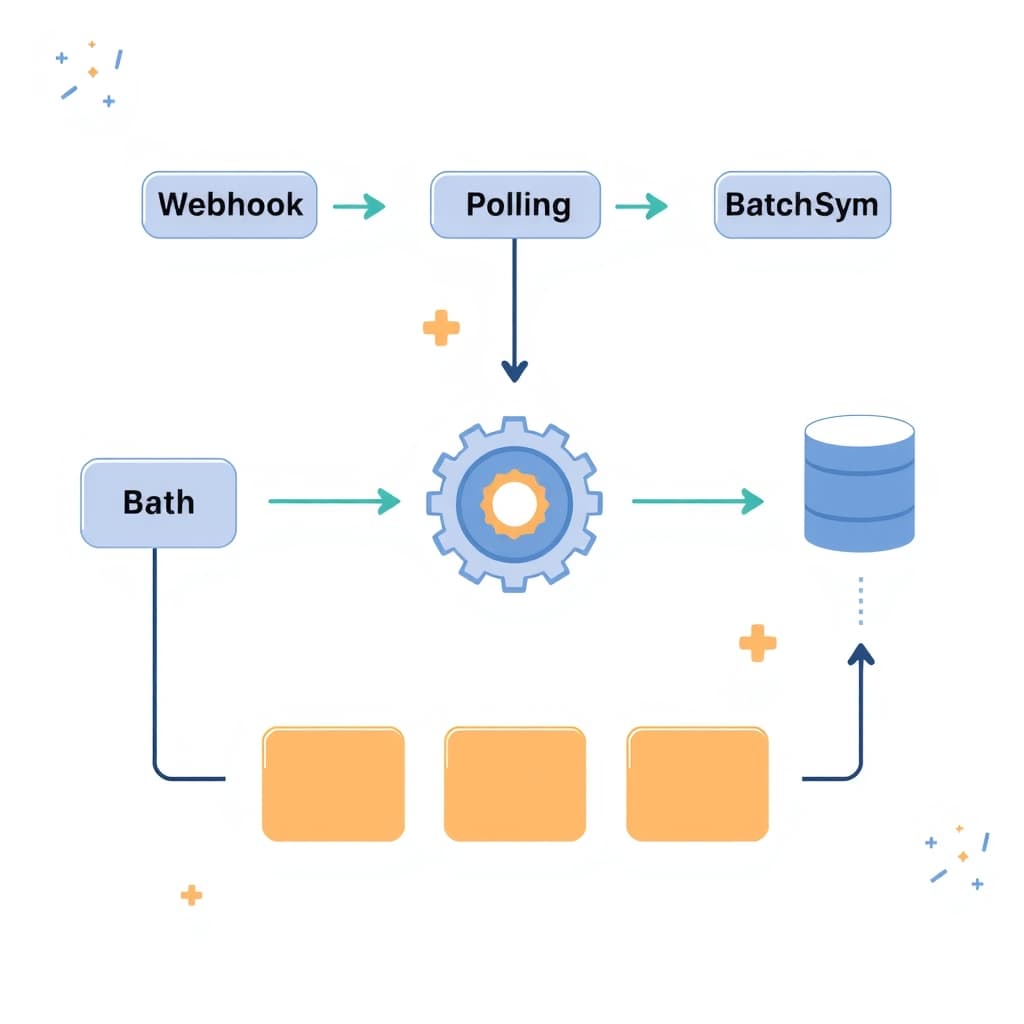
Step 2: Choose the Right Sync Pattern (Webhooks, Polling, or Batch)
Not every integration benefits from the same synchronization strategy. Selecting the appropriate pattern early reduces complexity and improves reliability.
Webhooks – push‑based, real‑time
- Best for event‑driven actions (e.g., payment succeeded, ticket created).
- Requires a publicly reachable endpoint and verification (HMAC, signature).
- Risk: missed deliveries if the endpoint is down; mitigate with retries.
Polling – pull‑based, controlled
- Ideal when the provider does not support webhooks or when you need guaranteed delivery.
- Set an interval that balances freshness with rate‑limit constraints.
- Risk: unnecessary load and stale data if interval is too long.
Batch – scheduled bulk transfers
- Useful for large data sets (e.g., nightly export of contacts).
- Reduces API call volume but introduces latency.
- Risk: processing failures can affect many records; design for partial success.
Match the pattern to the criticality identified in Step 1. For example, a “Customer Created” event might use a webhook, while nightly usage analytics could be a batch job.
Step 3: Implement Idempotent Endpoints and Retries
Idempotency guarantees that repeating the same request yields the same result, a cornerstone of reliable retries. Without it, a retry can create duplicate records or double‑charge a customer.
Designing idempotent APIs
- Accept a client‑generated Idempotency‑Key header and store it with the request outcome.
- Return a consistent response for repeated keys, even if the underlying operation was already performed.
- Document the key’s lifespan (e.g., 24 hours) to avoid unbounded storage.
Retry strategies
- Use exponential back‑off with jitter to avoid thundering‑herd effects.
- Cap the maximum number of attempts (typically 5‑7) and surface a manual alert after exhaustion.
- Log each attempt with timestamps, status codes, and correlation IDs.
For a concrete implementation example, see our AI Feature Cost Control post, which outlines idempotent image‑processing jobs.
Step 4: Build Circuit Breakers and Graceful Degradation
When an external service degrades, you don’t want the failure to cascade across your entire platform. Circuit breakers act as a protective gate, temporarily halting calls to a flaky endpoint.
Circuit breaker states
- Closed: Normal operation; calls pass through.
- Open: Calls are blocked; a fallback response is returned.
- Half‑open: A limited number of test calls are allowed to gauge recovery.
Implementing graceful degradation
- Define fallback behavior per integration (e.g., show “data unavailable” banner instead of a blank screen).
- Cache recent successful responses for a short TTL to serve stale data when the circuit is open.
- Expose health metrics (failure rate, latency) to your monitoring dashboard.
By combining circuit breakers with user‑visible fallbacks, you preserve the core experience while the external service recovers.
Step 5: Monitor, Alert, and Log Integration Health
Visibility is the only way to act on reliability issues before they affect customers. A layered observability stack should capture metrics, logs, and traces for every integration touchpoint.
Key metrics to track
- Success vs. error rate per endpoint (percentage of 2xx responses).
- Mean time to acknowledge (MTTA) and mean time to resolve (MTTR) for integration incidents.
- Latency percentiles (p95, p99) to spot performance regressions.
Alerting best practices
- Set thresholds based on SLA commitments (e.g., error rate > 2 % over 5 minutes triggers alert).
- Use multi‑channel alerts (Slack, PagerDuty) with clear runbooks attached.
- Correlate alerts across services to reduce noise (e.g., a spike in payment webhook failures combined with a database timeout).
Log enrichment
Include correlation IDs, request payload hashes, and provider‑specific error codes in logs. Structured logging (JSON) enables easy querying in tools like Splunk or Elastic.
Our post‑launch support team can help you design a monitoring framework that scales with your integration portfolio.
Step 6: Automate Recovery with Back‑off and Replay Queues
Even with retries, some failures require human intervention. Automating the capture and replay of failed messages reduces MTTR and keeps the pipeline moving.
Back‑off automation
- When a retry fails, incrementally increase the wait time (e.g., 1 s, 2 s, 4 s, 8 s) up to a configurable ceiling.
- Persist the back‑off state in a durable store (Redis, DynamoDB) to survive process restarts.
Replay queue design
- Push failed payloads onto a dead‑letter queue (DLQ) with metadata (error code, attempt count).
- Expose an internal dashboard where ops can manually trigger a replay after root‑cause analysis.
- Implement automatic replay for transient errors (e.g., 502 Bad Gateway) after a cooldown period.
Example workflow
A webhook delivery to your “Order Created” endpoint returns 429 (rate limit). The system backs off, then retries three times. After the fourth failure, the payload lands in the DLQ. An ops engineer reviews the error, confirms the provider’s rate‑limit window has reset, and clicks “Replay.” The order is processed without any customer impact.
Step 7: Test for Outages with Chaos Engineering
Reliability cannot be proven by static code reviews alone. Chaos engineering forces your system to confront real‑world failure scenarios in a controlled manner.
Chaos experiments to run
- Network latency injection: Add artificial delay to outbound API calls and verify timeout handling.
- Endpoint failure: Return 500 errors from a mock provider to test circuit breaker transitions.
- Partial data loss: Truncate response payloads to ensure your parsing logic fails gracefully.
Running experiments safely
- Scope experiments to a non‑production environment or a canary group of users.
- Automate experiment execution with tools like Gremlin or Chaos Mesh.
- Capture metrics before, during, and after the experiment to measure impact.
Learning loop
After each experiment, update your checklist: refine retry limits, adjust circuit breaker thresholds, or improve fallback UI. Over time the checklist evolves into a living reliability playbook.
Conclusion: Embed the Checklist into Your Product Roadmap + CTA
The API integration reliability checklist is not a one‑off project; it’s a continuous discipline that should sit alongside feature development in your roadmap. Treat each step as a ticket in your backlog, assign owners, and track progress with the same rigor you apply to customer‑facing features.
Action plan
- Quarterly review: Re‑run Steps 1‑7 on all active integrations.
- Owner assignment: Designate a “Reliability Champion” for each integration domain.
- Metrics dashboard: Consolidate health signals into a single ops view.
Embedding reliability early saves months of firefighting later.
Ready to harden your integrations and free your engineering team to focus on growth? Book a call with SiteFusion today and let our experts help you implement a production‑grade reliability framework.