When you add large‑language‑model (LLM) capabilities to a B2B SaaS product, the first thing you hear from finance is the bill. Controlling LLM costs isn’t just about staying under a budget; it’s about preserving unit economics, protecting pricing integrity, and keeping the roadmap focused on value‑adding features rather than endless compute. In this guide we walk founders, product leaders, and ops PMs through the levers you can pull today to get accurate AI output without blowing the budget.
Why Controlling LLM Costs Matters for Scalable SaaS Products
Every API call to an LLM translates directly into a line item on your P&L. As usage scales, even modest per‑token rates become a significant expense, eroding gross margins that investors scrutinize. Moreover, unpredictable spend can force you to raise prices or throttle features, both of which risk churn in a competitive B2B market. By embedding cost awareness early, you align engineering decisions with the financial health of the product, making it easier to forecast runway and justify AI investments to stakeholders. This discipline also supports a smoother pricing strategy that reflects true consumption, keeping the value proposition clear for enterprise buyers.
Understanding the Cost Drivers Behind LLM Calls
LLM pricing is typically a function of three variables: model family, token count, and request frequency. Larger models (e.g., GPT‑4) charge more per 1,000 tokens than smaller, fine‑tuned variants. Tokens include both prompt and completion, so verbose prompts inflate costs even if the model itself is cheap. Frequency matters because many micro‑interactions—such as autocomplete suggestions—can add up quickly. Hidden drivers include retry logic, logging of full request payloads, and unnecessary context windows that pull in stale data. Mapping these drivers to your product’s usage patterns lets you spot the low‑ hanging fruit: trimming prompts, batching requests, or swapping to a cheaper model for non‑critical paths.
Choosing the Right Model Size for Your Feature (Small vs. Frontier)
The temptation to reach for the most powerful model is strong, but the cost‑benefit curve flattens quickly. Small models excel at classification, routing, or extracting structured data where precision is less critical. Frontier models shine when you need nuanced generation, multi‑turn reasoning, or domain‑specific language. Conduct a quick proof‑of‑concept: run the same prompt against a 2‑billion‑parameter model and a 175‑billion‑parameter model, then compare accuracy and token usage. If the smaller model meets a 95 % success threshold, you’ve saved up to 80 % per call. Reserve the expensive model for premium tiers or high‑value workflows, and document the decision matrix so future engineers can follow the same logic.
Prompt Engineering Techniques That Reduce Tokens and Improve Accuracy
Well‑crafted prompts are the single most effective lever for controlling LLM costs. Start by stripping unnecessary narrative—use concise instructions and explicit delimiters. Employ “few‑shot” examples sparingly; each example adds tokens, so limit them to the minimum needed for the model to understand the pattern. Use system messages to set tone once, then reuse the same context across calls. Where possible, replace free‑form text with structured placeholders (e.g., JSON keys) that the model can fill, reducing ambiguity and the need for follow‑up clarification calls. Finally, implement a “prompt cache” that stores the most common request templates and reuses them, cutting both token count and latency.
Implementing Retrieval‑Augmented Generation to Cut Unnecessary LLM Usage
Retrieval‑augmented generation (RAG) moves the heavy lifting of knowledge lookup out of the LLM and into a vector store or database. By feeding the model only the most relevant snippets, you shrink the prompt dramatically while preserving answer quality. Start with a well‑indexed knowledge base—product docs, contract clauses, or support tickets—and surface top‑k results based on semantic similarity. Then concatenate those results with a short instruction before sending the request. This approach not only slashes token usage but also reduces hallucinations, because the model is anchored to factual content. For SaaS ops teams, RAG can turn a 300‑token “search‑and‑summarize” call into a 60‑token “answer‑with‑context” call, delivering measurable cost savings.
Dynamic Cost Controls: Rate Limiting, Budget Alerts, and Usage‑Based Tiering
Static budgets are insufficient in a live SaaS environment where traffic spikes are the norm. Implement rate limiting at the API gateway to cap calls per user or per feature, preventing runaway usage from a single integration. Pair this with real‑time budget alerts that trigger when daily or monthly spend exceeds a predefined threshold. Finally, consider usage‑based tiering: allocate a free quota of LLM calls per month and charge for excess usage, turning cost control into a revenue stream. These mechanisms give you granular visibility and automatic safeguards, reducing the need for manual firefighting.
Monitoring and Attribution: Building a Real‑Time Cost Dashboard
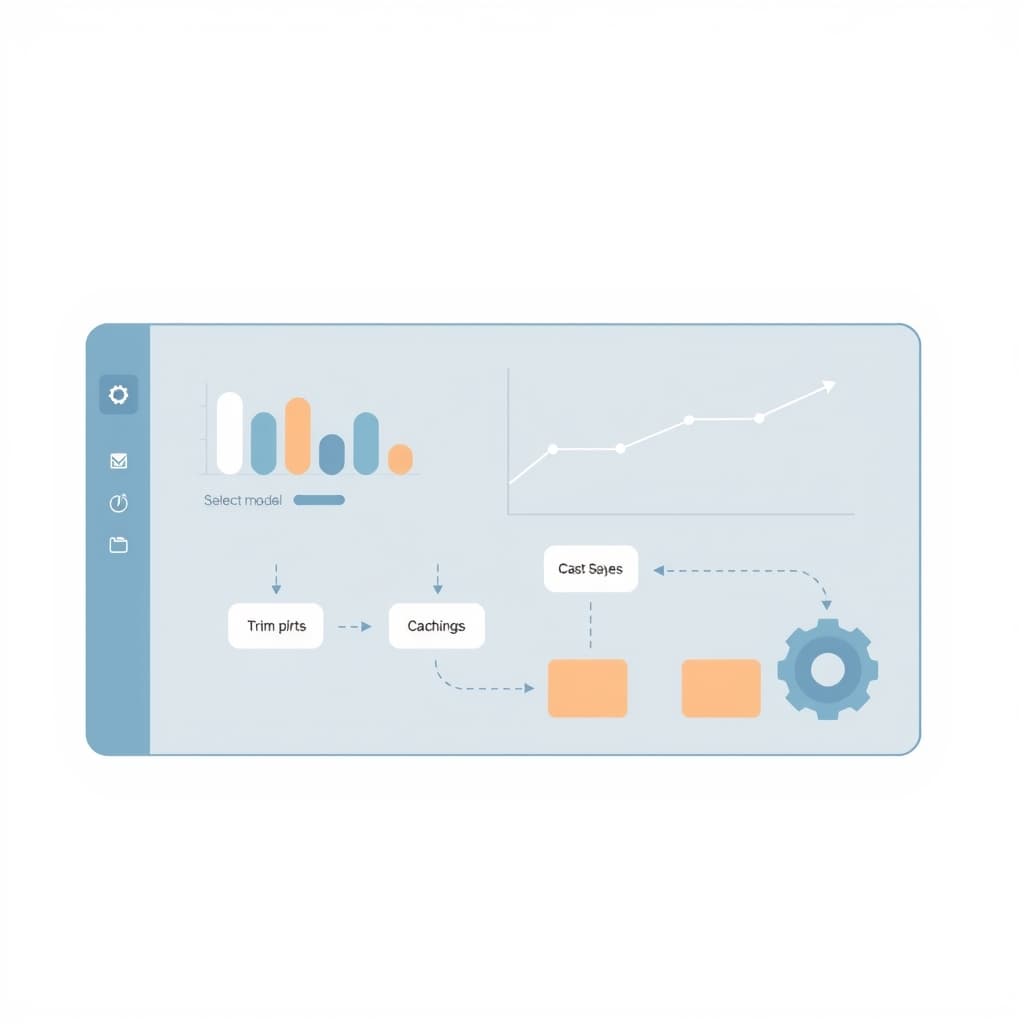
A real‑time cost dashboard turns raw logs into actionable insight. Capture model name, token count, request latency, and originating feature for every call, then aggregate by customer, product line, and time period. Visualize the data with stacked bar charts that show cost contribution per feature, and flag anomalies such as sudden spikes in token usage. Attribution is critical for internal charge‑backs and for communicating ROI to stakeholders. The dashboard should also expose a “cost per active user” metric, helping you tie AI spend directly to unit economics. For founders, this visibility is the backbone of the post‑launch monitoring checklist that keeps the business healthy.
Balancing Cost Savings with User Experience: A/B Testing Your AI Feature
Cost reductions that degrade the user experience quickly become counter‑productive. Use A/B testing to compare a cost‑optimized prompt or smaller model against the baseline. Measure both conversion metrics (e.g., task completion time, satisfaction scores) and cost metrics (tokens per session, total spend). If the cheaper variant maintains a 90 %+ success rate while cutting spend by 30 %, roll it out broadly. If user metrics dip, iterate on prompt engineering or consider a hybrid approach where high‑value users receive the premium model. This data‑driven loop ensures you never sacrifice the core value proposition for savings.
Next Steps: Deploying a Cost‑Aware AI Feature and When to Re‑evaluate
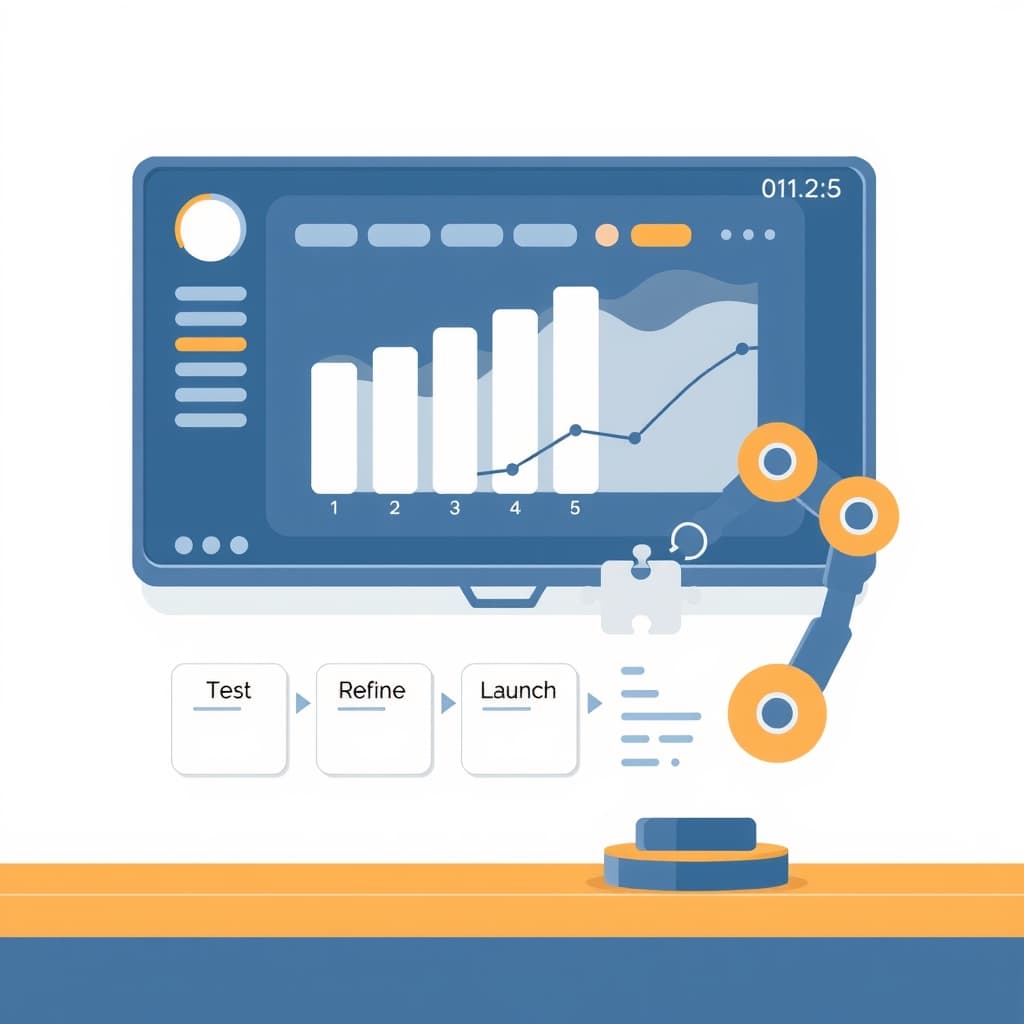
Start with a pilot: select a low‑risk feature, apply the techniques above, and monitor spend for one billing cycle. Document the model choice, prompt template, and any RAG components, then embed budget alerts and rate limits. Once the pilot proves the cost‑to‑value ratio, scale the pattern across the product suite. Re‑evaluate quarterly as model pricing evolves, usage patterns shift, or new model families become available. If you need hands‑on expertise to embed these controls, our post‑launch support team can help you build the monitoring stack and fine‑tune prompts for maximum efficiency.
Controlling LLM costs is a continuous discipline, but with the right framework you can deliver powerful AI experiences without compromising your bottom line. Ready to make AI work for your SaaS business? Book a call with SiteFusion and let us help you turn cost‑aware AI into a competitive advantage.