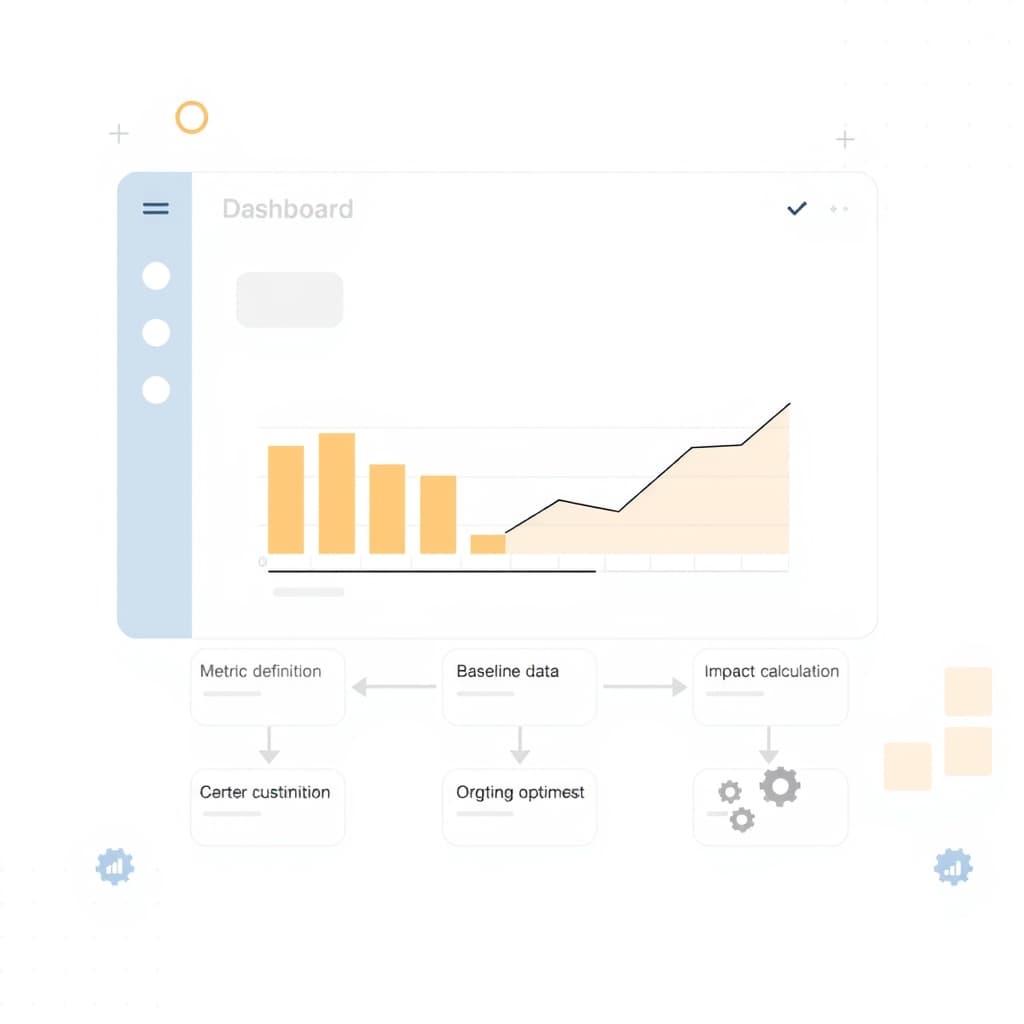
When you invest in an internal ops dashboard ROI analysis, you’re not just tallying dollars—you’re proving that the dashboard drives measurable business outcomes. For growth‑stage founders, ops leaders, and product managers, a clear ROI narrative turns a “nice‑to‑have” tool into a strategic asset that can unlock funding for further automation, scaling, and even post‑launch support.
Why Measuring ROI Matters for Internal Ops Dashboards
Internal dashboards sit at the heart of decision‑making, yet they’re often built on intuition rather than data. Quantifying ROI forces you to articulate the value chain: from reduced manual effort to faster insight generation. This clarity helps secure budget approvals, aligns cross‑functional teams, and provides a benchmark for future enhancements. Moreover, a documented ROI builds credibility with investors who expect tangible returns on technology spend. By treating the dashboard as a product, you can apply the same rigor you’d use for customer‑facing features—making it easier to prioritize roadmap items and justify ongoing maintenance.
Defining Success Metrics That Align with Business Goals
The first step is to map dashboard capabilities to the company’s strategic objectives. Identify metrics that matter—revenue impact, cost reduction, cycle‑time compression, or employee productivity. For example, if the goal is to cut order‑to‑fulfillment time, track the average processing duration before and after dashboard deployment. Use a mix of leading (e.g., tickets opened) and lagging (e.g., churn) indicators to capture both immediate and downstream effects. Keep the list short—three to five core metrics prevent analysis paralysis and make reporting digestible for executives.
Gathering Baseline Data: Current Costs and Time Spent
Before you can claim savings, you need a solid baseline. Audit existing workflows to capture labor hours, software licenses, and error‑related costs. Time‑tracking tools or simple spreadsheets can log how many minutes each task consumes across teams. Don’t forget hidden expenses such as onboarding new hires or the cost of missed SLA breaches. This baseline becomes the denominator in your ROI calculation, turning anecdotal “it feels faster” into hard‑numbers you can compare against post‑implementation performance.
Calculating Direct Savings: Automation vs. Manual Processes
Direct savings are the low‑hanging fruit. Compare the cost of manual effort (hourly wage × hours saved) with the incremental cost of the dashboard (development, licensing, and support). For instance, if the dashboard automates a report that previously took two analysts 10 hours per week, the weekly labor saving is 20 hours. Multiply by the average fully‑burdened rate to get a dollar figure, then subtract any recurring expenses. This net figure represents the immediate financial payoff and is the most persuasive line item when presenting to CFOs.
Estimating Indirect Benefits: Decision Speed and Employee Satisfaction
Indirect benefits are harder to quantify but no less critical. Faster decisions can accelerate product launches, improve inventory turnover, or reduce time‑to‑market for new features. Survey teams to gauge satisfaction improvements—higher morale often translates into lower turnover, which saves recruiting and training costs. While you may not have exact dollar values, you can assign reasonable ranges (e.g., “decision latency dropped from 48 hours to 12 hours, likely shaving 5 % off time‑to‑revenue”). Include these estimates in a sensitivity analysis to show best‑case, base‑case, and worst‑case ROI scenarios.
Building a Simple ROI Model: Spreadsheet or Low‑Code Calculator
A practical ROI model doesn’t need a data‑science platform. Start with a Google Sheet or Excel workbook that captures baseline costs, projected savings, and indirect benefit assumptions. Use separate tabs for inputs, calculations, and a summary dashboard that visualizes payback period, net present value, and ROI percentage. For teams comfortable with low‑code tools, platforms like Retool or Airtable can turn the spreadsheet into an interactive calculator that stakeholders can tweak in real time. Keep the model transparent—label every assumption so reviewers can validate or challenge each input.
Communicating Results to Stakeholders and Securing Buy‑In
When you present the ROI model, focus on the story, not just the numbers. Begin with a concise executive summary that highlights the headline ROI and payback period. Follow with a slide deck that walks through each metric, the methodology, and the sensitivity ranges. Use visual cues—bars for cost savings, line graphs for decision‑speed improvements—to make data digestible. Anticipate objections: be ready to explain assumptions, show how you derived indirect benefits, and reference similar success cases, such as the Logistics Automation Playbook that demonstrated measurable efficiency gains. End with a clear ask—whether it’s additional budget, resources for scaling, or a commitment to post‑launch support (our post‑launch support service).
Iterating the Dashboard Based on ROI Insights
ROI is not a one‑time exercise; it’s a feedback loop. After the dashboard goes live, continuously track the same success metrics you defined earlier. Set quarterly review cycles to compare actual performance against the forecasted ROI. If gaps emerge, prioritize enhancements that close the variance—perhaps adding a new data source or refining visualizations. This iterative approach mirrors product development best practices and ensures the dashboard remains a high‑impact tool as business priorities evolve.
Conclusion & Next Steps: Turning ROI Proof into Expansion Funding
Proving internal ops dashboard ROI equips you with a data‑driven narrative that can unlock further investment—whether that means scaling the dashboard, expanding automation across other departments, or securing external growth capital. Use the ROI model as a living document, update it with real outcomes, and share the results with your board and investors. When you demonstrate a clear payback period and tangible business impact, the case for additional funding becomes compelling.
Ready to turn your dashboard insights into a growth engine? Book a call with SiteFusion today and let our experts help you design, build, and scale the internal tools that power your next phase of growth.
For the complete picture, read our guide to Internal Tools & Ops Automation.