When you sit down to launch a new product, the first concrete artifact you should produce is an MVP brief. It captures the problem you’re solving, the core user journey, and the constraints that will shape the build. A well‑crafted brief turns a vague idea into a set of actionable requirements that agencies can price accurately, reducing the risk of surprise costs and endless re‑scope cycles. In this post we walk through the exact sections you need, why each matters, and how to turn the brief into a signed quote that gets your first version to market on time.
Why a Precise MVP Brief Is Critical Before Any Code Is Written
A precise MVP brief acts as the single source of truth for every stakeholder—founders, product leaders, ops managers, and the development agency. Without it, conversations drift into assumptions, and assumptions become hidden work that inflates budgets. The brief forces you to articulate the business objective, the target user, and the measurable outcome that defines success. When agencies see a clear problem statement and success metric, they can size the effort, choose the right tech stack, and propose a realistic timeline. This upfront clarity also protects you from scope creep; any request that falls outside the documented scope can be evaluated against the original goals before resources are committed. In short, the brief is the contract you negotiate with yourself before you negotiate with a vendor.
Common Mistakes That Lead to Vague Specs and Overpriced Quotes
Many founders treat the MVP brief as a wish list, sprinkling in “nice‑to‑have” ideas without ranking them. The result is a document that looks comprehensive but offers no guidance on priority, leaving agencies to guess which features matter most. Another frequent error is omitting technical constraints—such as existing APIs, data residency requirements, or performance targets—forcing the vendor to retroactively redesign solutions. Over‑specifying UI details at this stage can also distract from core functionality and inflate estimates. Finally, failing to define acceptance criteria means the agency can deliver something that technically meets the brief but does not satisfy the intended user outcome, leading to costly revisions. Avoid these pitfalls by keeping the brief focused, prioritized, and grounded in measurable success.
Step 1: Define the Core Problem and Success Metric
Start by stating the problem in a single sentence: what pain point are you alleviating, and for whom? Follow with a quantifiable success metric—e.g., “reduce onboarding time from 15 minutes to 3 minutes” or “capture 1,000 qualified leads within the first month.” This metric becomes the north star for every feature decision. Include a brief context paragraph that explains why the problem matters now (market shift, regulatory change, internal bottleneck). By anchoring the brief to a clear outcome, you give agencies a concrete way to estimate effort and align on value delivery. Remember, the metric should be realistic and tied to a business KPI you can track after launch.
Step 2: List Mandatory Features vs. Nice‑to‑Have Enhancements
Create two bullet lists. The first list, “Mandatory Features,” contains only those capabilities required to achieve the success metric. Anything else belongs in the “Nice‑to‑Have Enhancements” list. For each mandatory item, add a short rationale (e.g., “required for user authentication to meet security policy”). This separation helps agencies allocate resources efficiently and gives you a clear roadmap for future iterations. It also prevents budget inflation caused by trying to build a full‑featured product in the first sprint. When you later discuss quotes, you can ask the agency to price the mandatory set first and provide a separate estimate for the enhancements, making trade‑off decisions transparent.
Step 3: Sketch User Flows and Acceptance Criteria in One Page
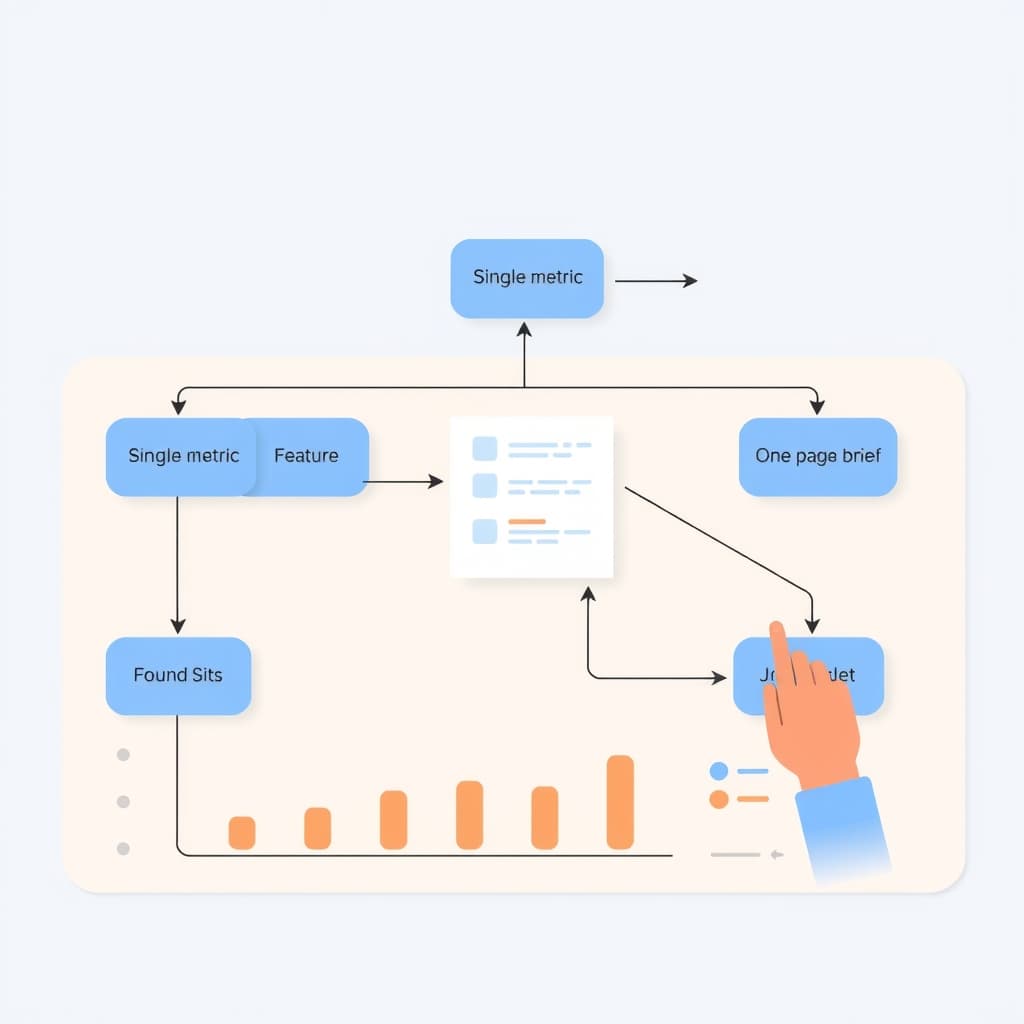
Draw a high‑level flow diagram that shows the primary user journey from entry to the success event. Keep it to a single page—use numbered steps and brief annotations. Next to each step, write acceptance criteria that are testable and objective, such as “user can upload a CSV file no larger than 5 MB” or “system displays confirmation within 2 seconds.” This combination of visual flow and criteria gives agencies a concrete sense of the work required and a basis for functional testing. It also reduces ambiguity during development, because both parties know exactly what “done” looks like for each interaction.
Step 4: Include Technical Constraints, Integration Points, and Budget Bounds
Detail any existing systems the MVP must talk to—CRM APIs, payment gateways, or internal data warehouses. Reference our API Integration Reliability Checklist to ensure you capture authentication, rate limits, and error‑handling expectations. List platform constraints such as “must run on AWS us‑east‑1” or “frontend must be built with Next.js for SEO.” Finally, provide a budget range rather than a single number; this signals to agencies that you’re looking for a realistic proposal that fits within financial limits. Clear constraints prevent later surprises and enable agencies to tailor their architecture to your environment from day one.
Step 5: Craft a Clear Timeline and Deliverable Milestones
Break the project into logical phases—discovery, prototype, MVP build, QA, and handoff. Assign a target date to each milestone and specify the deliverable (e.g., “Clickable prototype in Figma,” “Beta release on staging”). Include buffer time for feedback cycles; a common rule is to allocate 20 % of total time for revisions. By mapping out the schedule, you give agencies a framework to propose realistic staffing plans and avoid the “rush‑to‑launch” trap that often leads to technical debt. A transparent timeline also makes it easier to compare proposals: you can see which agency aligns best with your launch window.
How to Use the Brief to Compare Agency Proposals Effectively
When you receive quotes, line them up against the same set of criteria derived from your brief. Create a comparison table that scores each vendor on cost, timeline adherence, technical fit, and risk mitigation. Pay special attention to how they address mandatory features versus enhancements—some may bundle extras at a lower marginal cost, while others keep them separate. Evaluate their proposed architecture against the technical constraints you listed; a mismatch here is a red flag. Finally, assess their post‑launch support plan; our post‑launch support service can be a benchmark for ongoing maintenance expectations. This systematic approach turns a vague set of proposals into a data‑driven decision.
Conclusion & Next Steps: Turn the Brief Into a Signed Quote and Kickoff
With a solid MVP brief in hand, you now have a negotiation tool that forces agencies to price what you truly need, not what they assume you want. Share the brief with shortlisted partners, request detailed proposals, and use the comparison framework to select the best fit. Once you have a signed quote, schedule a kickoff meeting to align on communication cadence, risk registers, and the first sprint backlog. The brief will continue to serve as a reference point throughout development, keeping scope, budget, and timeline in check. Ready to move from brief to build? Book a call with SiteFusion and let our senior engineers turn your vision into a production‑ready MVP.